Verdict

A quick read before you dig into the full page.

Best if
You are product Marketing Managers and need: Product Marketing: Boost product adoption and generate qualified leads
Skip if
You need enterprise SLAs or a fully managed team plan right away
Pick this when
Freemium · Free + from $35 / month

Overview

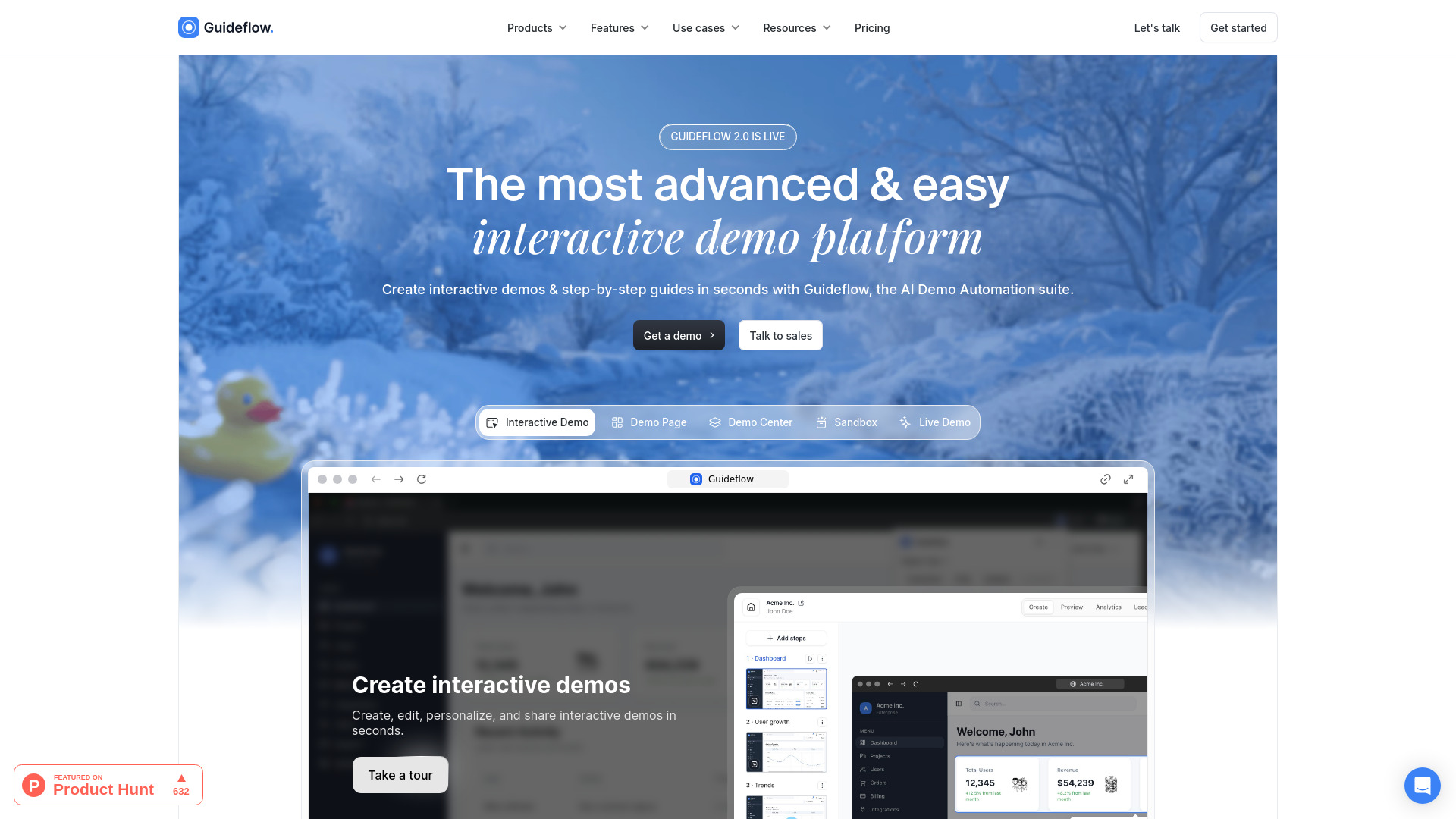
Guideflow is an advanced interactive product demo platform and AI Demo Automation suite. It enables users to transform their products into interactive demos, sandboxes, demo centers, and live environments that buyers can explore instantly. The platform allows for capturing screens, customizing them with AI or a no-code editor, and building personalized, on-brand, and shareable product experiences without requiring engineering effort. Guideflow aims to boost productivity and conversion rates by facilitating the creation of interactive demos and step-by-step guides for various teams including product marketing, pre-sales, sales, customer success, partnerships, and training & enablement.

Guideflow screenshot

Best for

Short scenarios where Guideflow tends to shine.

  • Product Marketing: Boost product adoption and generate qualified leads.

    Best for Product Marketing Managers

  • Pre-Sales & Sales: Craft and customize demos to close more deals.

    Best for Pre-Sales Engineers

  • Customer Success: Reduce support tickets and boost user retention.

    Best for Sales Representatives

  • Product Team: Validate product ideas and share updates effectively.

    Best for Customer Success Managers

  • Partnership Team: Educate affiliates and manage demo assets.

    Best for Partnership Managers

  • Onboarding & Training: Foster quicker understanding and reduce onboarding time.

    Best for Training & Onboarding Specialists

How it works

To use Guideflow, you start by capturing your website or app directly from your browser in seconds, following the desired user flow. The platform automatically generates a step-by-step interactive guide or demo. You can then edit and customize your demo using a plug & play builder, adding notes, branding colors, images, logos, text, and graphs. Guideflow's AI can also auto-adjust the entire demo, including steps, popups, translations, AI voiceovers, and avatars. Demos can be personalized for individual leads using an advanced no-code editor to modify text, images, graphs, or blur/hide sensitive elements. Finally, you can share your guideflows via public links, embed them on websites, emails, Notion, or social media, and track their performance with advanced analytics.

Example outputs 1

Sample generations and before/after results for Guideflow.

Access & connections

Where you can use Guideflow.

Platforms

Web

Capabilities

What this tool accepts, produces, and is strongest at.

Highlights

  • AI Demo Automation (AI-gen content, translation, voiceover, avatars)
  • Interactive Demo Creation (Screenshot & HTML-based capture)
  • No-code Editor for Customization and Personalization
  • Advanced Analytics & Insights
  • Sandbox & Demo Center Environments
  • Extensive Integrations with Business Tools

People also view

Tools that often show up alongside Guideflow in collections and comparisons.

FAQ 10

What is Guideflow?
Guideflow is an advanced interactive product demo platform and AI Demo Automation suite. It enables users to transform their products into interactive demos, sandboxes, demo centers, and live environments that buyers can explore instantly. The platform allows for capturing screens, customizing them with AI or a no-code editor, and building personalized, on-brand, and shareable product experiences without requiring engineering effort. Guideflow aims to boost productivity and conversion rates by facilitating the creation of interactive demos and step-by-step guides for various teams including product marketing, pre-sales, sales, customer success, partnerships, and training & enablement.
How to use Guideflow?
To use Guideflow, you start by capturing your website or app directly from your browser in seconds, following the desired user flow. The platform automatically generates a step-by-step interactive guide or demo. You can then edit and customize your demo using a plug & play builder, adding notes, branding colors, images, logos, text, and graphs. Guideflow's AI can also auto-adjust the entire demo, including steps, popups, translations, AI voiceovers, and avatars. Demos can be personalized for individual leads using an advanced no-code editor to modify text, images, graphs, or blur/hide sensitive elements. Finally, you can share your guideflows via public links, embed them on websites, emails, Notion, or social media, and track their performance with advanced analytics.
What is an interactive demo or a guideflow?
A guideflow is an interactive product demo or guide that you can share with a public link or embed across your website, email communications, blog, social media, or knowledge base. It allows users to engage with your product in a guided, step-by-step manner, simulating your software to highlight key features and functionalities. It's used by sales, marketing, customer support, training & onboarding, product, and partnership teams.
How do I get started?
To get started with Guideflow, sign up to create your account. Once your account is ready, you can immediately begin crafting interactive demos or guides for your product. The platform is intuitive, and comprehensive resources and support are provided to help you get started swiftly.
What's included in the free plan?
Our free plan provides a hands-on experience of Guideflow. It includes the creation of up to 5 guideflows, screenshot-based capture, unlimited views, 7-days analytics, a watermark, and the ability to add up to 1 team member into your workspace.
How many interactive demos can I create with my plan?
With our paid plans, you can create an unlimited number of interactive demos or guides.
Can I remove the Guideflow’s watermark from interactive demos?
Yes, you can remove our watermark from the Solo plan and higher, allowing you to add your own branding for a more personalized demo experience.
What payment methods do you accept?
We process payments through Paddle, accepting a wide variety of payment methods, including credit cards, debit cards, bank transfers, and PayPal.
How do seat-based subscriptions work?
Guideflow subscriptions auto-renew at the end of each billing period (monthly or yearly) for a single workspace. When you add a member, they occupy a seat for which you are billed. If a member is removed, their seat can be filled by a new member free of charge. If an empty seat is not filled by the end of the billing period, the subscription renews accounting only for occupied seats.
How much does the Enterprise plan cost, and what are its features?
The Enterprise plan is a custom plan tailored to your specific needs, with the price varying depending on many factors. It includes SAML SSO, advanced security compliance, a dedicated customer success manager, priority support and bug fixes, Buyer Demo Center, AI Dataset generator, professional services, and more.
Guideflow Free + from $35 / month

