

GS Copilot
AI-powered coding companion for Google Apps Script
Free + from $15/mo
Verdict
A quick read before you dig into the full page.
- Best if
- AI-powered coding companion for Google Apps Script
- Skip if
- Limited to Google Apps Script
- Pick this when
- Minimizes code redundancy
Overview
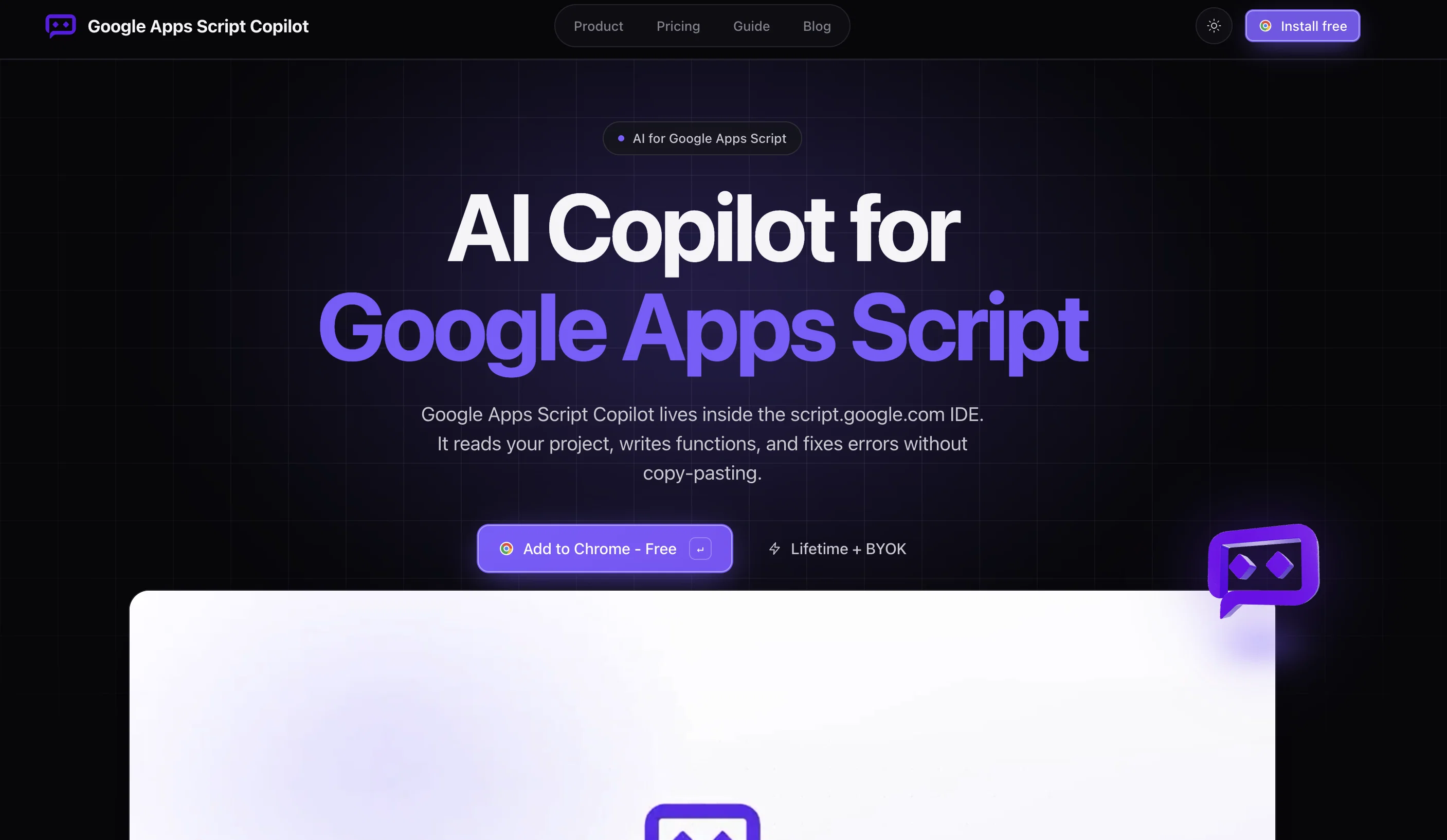
GS Copilot is an AI-assisted tool specifically designed for Google Apps Script development. Its primary purpose is to minimize redundancy in code by providing the ability to generate code snippets within the Google Apps Script editor.
It enables the user to write smarter and more efficiently, avoiding repetitive coding tasks. The tool is accessed via a Chrome extension, ensuring seamless integration into the user's existing coding environment.
The AI assistant of GS Copilot is triggered through specific keywords, such as '#append' or '#current', and it generates the required code which can be inserted at the desired location in the script.
GS Copilot also provides an innovative feature of real-time chat support within the development environment. This feature is aimed to streamline the Google Apps Script development process, allowing users to get instant help and guidance within their workspace.
Access & connections
Where you can use GS Copilot, and what it plugs into.
Platforms
Integrations
Capabilities
What this tool accepts, produces, and is strongest at.
Input
- Text
Output
- Code
Pros & cons
Pros
- Minimizes code redundancy
- Generates code snippets
- Chrome extension integration
- Keyword-triggered code generation
- Real-time chat support
- In-environment tool
- Code optimization
- Coding efficiency
Show 5 more
- Bespoke tool for Google Apps Scripts
- Streamlines Google Script development
- On-page coding aids
- Specifically designed for Google Scripts
- Insertion of code at desired locations
Cons
- Only available as a Chrome extension
- Limited to Google Apps Script
- Specific keyword activation
- Intrusive chat feature
- Doesn't support other coding languages
- Inserted code might not be customizable
- No mention of offline usage
- Only optimizes redundant code
Show 1 more
- No disclosed integration with other tools
Releases 1
FAQ 12
What is GS Copilot?
How does GS Copilot assist in Google Apps Script development?
What is the main purpose of GS Copilot?
How does GS Copilot help in minimizing redundancy in code?
How does GS Copilot help in writing smarter and efficiently?
What features does GS Copilot offer to avoid repetitive coding tasks?
How do I access GS Copilot?
What is the role of the AI assistant in GS Copilot?
How is the AI assistant of GS Copilot triggered?
What types of code can GS Copilot generate?
How do I insert the generated code into my script using GS Copilot?
What is the real-time chat support feature in GS Copilot?
Related tools
Recommended

Nouswise ✓
FreemiumYour personal search engine for trusted information.

Mindmap ✓
FreemiumVisualize ideas effortlessly with free mindmaps.

Reddit Scout ✓
FreeFind product reviews on Reddit in seconds.

Wingman ✓
FreeRun large language models locally in minutes.

FormBuilderGPT ✓
FreeBuild forms intelligently with AI

Automateed ✓
Free TrialCreate eBooks effortlessly with Automateed, the AI-powered writing tool.