
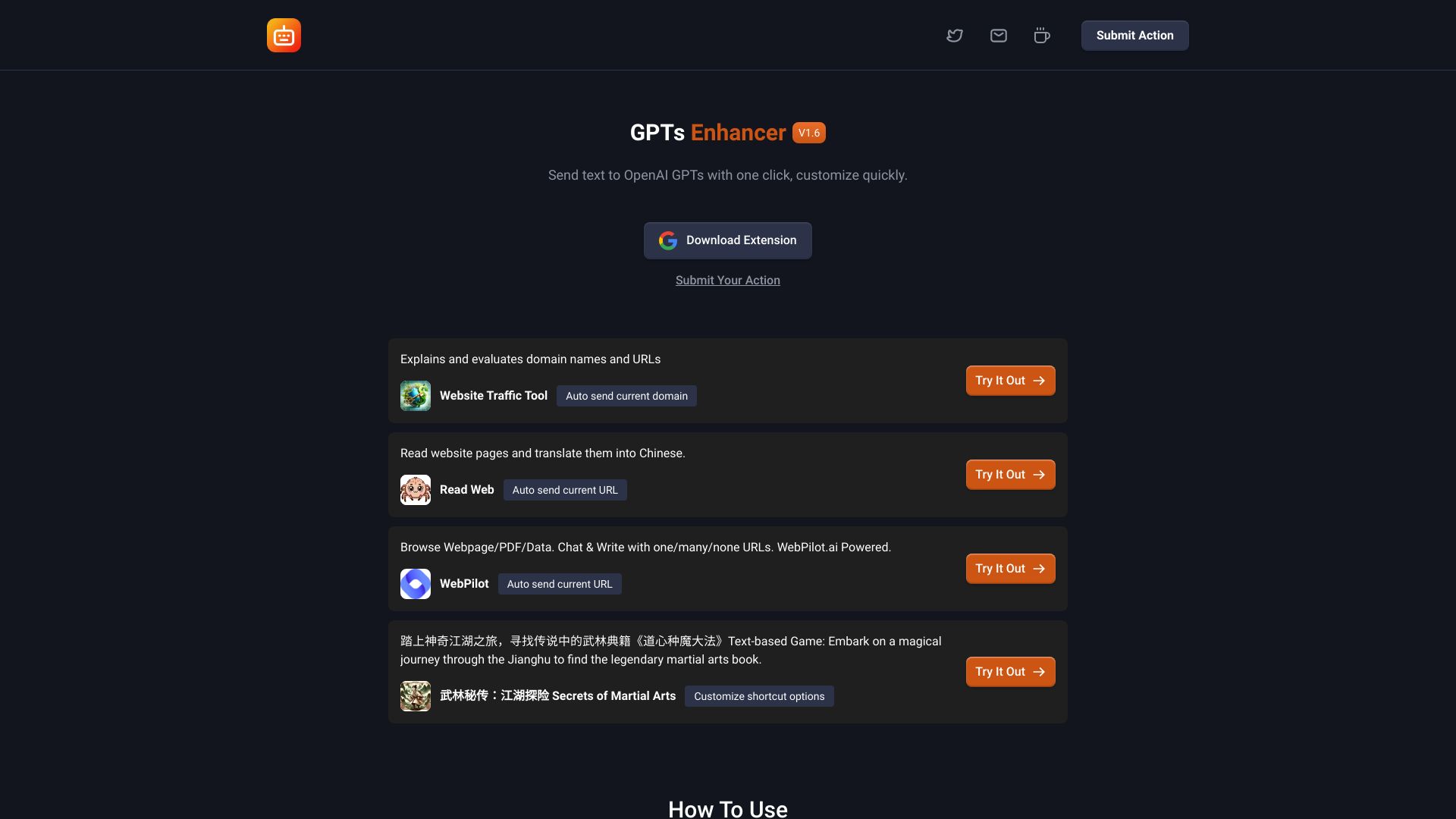
GPTs Enhancer
Chrome extension to enhance interactions with OpenAI's GPT models.
Source rating 5.0
(83)
0 views
0 saves
Unknown
Verdict
A quick read before you dig into the full page.
- Best if
- Chrome extension to enhance interactions with OpenAI's GPT models
- Pick this when
- Chrome extension to enhance interactions with OpenAI's GPT models
Overview
GPTs Enhancer is a Google Chrome extension designed to enhance interactions with OpenAI's GPT models. It allows users to customize commands to automatically send text from web pages to GPT or to create a set of quick-access options for intelligent feedback from GPT. It's a versatile assistant for language model training, writing support, or simple interactive entertainment.
Access & connections
Where you can use GPTs Enhancer, and what it plugs into.
Platforms
Integrations
Capabilities
What this tool accepts, produces, and is strongest at.
Highlights
- Customize commands to send text to GPT
- Create quick-access options for intelligent feedback
- Automatically send text from web pages to GPT
FAQ 8
What is GPTs Enhancer?
GPTs Enhancer is a Google Chrome extension designed to enhance interactions with OpenAI's GPT models. It allows users to customize commands to automatically send text from web pages to GPT or to create a set of quick-access options for intelligent feedback from GPT. It's a versatile assistant for language model training, writing support, or simple interactive entertainment.
How to use GPTs Enhancer?
After installing the GPTs Enhancer extension, go to the settings page where you can create and save custom commands. These can then be used to send text to GPT models or receive quick feedback directly from the web pages you visit.
What is the GPTs Enhancer Chrome extension for?
The GPTs Enhancer Chrome extension is a powerful tool designed to enhance interactions with OpenAI's GPT models. It allows users to customize commands, automatically send text from web pages to GPT, and quickly receive intelligent feedback. This makes it a versatile assistant for language model training, writing support, or simple interactive entertainment.
How do I customize commands in GPTs Enhancer?
Customizing commands is very straightforward. After installing the GPTs Enhancer extension, go to the settings page where you can create and save custom commands. These can then be used to send text to GPT models or receive quick feedback directly from the web pages you visit.
Is it safe to use the GPTs Enhancer extension?
Security is our top priority. GPTs Enhancer does not store any personal data and communicates with GPT models over secure, encrypted connections. Your interactions are private and protected.
How do I install the GPTs Enhancer extension?
To install GPTs Enhancer, simply visit the Chrome Web Store, search for GPTs Enhancer, and click on “Add to Chrome”. Follow the prompts to complete the installation and start enhancing your GPT interaction experience immediately.
Will GPTs Enhancer update with more features?
Yes, GPTs Enhancer will be updated with additional features such as multi-language support, quick queries, and more. Stay tuned for future updates.
Is the GPTs Enhancer extension free?
Yes, the GPTs Enhancer extension is free to install and use for its basic features. We plan to offer a premium version with additional functionalities to further enhance your experience with GPT models.
Related tools
Recommended



GPTs Enhancer