

GptGO extension
Access ChatGPT from any tab instantly.
Verdict
A quick read before you dig into the full page.
- Best if
- You are content creators and need: Content creators can use the AI writer, paraphraser, grammar checker, and AI image generator
- Skip if
- Limited to ChatGPT
- Pick this when
- No tab-switching needed
Considering Suggesty instead? Compare side by side
Overview
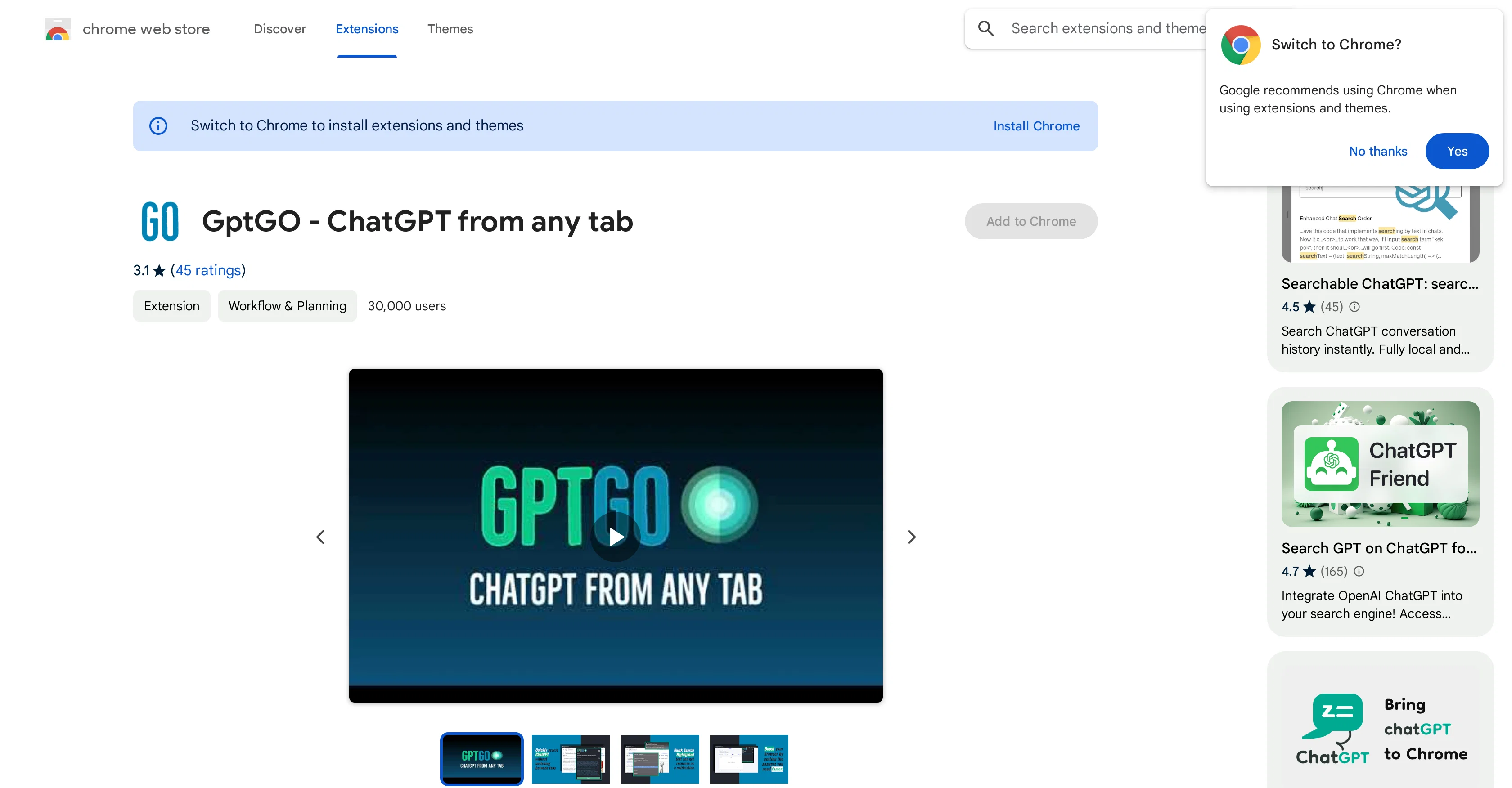
GptGO is an extension designed to streamline and boost your browser experience by facilitating quick access to ChatGPT, directly from any tab. It features a QuickSearch function and a lightweight popup that are aimed at elevating users' productivity.
GptGO allows you to conduct instant searches on ChatGPT, meaning there is not anymore need to switch tabs to perform a lookup. The tool also offers the capability to start new chats directly and view your search history from the popup.
GptGO supports ChatGPT's API, which should result in faster search times and improve overall stability of the tool. Do note that while the tool focuses on speed and objective accuracy, users are not permitted to use GptGO for any form of academic dishonesty like plagiarism, impersonation, or illegal use of online resources.
GptGO - ChatGPT from any tab is committed to user privacy. The tool discloses its data handling practices, highlighting that user data is not being sold to third parties, nor used or transferred for unrelated purposes.
The developer encourages users to review their Privacy Policy to learn more about these practices.
Best for
Short scenarios where GptGO extension tends to shine.
-
Content creators can use the AI writer, paraphraser, grammar checker, and AI image generator.
Best for Content creators
-
Researchers can summarize web articles, check grammar in academic writing, paraphrase sentences, and summarize PDF files and Youtube videos.
Best for Researchers
-
Students can get help with homework, essay writing, grammar checking, and summarizing content.
Best for Students
-
Software engineers can ask ChatGPT to write code snippets and explain code.
Best for Software engineers
-
Professionals can summarize web pages and PDF files, enhance workplace communication, check grammar, and extract data from pages.
Best for Professionals
Example outputs 1
Sample generations and before/after results for GptGO extension.
Access & connections
Where you can use GptGO extension, and what it plugs into.
Platforms
Integrations
Capabilities
What this tool accepts, produces, and is strongest at.
Input
- Text
Output
- Text
Pros & cons
Pros
- No tab-switching needed
- Quick Search feature
- Interaction via notifications
- Popup window for prompts
- Reads long responses
- Prevents academic dishonesty
- Direct interaction with ChatGPT
- Chrome extension
Show 5 more
- No complex user interface
- Speedy responses
- Compact size (878KiB)
- Reputable developer
- Large user base
Cons
- Chrome-only extension
- Works intermittently
- Prompt login issues
- API or network errors
- Lags on MacBooks
- Buggy after few uses
- Limited to ChatGPT
- Small info popup window
Show 2 more
- No multilingual support
- Potential for unethical use
Compare alternatives
Similar tools in the catalog.

Suggesty
UnknownExtension that summarizes Google search results.
ChatGPT for browsers
Full comparisonPeople also view
Tools that often show up alongside GptGO extension in collections and comparisons.
Suggesty
UnknownExtension that summarizes Google search results.

Scholarcy ✓
FreemiumConvert long articles into summary flashcards.

OpenRead ✓
FreemiumAI-powered interactive papers for faster, intuitive research

LearningStudioAI ✓
Free TrialAI-powered authoring tool for effortless online course creation.

Hyperis ✓
FreemiumOrganized task prioritization.

Hints ✓
Free TrialEfficient and automated business task assistant.

GPTinf ✓
PaidBypass AI detectors with one-click rephrasing.

GPTExcel ✓
FreemiumGenerate spreadsheet formulas with AI
Releases 1
Related tools
Recommended

Summarist ✓
FreeAI-powered book summaries in seconds
Hyperis ✓
FreemiumOrganized task prioritization.
LearningStudioAI ✓
Free TrialAI-powered authoring tool for effortless online course creation.

VenturusAI ✓
FreemiumBusiness idea analysis and reporting.

Scisummary ✓
Free TrialCutting-edge scientific articles summarization.

Stratup.ai ✓
FreemiumInnovative idea generation for businesses.