Image editing

GPT Image 2

AI image editing platform for generation, editing, and enhancement.

Source rating 5.0 (84) 17k views 17k/mo traffic 0 saves Unknown
More categories (7)

Verdict

A quick read before you dig into the full page.

Best if
You are creators and need: Generating professional-quality images from text descriptions
Pick this when
AI image editing platform for generation, editing, and enhancement

Overview

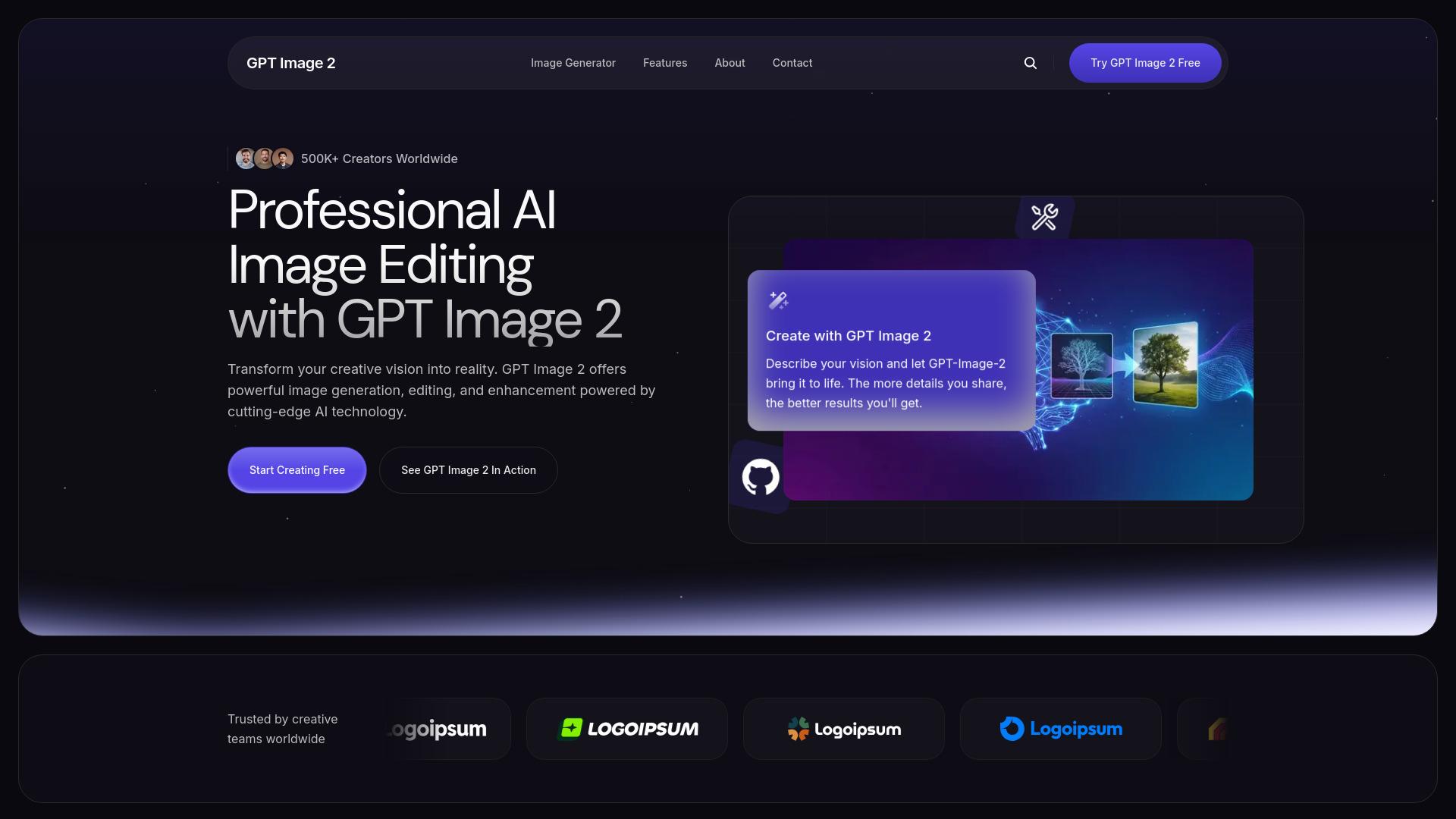
GPT Image 2 is a powerful AI image editing platform that enables users to generate, edit, and enhance professional images using advanced GPT-Image-2 technology. It transforms creative visions into reality by allowing creation from text descriptions or editing existing images with simple instructions, delivering high-resolution output up to 4K and supporting multiple artistic styles.

GPT Image 2 screenshot

Best for

Short scenarios where GPT Image 2 tends to shine.

  • Generating professional-quality images from text descriptions.

    Best for Creators

  • Editing and enhancing existing photos with natural language instructions.

    Best for Designers

  • Applying unique artistic styles to images.

    Best for Marketers

  • Creating custom marketing materials, product photography, and social media content.

    Best for Content Creators

Example outputs 1

Sample generations and before/after results for GPT Image 2.

Access & connections

Where you can use GPT Image 2.

Platforms

Web

Capabilities

What this tool accepts, produces, and is strongest at.

Highlights

  • AI Image Generation from text
  • Smart Image Editing with natural language
  • Style Transfer
  • Background Tools

People also view

Tools that often show up alongside GPT Image 2 in collections and comparisons.

FAQ 6

What is GPT Image 2?
GPT Image 2 is a powerful AI image editing platform that enables users to generate, edit, and enhance professional images using advanced GPT-Image-2 technology. It transforms creative visions into reality by allowing creation from text descriptions or editing existing images with simple instructions, delivering high-resolution output up to 4K and supporting multiple artistic styles.
How to use GPT Image 2?
Users begin by describing their desired image or edit using natural language, or by uploading an existing image. The advanced AI then processes the request, generating professional-quality results and multiple variations. Users can refine these images with intuitive editing tools and natural language commands to adjust elements, colors, or styles. Finally, creations can be exported in various formats (PNG, JPG, WebP) or shared directly to social media.
What is GPT Image 2 and how does it work?
GPT Image 2 is a powerful AI image editing platform that helps creators generate, edit, and enhance professional images effortlessly. It works by transforming text descriptions into professional-quality images or allowing users to edit existing images with natural language instructions.
What types of images can GPT Image 2 create?
GPT Image 2 can create a wide range of images, including product photos, artistic illustrations, photo edits, custom thumbnails, social posts, and more, based on natural language descriptions.
Can I edit existing photos with GPT Image 2?
Yes, you can upload existing images to edit or enhance them with simple instructions and intuitive editing tools.
What image formats does GPT-Image-2 support?
GPT Image 2 supports exporting creations in multiple formats including PNG, JPG, and WebP.
GPT Image 2

