Translations

Google Translate ✓

Translate between 108 languages instantly.

Source rating 3.0 (1) 324 views 3 saves Free
More categories (4)

Verdict

A quick read before you dig into the full page.

Best if
Translate between 108 languages instantly
Skip if
Handwriting feature limited to 96 languages
Pick this when
Translates 108 languages

Considering Glotera AI instead? Compare side by side

Overview

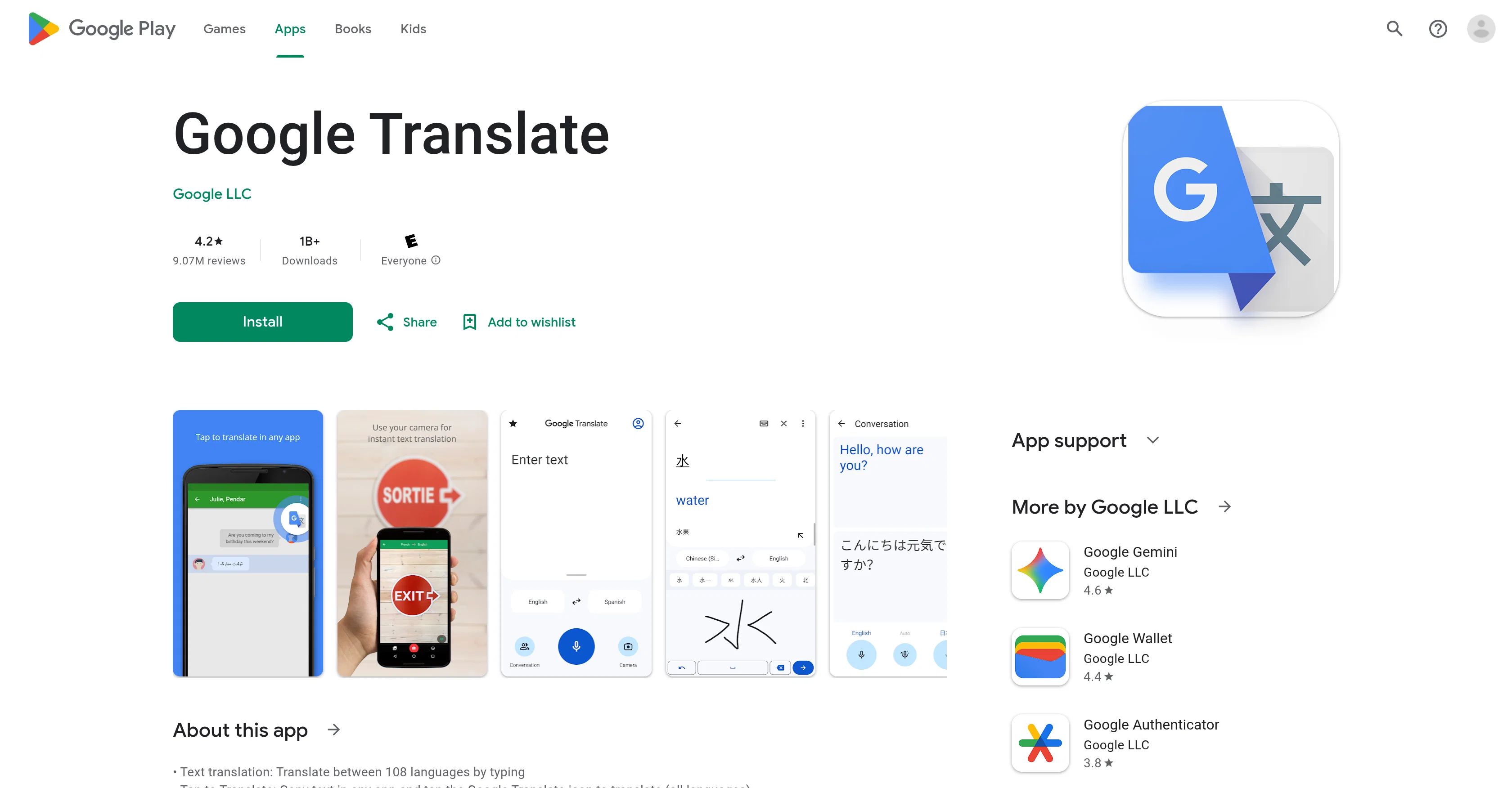
Google Translate is a multi-functional translation tool available on Google Play. This application can translate between over 100 languages through typing.

It also provides an instant translation feature which translates text in images when the user points their camera at it, this function is available for 94 languages.

Furthermore, users can take or import photos for higher quality translations. Google Translate also features a separate functionality for translating bilingual conversations real-time.

A unique feature includes the ability to translate handwriting in 96 languages. Phrasebook is another noteworthy feature that allows users to star and save translated words and phrases for future reference.

It offers cross-device syncing enabling the user to synchronize their phrasebook between the app and desktop. Lastly, it provides a transcribe feature that continuously translates someone speaking a different language in real time.

Permissions for microphone use for speech translation, camera access for text translation, external storage for offline translation data, and access to contacts for account setup and management may be requested but are optional and the user can still use the app even without granting these permissions.
Google Translate website

Access & connections

Where you can use Google Translate.

Platforms

Capabilities

What this tool accepts, produces, and is strongest at.

Input

  • Image
  • Text
  • Audio

Output

  • Audio
  • Text

Supported features

  • Translation

Pros & cons

Pros

  • Translates 108 languages
  • Instant translation feature
  • Image text translation
  • High quality photo translations
  • Real-time bilingual conversation translation
  • 96 languages handwriting translation
  • Cross-device syncing
  • Phrasebook feature for saving translations
Show 8 more
  • Continuous translation with transcribe feature
  • Optional permissions
  • Can work without microphone or camera permissions
  • Offline translations
  • Account setup and management
  • Supports external storage
  • Over 1B downloads
  • High user rating

Cons

  • Inaccurate at times
  • Issues with voice translation
  • Limited transcribe feature languages
  • Confusion with long phrases
  • Doesn't translate full sentences
  • No option for playback speed adjustment
  • Handwriting feature limited to 96 languages
  • Translation breakdown while reading
Show 1 more
  • Loss of content when voice translate stops

Compare alternatives

Similar tools in the catalog — with a clear reason to open each one.

Releases 1

Initial release December 15, 2025 Current
Initial release of Google Translate.

FAQ 12

What languages does Google Translate support?
Google Translate supports translations between 108 languages including Afrikaans, Albanian, Amharic, Arabic, Armenian, Assamese, Aymara, Azerbaijani, Bambara, Basque, Belarusian, Bengali, Bhojpuri, Bosnian, Bulgarian, Catalan, Cebuano, Chichewa, Chinese (Simplified), Chinese (Traditional), Coriscan, Croatian, Czech, Danish, Dhivehi, Dogri, Dutch, English, Esperanto, Estonian, Ewe, Filipino, Finnish, French, Frisian, Galician, Georgian, German, Greek, Guarani, Gujarati, Haitian Creole, Hausa, Hawaiian, Hebrew, Hindi, Hmong, Hungarian, Icelandic, Igbo, Ilocano, Indonesian, Irish, Italian, Japanese, Javanese, Kannada, Kazakh, Khmer, Kinyarwanda, Konkani, Korean, Krio, Kurdish (Kurmanji), Kurdish (Sorani), Kyrgyz, Lao, Latin, Latvian, Lingala, Lithuanian, Luganda, Luxembourgish, Macedonian, Maithili, Malagasy, Malay, Malayalam, Maltese, Maori, Marathi, Meiteilon (Manipuri), Mizo, Mongolian, Myanmar (Burmese), Nepali, Norwegian, Odia (Oriya), Oromo, Pashto, Persian, Polish, Portuguese, Punjabi, Quechua, Romanian, Russian, Samoan, Sanskrit, Scots Gaelic, Sepedi, Serbian, Sesotho, Shona, Sindhi, Sinhala, Slovak, Slovenian, Somali, Spanish, Sundanese, Swahili, Swedish, Tajik, Tamil, Tatar, Telugu, Thai, Tigrinya, Tsonga, Turkish, Turkmen, Twi, Ukrainian, Urdu, Uyghur, Uzbek, Vietnamese, Welsh, Xhosa, Yiddish, Yoruba, Zulu.
How many languages can I translate between using Google Translate?
Google Translate can translate between 108 languages.
What is the maximum amount of languages I can translate at once with Google Translate?
Google Translate can translate between one language and another at a single time.
What is the instant translation feature in Google Translate?
The instant translation feature in Google Translate is designed to provide real-time translations of text in images. Users can simply point their camera at a text in a different language, and Google Translate will translate that text instantly into the selected language. This feature is available for 94 languages.
Can Google Translate translate text in images?
Yes, Google Translate has an exceptional feature that can translate text in images. It can recognize and translate text in images when a user simply points their device's camera at the text. This revolutionary feature is supported in 94 languages.
Can I translate bilingual conversations in real time with Google Translate?
Yes. Google Translate has a unique functionality that enables real-time translation of bilingual conversations. It allows for instant understanding and communication between two individuals speaking different languages.
Does Google Translate have a handwriting translation feature?
Yes, Google Translate has a handwriting translation feature. This feature is designed to translate drawn text characters instead of typed text, and it supports 96 languages.
What is the Phrasebook feature in Google Translate and how do I use it?
The Phrasebook feature in Google Translate allows users to star and save certain translated words and phrases for future reference. This feature is accessible in all the supported languages. To use it, you just need to mark the star next to a translated word or phrase, and it will be saved in the Phrasebook for future reference. It helps frequent users to quickly access commonly used translations without having to translate them again.
Can Google Translate sync data across multiple devices?
Yes. Google Translate provides a cross-device syncing feature that allows users to synchronize their Phrasebook data between the mobile app and a desktop. After saving translated words or phrases in Phrasebook on one device, users can access that same data on another device by logging in to the same account.
How does the transcribe feature in Google Translate work?
The transcribe feature of Google Translate is designed to continuously translate someone speaking a different language in near real time. It is a useful tool for translating live speech or audio recordings. Note that it's limited to only 8 languages currently.
What permissions does Google Translate need to function properly?
Google Translate may request permissions for microphone use for speech translation, camera access for text translating text via the camera, external storage for downloading offline translation data, and access to contacts for account setup and management. However, these permissions are optional, and users can still use the app even if they don't grant these permissions.
Can Google Translate translate offline?
Yes, Google Translate has an offline translation feature which enables translations even when there is no internet connection. This feature supports 59 languages.
Google Translate Free