Verdict

A quick read before you dig into the full page.

Best if
AI-powered Git reporting automation for GitHub & Bitbucket insights
Skip if
You need enterprise SLAs or a fully managed team plan right away
Pick this when
Freemium · Free + from $9.99 / month

Overview

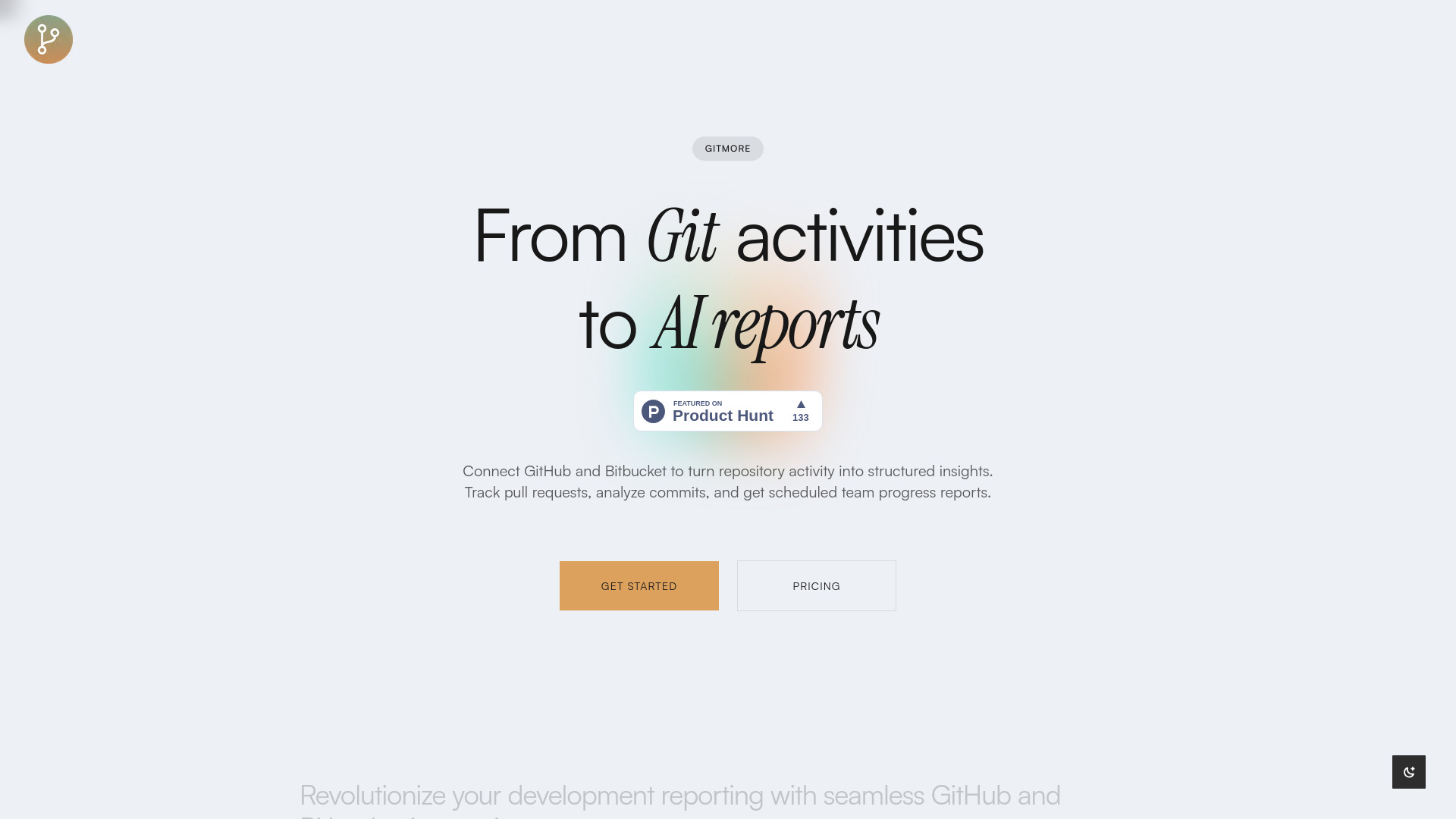
Gitmore is an AI-powered Git reporting automation tool that connects with GitHub and Bitbucket to transform repository activity into structured insights. It allows users to track pull requests, analyze commits, and receive scheduled team progress reports. Leveraging cutting-edge LLM technology, Gitmore analyzes commit messages and pull request descriptions to identify features and bug fixes. It provides intelligent summaries of team progress, development velocity metrics, and project insights via email and Slack, eliminating manual reporting. Gitmore also offers an AI agent for interactive inquiries about team progress.

Gitmore screenshot

Access & connections

Where you can use Gitmore, and what it plugs into.

Platforms

Web

Integrations

Capabilities

What this tool accepts, produces, and is strongest at.

Highlights

  • Seamless GitHub and Bitbucket Integration
  • LLM-Powered Reporting for features and bug fixes identification
  • Scheduled Notifications via email and Slack
  • AI Chat for team progress inquiries
  • Automated progress insights and development velocity metrics

FAQ 7

What is Gitmore?
Gitmore is an AI-powered Git reporting automation tool that connects with GitHub and Bitbucket to transform repository activity into structured insights. It allows users to track pull requests, analyze commits, and receive scheduled team progress reports. Leveraging cutting-edge LLM technology, Gitmore analyzes commit messages and pull request descriptions to identify features and bug fixes. It provides intelligent summaries of team progress, development velocity metrics, and project insights via email and Slack, eliminating manual reporting. Gitmore also offers an AI agent for interactive inquiries about team progress.
How to use Gitmore?
Using Gitmore involves four steps: First, integrate easily with GitHub or Bitbucket using secured events through their app. Second, let your team build and add new features. Third, receive automated reports and insights directly in your email inbox or Slack channel. Fourth, if you have more questions about team progress, you can chat with Gitmore's AI agent to get answers.
Can I cancel or downgrade my plan at any time?
Yes, you can cancel or downgrade your plan at any time from your account settings.
How secure are webhook integrations with GitHub and Bitbucket?
Gitmore implements enterprise-grade security measures including webhook signature verification. All webhook payloads are validated and processed in isolated environments. They only access event metadata (commit messages, PR titles, author info, timestamps) - never your actual source code or code changes. This ensures complete privacy of your codebase while providing valuable development insights.
Which repositories and platforms do you support?
Gitmore supports GitHub and Bitbucket. You can connect both public and private repositories. They automatically detect and analyze pull requests, commits, merges, and releases across all connected repositories.
How does the AI analysis work and what insights do I get?
Gitmore's LLM analyzes webhook event metadata including commit messages, pull request descriptions, file names, and author information to categorize work into features, bug fixes, and more. You'll receive intelligent summaries of team progress, development velocity metrics, and project insights via email - all without accessing your actual code.
What data do you store and how long is it retained?
Gitmore stores only event metadata such as commit messages, PR titles, author information, timestamps, and their AI analysis results. You can delete all the data by deleting your integration.
Gitmore Free + from $9.99 / month
