
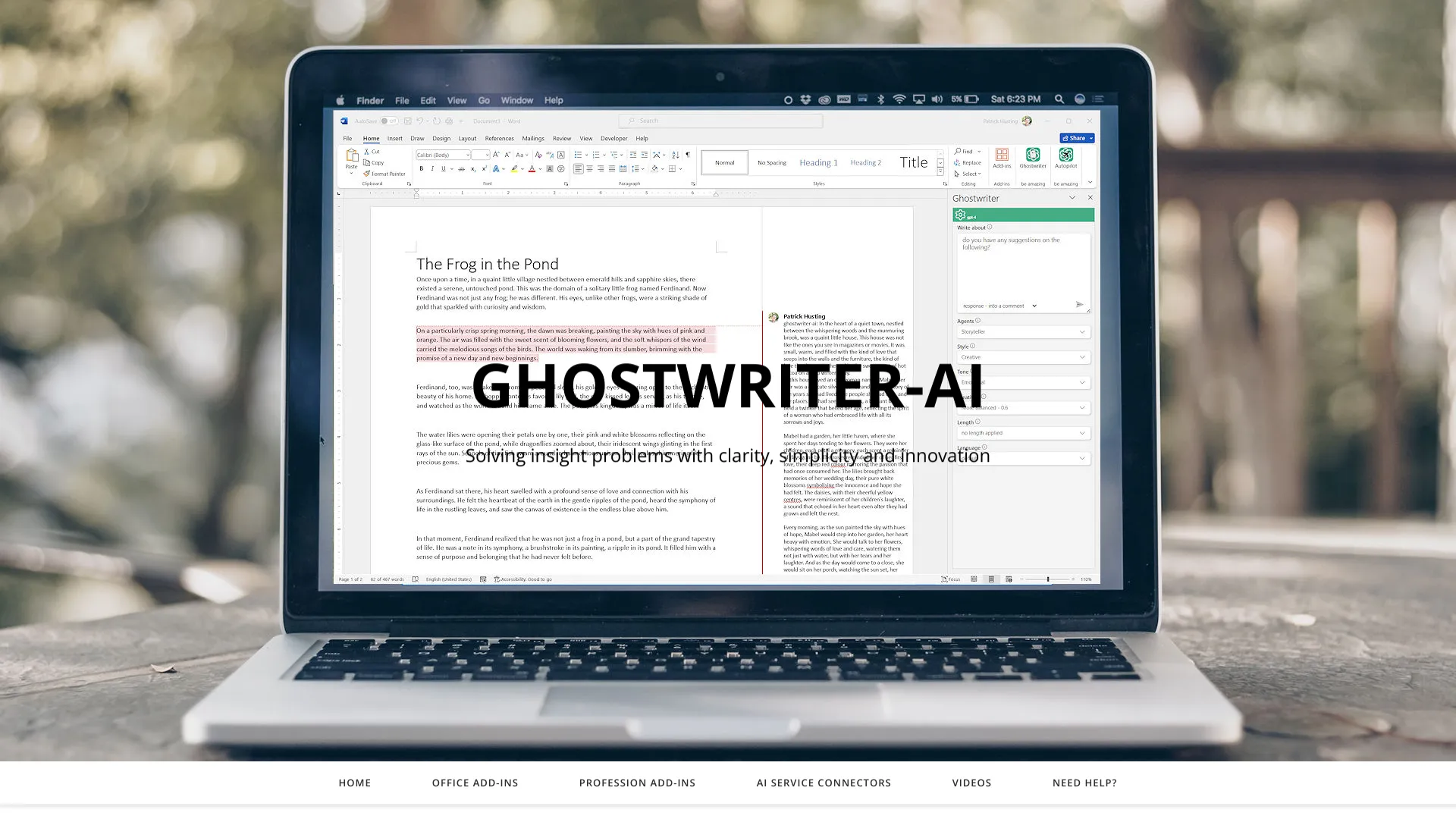
ghostwriter-ai.com
AI-powered Microsoft Office add-ins for writing, content creation, and data analysis.
From $50.00 USD
Verdict
A quick read before you dig into the full page.
- Best if
- You are students and need: Brainstorming and planning content in Word
- Skip if
- You need a free plan with no credit card
- Pick this when
- Paid · From $50.00 USD
Overview
Ghostwriter AI offers add-ins for Microsoft Office (Word, Excel, Outlook, PowerPoint) that leverage AI models like OpenAI's GPT series, Google's Gemini, and others to assist with writing, content creation, and data analysis. It aims to provide a creative approach to business by enhancing productivity within the Microsoft Office suite.
Best for
Short scenarios where ghostwriter-ai.com tends to shine.
-
Brainstorming and planning content in Word
Best for Students
-
Analyzing data in Excel
Best for Professionals
-
Creating and responding to emails in Outlook
Best for Consultants
-
Generating bulleted facts for presentations in PowerPoint
Best for Writers
-
Customizing AI technologies for specific business use cases
Best for Data analysts
Example outputs 1
Sample generations and before/after results for ghostwriter-ai.com.
Access & connections
Where you can use ghostwriter-ai.com, and what it plugs into.
Platforms
Capabilities
What this tool accepts, produces, and is strongest at.
Highlights
- AI-powered writing assistance within Microsoft Office
- Quick Action prompts
- Persona-based content generation
- Language translation
- Data analysis in Excel
- Email assistance in Outlook
- Presentation creation in PowerPoint
- Integration with multiple AI models (OpenAI, Google AI, etc.)
People also view
Tools that often show up alongside ghostwriter-ai.com in collections and comparisons.

