
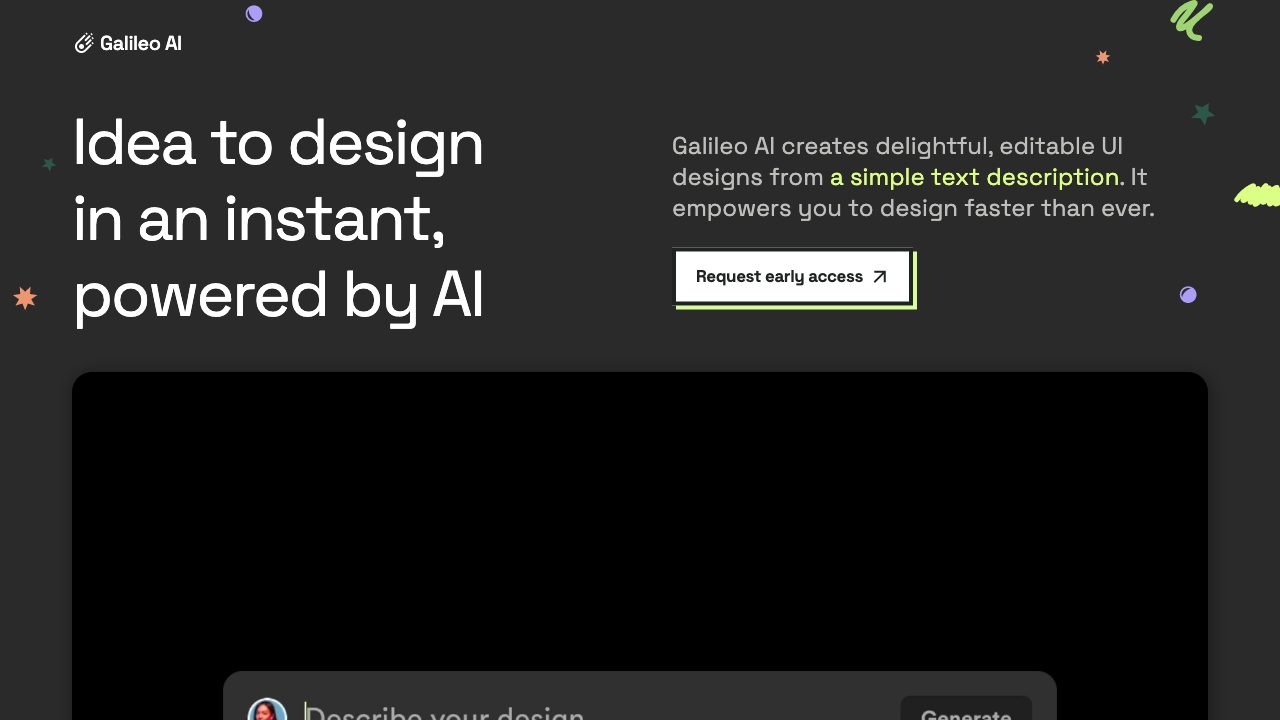
Galileo
UI generation platform for fast design ideation from text descriptions.
Source rating 5.0
(99)
593 views
593/mo traffic
0 saves
Paid
From $16/month (billed annually as $192)
Verdict
A quick read before you dig into the full page.
- Best if
- UI generation platform for fast design ideation from text descriptions
- Skip if
- You need a free plan with no credit card
- Pick this when
- Paid · From $16/month (billed annually as $192)
Overview
Galileo AI is a UI generation platform that creates delightful, editable UI designs from simple text descriptions. It empowers users to design faster than ever by generating beautiful and functional interface designs tailored to their needs. Galileo AI offers various plans, including Standard, Pro, and Enterprise, to cater to different user requirements, from personal projects to large organizations.
Access & connections
Where you can use Galileo, and what it plugs into.
Platforms
Integrations
Capabilities
What this tool accepts, produces, and is strongest at.
Highlights
- Text-to-UI generation
- Image-to-UI generation
- Figma export
- Code export
- Customizable plans
- Private mode (Pro plan)
- Commercial use (Standard & Pro plans)
FAQ 11
What is Galileo AI?
Galileo AI is a UI generation platform that creates delightful, editable UI designs from simple text descriptions. It empowers users to design faster than ever by generating beautiful and functional interface designs tailored to their needs. Galileo AI offers various plans, including Standard, Pro, and Enterprise, to cater to different user requirements, from personal projects to large organizations.
How to use Galileo AI?
Users can generate UI designs by providing text descriptions. The platform then uses AI to create corresponding UI elements. Users can sign up, choose a plan, and start generating designs. Free credits are available for testing the platform.
How can I test Galileo?
Each user will receive 150 free credits, can export up to 3 designs to Figma and 3 designs to code. With 150 credits, you can generate up to 15 designs. If you exceed your limit, we kindly ask you to consider upgrading.
How much does Galileo AI cost?
The Standard plan is $19 per month, while the Pro plan is $39 per month. Pricing for Enterprise customers is customized according to their needs and usage.
How does “credit” work on Galileo?
Each screen costs 10 credits to generate. The Standard plan provides 1,200 credits/month, allowing you to generate up to 120 screens. The Pro plan provides 3,000 credits/month, allowing you to generate up to 300 screens. Credits will reset every month as long as your plan remains active. If a generation fails due to an error, our system will immediately refund the credits to your account.
Can I top up credits if I exceed my monthly limits?
When you're on the Standard or Pro plan, you can buy extra credits anytime, in addition to your monthly credits. These extra credits don't expire. Simply click the 'Buy extra credits' button on your plan above.
Can I use designs generated from Galileo for commercial purposes?
Standard & Pro subscribers and Enterprise customers can use any designs they generate from Galileo for commercial purposes.
Can I upgrade or downgrade my plan?
You're free to change your plan at any time by selecting a new plan. If you upgrade, you'll only be charged the difference on a prorated basis. If you downgrade, your future payments will reflect the lower-priced plan.
How do I cancel my plan?
You can cancel your subscription at any time. Log in, go to Settings/Plan, click Manage plan, you will be redirected to Stripe ’s billing portal where you can switch plans or cancel your subscription.
Can I get a refund?
Unfortunately, we can't offer refunds due to the substantial cost associated with running AI models. We provision GPUs for our subscribers, and our providers won't let us get refunds for these usages. If something unusual happens with your case, please reach out to us at [email protected].
What is the format of code exported from Galileo?
Code exported from Galileo is standard HTML enriched with Tailwind classes for styling. Each design's code is standalone and can be used as individual pages directly by pasting the code into a file and saving it with an .html extension (e.g. awesome-design.html). If you would prefer, you can copy only parts of the design and paste them in your existing codebase however for the styling to work correctly your project will need to have Tailwind v3.4+ with the forms and container-queries plugins installed (installation guide: https://tailwindcss.com/docs/installation).
Related tools
Recommended


Galileo
From $16/month (billed annually as $192)