

Verdict
A quick read before you dig into the full page.
- Best if
- Describe a font. Get a real one
- Skip if
- Cannot replicate complex fonts
- Pick this when
- Generates fonts from text/image prompts
Considering Silo instead? Compare side by side
Overview
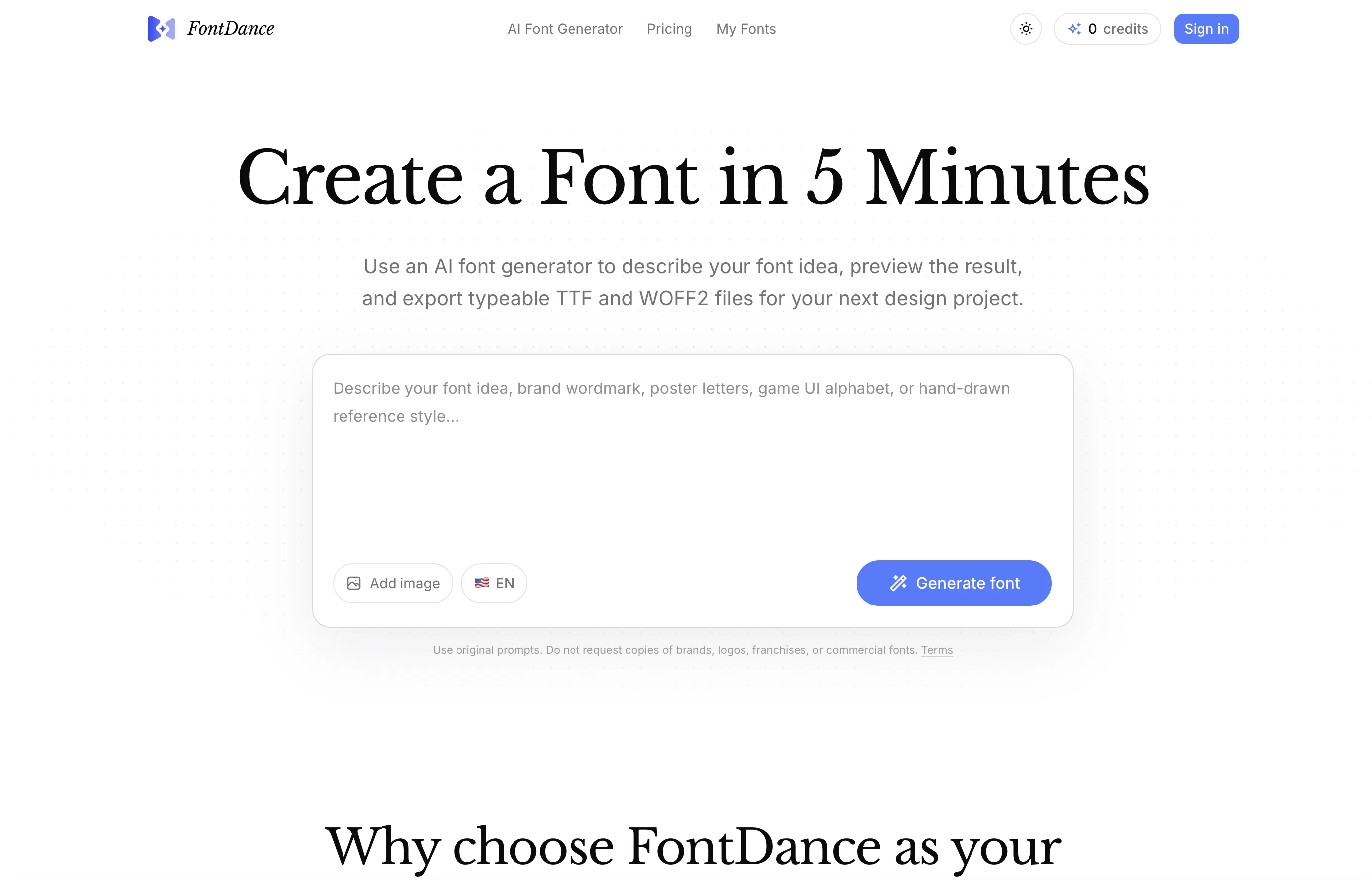
FontDance is an AI font generator designed to facilitate the creation of unique, usable fonts from textual prompts or image references. The tool streamlines the design process by allowing users to detail their font ideas before generating draft fonts which can then be previewed and refined.
This solution checks for factors like structure, readability, and glyph layout, thus ensuring a result that closely resembles a real, usable font. The resulting fonts can then be exported as TTF or WOFF2 files, making them ready for use in design projects, web projects, and brand development.
Users can also utilize this tool to generate both upper and lower-case letters, punctuation, and symbols, creating a comprehensive font system. Additionally, FontDance places an emphasis on originality, discouraging users from copying established brand logos, franchises, or commercial fonts.
The tool comes with a simple pricing model that varies based on the desired rate of font creation.
Access & connections
Where you can use FontDance.
Platforms
Capabilities
What this tool accepts, produces, and is strongest at.
Input
- Image
- Text
Output
- API
- Text
Highlights
- No Signup
Supported features
- No Signup
- Visual Creation
- Image Understanding
- Styling
- Brand Strategy
Pros & cons
Pros
- Generates fonts from text/image prompts
- Fast font exploration
- Cleaner, usable glyphs
- Downloadable design-ready files
- Live preview function
- Generates punctuation and symbols
- Tests readability and visual rhythm
- Guarantees original fonts
Show 17 more
- Offers TTF and WOFF2 formats
- Prioritizes font structure integrity
- Requires no scattered tools
- Option to refine fonts
- Usable for web designs
- Comprehensive character creation
- Cues provided for font originality
- Supports brand development projects
- Template guidance for font creation
- Guidance for clear visual direction
- Ensures consistent character spacing
- Prepare fonts for prototypes
- Quality-aware generation
- Effectively keeps originality guardrails
- Provides simple pricing model
- Designed for real usability
- Facilitates design project execution
Cons
- Only supports TTF and WOFF2
- Potential inconsistency in generated glyphs
- Oversimplified fonts
- Cannot replicate complex fonts
- Difficult to achieve exact font styles
- Price based on font creation frequency
- Not suitable for recreating existing fonts
- Dependent on user's font description skills
Show 2 more
- Limited control on font details
- Cannot guarantee readability of fonts
Compare alternatives
Similar tools in the catalog — with a clear reason to open each one.

Silo ✓
FreemiumAI ad creative generator for marketers.
Why look Freemium alternative
Full comparison
SlideRebuild ✓
Free TrialTurn slide images into editable PowerPoint files.
Why look Typically cheaper
Full comparisonReleases 1
FAQ 12
How does FontDance generate fonts using AI?
What are the main features of FontDance?
How does FontDance ensure the fonts generated are not copies?
What types of font components does FontDance create?
What is the function of the live preview in FontDance?
Does FontDance review font structure and layout during the generation process?
In what ways can users guide FontDance towards a specific visual direction?
What type of downloadable files does FontDance provide?
How does FontDance prioritize faster exploration?
What is the process to create a font using FontDance?
Can I use my own words in the FontDance live preview?
How does FontDance handle glyph generation?
Related tools
Recommended

Whacka ✓
Free TrialTurn ideas into real apps from your phone.

HappySeeds ✓
FreemiumTurn ideas into AI-powered apps instantly.

Qoder ✓
FreemiumAgentic Coding Platform for Real Software
Lower Medical Bills - Use AI to negotiate your medica... ✓
UnknownAI checks your medical bill, fights the overcharges, and lowers it.

TriviaPixel ✓
FreeGenerate custom trivia quizzes in seconds.
Acedly AI ✓
Free TrialYour private AI co-pilot for job interviews.