

FluxAI ✓
Go 10x faster from idea to PCB with AI assistance.
Free + from $12/mo
Verdict
A quick read before you dig into the full page.
- Best if
- Go 10x faster from idea to PCB with AI assistance
- Skip if
- Not suitable for complex designs
- Pick this when
- Accelerates PCB building process
Considering Cursor instead? Compare side by side
Overview
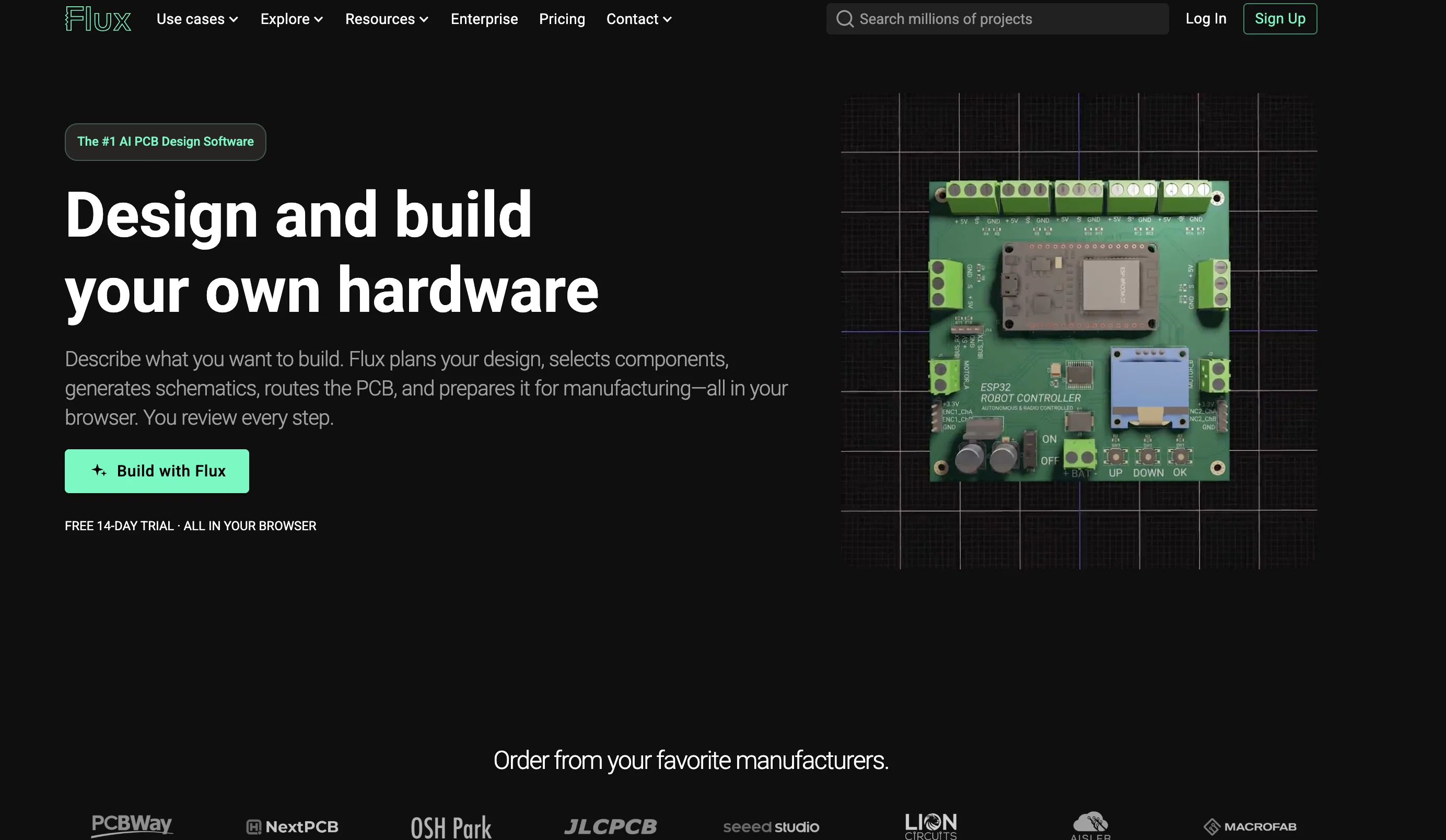
Flux presents a novel approach to building Printed Circuit Boards (PCBs) for hardware engineers. It reduces much of the busy work typically associated with the task and keeps the team synchronized.
Flux is aided by its AI tool, Copilot, specially designed to accelerate the PCB building process. Functions of Copilot range from brainstorming solutions, making connections in a schematic design, to answering contextual questions about a particular component.
Additionally, Flux offers features aimed at expediting the design process and reducing redundancy. These include allowing parametric design for systemic layout edits, having automated impedance control for calculations, and providing access to real-time pricing and availability from major distributors like Digi-Key, Mouser, and LCSC.
For starting new projects, Flux provides a comprehensive and easy-to-use library, filled with reusable components, projects, and templates that eliminate the need to recreate frequently-used parts.
The cloud-based library management negates the need for time-consuming syncs and updates. Moreover, Flux also streamlines the design review process by providing an easily accessible platform for collaboration and feedback, akin to how Google Docs functions.
Users can grant permissions, capture comments, and engage in asynchronous reviews with their fellow collaborators. The platform can even be accessed via a browser or mobile device without any need for downloads.Flux also offers reusable blocks, integrated simulators, and scripting facilities to guide engineers from the ideation phase to prototype creation effectively and efficiently.
An added advantage is the option of choosing specific parts later in the design process, reducing early stage complications. Overall, Flux is a holistic, AI-powered solution known for its efficient handling of PCB manufacturing processes, from designing and reviewing to the selection and management of components.
Access & connections
Where you can use FluxAI.
Platforms
Capabilities
What this tool accepts, produces, and is strongest at.
Input
- Tabular
- Text
Output
- 3D
- Tabular
- Text
Pros & cons
Pros
- Accelerates PCB building process
- Brainstorms solutions
- Automates connections in schematic design
- Contextual question answering
- Parametric design
- Automated impedance control
- Real-time pricing
- Real-time availability
Show 27 more
- Reusable components
- Cloud-based library management
- Scoped permissions
- Asynchronous reviews
- No download required
- Mobile accessible
- Reusable blocks
- Integrated simulators
- Scripting facilities
- Flexible parts selection time
- No need to recreate parts
- Collaborative platform for feedback
- Automates layout edits
- Reduced early-stage complications
- Streamlines review process
- Comprehensive library
- Collaboration similar to Google Docs
- Browser accessible
- Integrated with Digi-Key
- Integrated with Mouser
- Integrated with LCSC
- Comprehensive and easy-to-use library
- Avoids time-consuming syncs and updates
- Platform accessed without downloads
- Guides engineers from ideation to prototype
- Library filled with reusable components, projects, and templates
- Automatic calculations for impedance control
Cons
- Limited design software integrations
- Reduced feature control
- Not suitable for complex designs
- No offline functionality
- May not support all parts
- Requires continuous internet connection
- Limited customization options
- Reliance on cloud library
Show 2 more
- Potential security concerns
- Limited customer support options
Compare alternatives
Similar tools in the catalog — with a clear reason to open each one.


OnSpace.AI - No Code App Builder ✓
FreemiumBuild Apps with AI, No Code
Free + from $20/mo
Full comparison

Github Copilot ✓
FreemiumAI-powered coding assistant for faster development
Why look Typically cheaper
Full comparison
CodingFleet ✓
FreemiumAI wizard transforms instructions into code snippets.
Why look Typically cheaper
Full comparison
Releases 1
FAQ 12
What is Flux Copilot?
How does Flux help in building PCBs?
What role does AI play in the Flux system?
Can Flux Copilot make connections in a schematic design?
How does Flux reduce redundancy in the PCB design process?
Does the Flux system have real-time pricing and availability from distributors?
Does Flux provide a comprehensive and easy-to-use library for starting new projects?
How does one manage the Flux library?
Is there an option for collaboration and feedback within the Flux platform?
Can Flux be accessed via a mobile device or web browser?
Does Flux offer reusable blocks, integrated simulators, and scripting facilities?
Can you choose specific parts later in the Flux design process?
Related tools
Recommended

Duckie AI ✓
Free TrialManage AI coding agents that get work done.

Marblism ✓
FreemiumAI Employees who Work for Your Business

Archie ✓
FreemiumThe platform to architect, build, and run production-grade applications.

Ellipsis ✓
Free TrialTurn every engineer into a 10x engineer with AI

AntWorks ✓
PaidCut development costs by 10x with AI-powered microtasks

B12 AI Website Builder ✓
FreemiumAI-powered website builder