Image generation

Flux 2 AI

AI image generator for text-to-image, image-to-image, and multi-image workflows.

Source rating 5.0 (58) 17k views 17k/mo traffic 0 saves Paid
More categories (9)

From $7.90/month (billed $94.80)

Verdict

A quick read before you dig into the full page.

Best if
You are creative teams and need: Ecommerce Catalog Generation: Create consistent product angles and lighting
Skip if
You need a free plan with no credit card
Pick this when
Paid · From $7.90/month (billed $94.80)

Overview

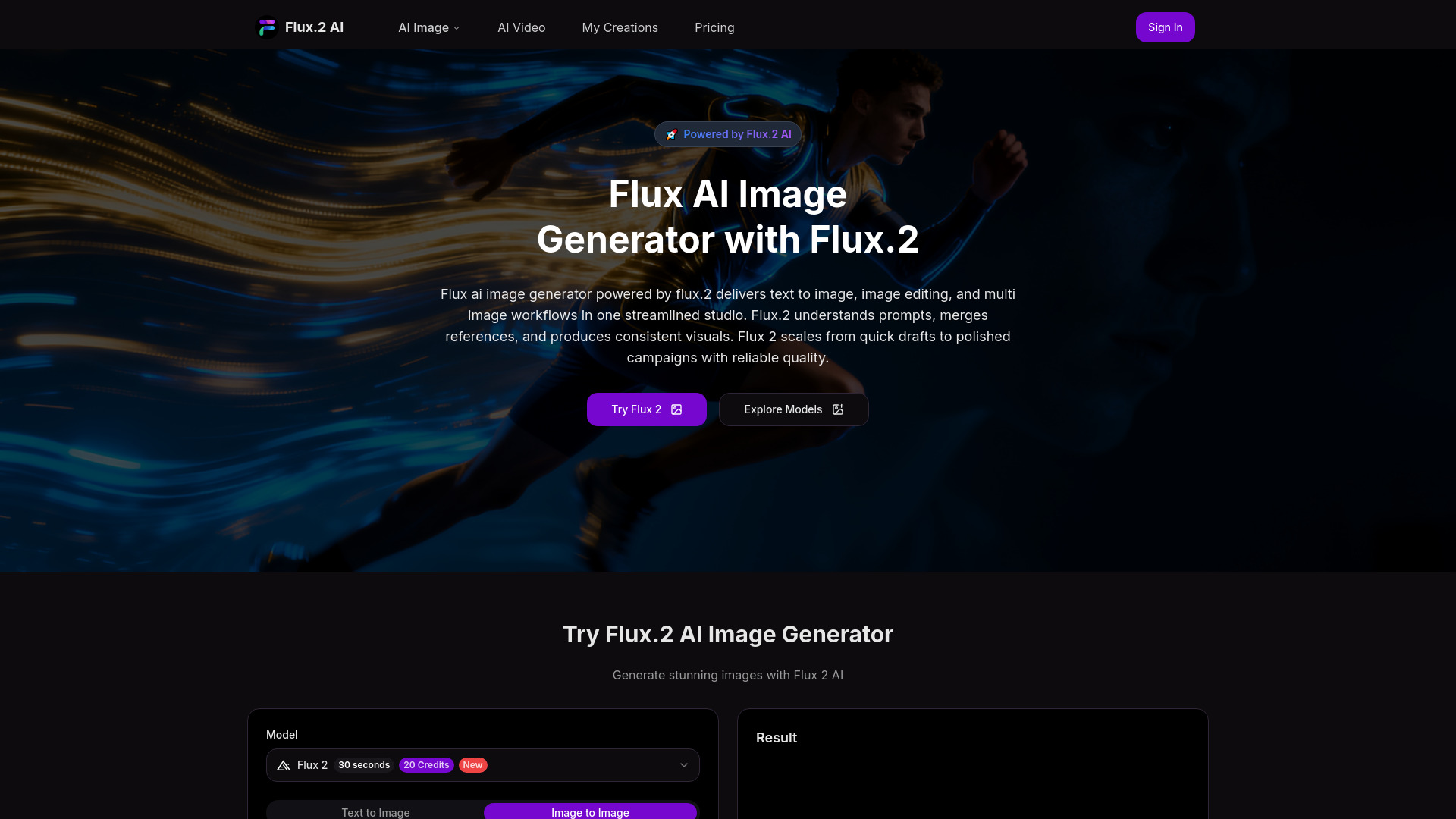
Flux.2 AI is a free online AI image generator that enables users to create stunning visuals from text (text to image) and existing images (image to image). It integrates Flux Kontext for precise style control and supports complex multi-image workflows. Powered by Flux.2, the platform offers a streamlined studio for image editing, understanding prompts, merging references, and producing consistent visuals. It is designed to scale from quick drafts to polished campaigns, delivering reliable quality and supporting various creative models including Flux 2, Flux Kontext, Nano banana, GPT-4o Image, Flux 1.1 Pro, and Flux LoRA.

Flux 2 AI screenshot

Best for

Short scenarios where Flux 2 AI tends to shine.

  • Ecommerce Catalog Generation: Create consistent product angles and lighting.

    Best for Creative teams

  • Marketing Storyboards: Draft scenes for ads and social media quickly.

    Best for E-commerce businesses

  • Photo Restyle and Cleanup: Enhance portraits or product shots by adjusting background, color grade, and texture.

    Best for Marketing professionals

  • Multi Image Variants: Generate coordinated sets from multiple references, such as packaging lines.

    Best for Social media managers

  • Social Campaign Assets: Produce variations for different platforms in one pass.

    Best for Designers

  • Creative Prototyping: Explore styles, materials, and compositions rapidly.

    Best for Photographers

Example outputs 1

Sample generations and before/after results for Flux 2 AI.

Access & connections

Where you can use Flux 2 AI.

Platforms

Web

Capabilities

What this tool accepts, produces, and is strongest at.

Highlights

  • Text to Image generation
  • Image to Image generation / Image editing
  • Multi-image workflows with batch reference
  • Style control and versatile aesthetics (e.g., watercolor, cyberpunk)
  • Support for multiple AI models (Flux 2, Flux Kontext, Nano banana, GPT-4o Image, Flux 1.1 Pro, Flux LoRA)
  • Consistent visual language across outputs

People also view

Tools that often show up alongside Flux 2 AI in collections and comparisons.

FAQ 8

What is Flux 2 AI?
Flux.2 AI is a free online AI image generator that enables users to create stunning visuals from text (text to image) and existing images (image to image). It integrates Flux Kontext for precise style control and supports complex multi-image workflows. Powered by Flux.2, the platform offers a streamlined studio for image editing, understanding prompts, merging references, and producing consistent visuals. It is designed to scale from quick drafts to polished campaigns, delivering reliable quality and supporting various creative models including Flux 2, Flux Kontext, Nano banana, GPT-4o Image, Flux 1.1 Pro, and Flux LoRA.
How to use Flux 2 AI?
To use Flux.2 AI, follow three simple steps: 1. Select a model and mode (text to image, image editing, or multi-image generation) that aligns with your creative goal. 2. Enter a clear prompt, optionally attaching up to ten reference images for enhanced results, specifying details like subject, environment, style, and camera hints. 3. Click 'Generate Visual'. Flux.2 typically produces stable images within 30 seconds to a few minutes, depending on resolution and batch size, ensuring consistent key attributes for direct use in design or publishing.
How do I use Flux.2 AI?
Choose a model and a mode, then write a clear prompt and attach reference images when needed. Flux AI image generator with Flux 2 interprets the request and returns images that follow subject, style, and composition so results move directly into design or publishing.
How long does generation take?
Time varies by size, guidance, and batch count. Most images complete in about thirty seconds, with larger or multi-image sets finishing in a few minutes. Flux 2 optimizations keep queues responsive so exploration remains uninterrupted during busy periods.
How are credits calculated?
Credits reflect resolution, steps, and batch size. Higher detail and more outputs require more credits. Flux 2 shows clear usage before you run, so planning and budgeting stay predictable for teams and individual creators.
What are the upload limits?
Supported formats include PNG, JPG, JPEG, and WEBP. Maximum file size depends on your plan and may change as infrastructure evolves. Multi-image workflows in Flux 2 accept several references to guide structure, materials, and lighting for higher consistency.
Can I use results for commercial work?
Yes. Outputs from Flux AI image generator powered by Flux 2 are allowed for advertising, websites, print, and social as permitted by local law. You are responsible for rights to uploaded references and for following brand or regulatory requirements.
What makes Flux 2 different?
Flux 2 combines fast iteration, multi-image control, and consistent structure. Flux AI image generator keeps character, product form, and lighting stable across sets, which shortens review cycles and supports production-ready assets.
Flux 2 AI From $7.90/month (billed $94.80)
