
Flowshot
AI toolkit for Google Sheets users to automate tasks and train custom models.
Source rating 5.0
(86)
0 views
0 saves
Paid
$9/mo
Verdict
A quick read before you dig into the full page.
- Best if
- AI toolkit for Google Sheets users to automate tasks and train custom models
- Skip if
- You need a free plan with no credit card
- Pick this when
- Paid · $9/mo
Overview
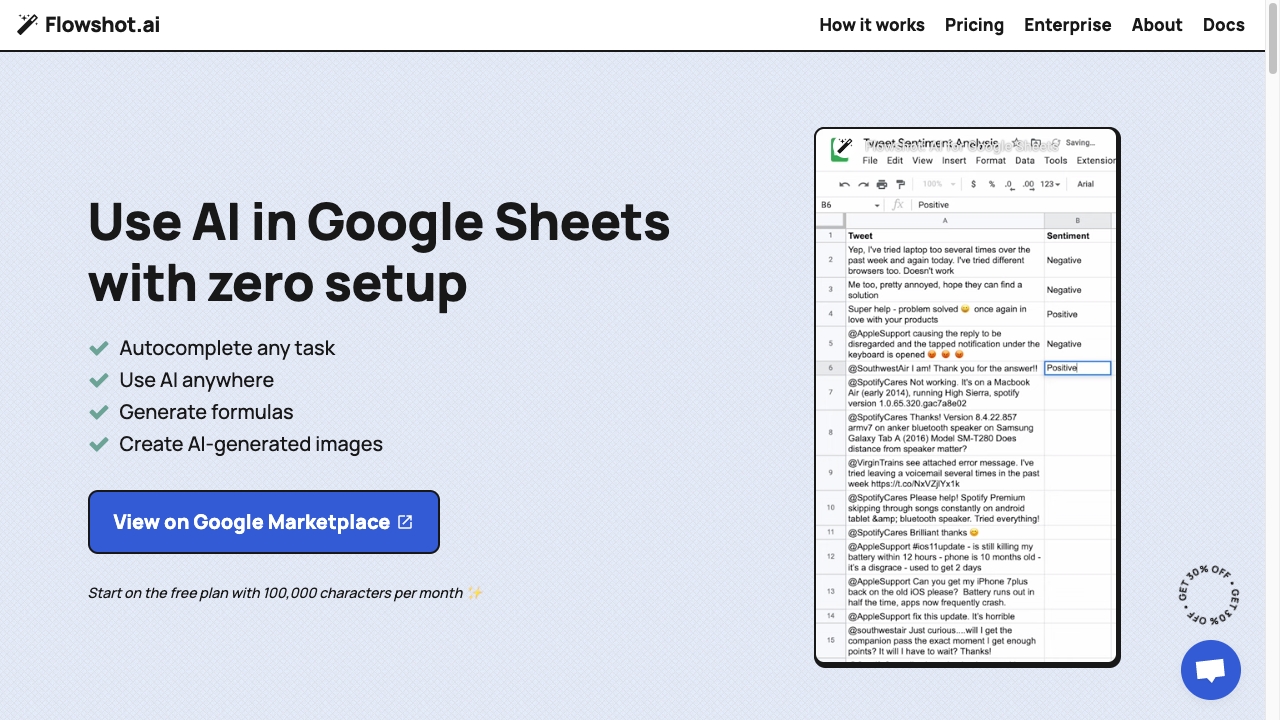
Flowshot is an AI toolkit that integrates with Google Sheets, enabling users to leverage AI models without technical knowledge. It offers features like AI prompts, autocomplete, custom model training, and formula generation directly within Google Sheets.
Access & connections
Where you can use Flowshot, and what it plugs into.
Platforms
Integrations
Capabilities
What this tool accepts, produces, and is strongest at.
Highlights
- AI prompts within Google Sheets
- Autocomplete repetitive tasks
- Custom AI model training
- AI-generated formulas and images
FAQ 9
What is Flowshot?
Flowshot is an AI toolkit that integrates with Google Sheets, enabling users to leverage AI models without technical knowledge. It offers features like AI prompts, autocomplete, custom model training, and formula generation directly within Google Sheets.
How to use Flowshot?
Install the Flowshot add-on from the Google Marketplace. Use AI prompts within Google Sheets by referencing cell data. Train custom AI models by providing examples. Connect with other apps using Zapier or API integrations.
How do I install Flowshot?
Install Flowshot with these instructions. Once you've started, be sure to save your formulas periodically to conserve your characters.
I'm having trouble using Flowshot
If you're seeing frequent #ERROR! message or can't open the sidebar, it's most likely because you're using multiple Google accounts. If you're still having issues, send us a message through the live chat.
How are monthly characters counted?
Characters are counted as the inputs and outputs that are processed by Flowshot. Inputs include any prompts or examples sent to the AI, while outputs are any of the generated results. You can track your monthly character count from the Flowshot sidebar.
What tasks can I use Flowshot for?
Flowshot makes it really easy to use AI to automate repetitive text-based work, such as: Extracting sales prospect emails from messy data, Bulk-translating text from one language to another, Rewriting ad copy into multiple variations. Start with AI prompts like =AI("Write a product description for:", A1) and work your way up to training custom models when you have enough examples.
Which Flowshot tool is right for my use case?
Choosing between AI prompts, Autocomplete and custom models depends on your use case. AI prompts are the easiest to use but have the least context, exclusively relying on your prompt to understand the task at hand. Autocomplete relies on examples, rather than prompts. Think of it as showing someone 5-10 examples of task and asking for more. Custom models are similar to Autocomplete, only trained on hundreds or even thousands of examples around a specific task. Custom models can be used with Autocomplete, as well as via API and Zapier integrations.
How does billing work for custom models?
Custom model training and usage is added to your monthly plan. Training and usage is billed at cost price — that is, the rates that providers such as OpenAI list on their website. If possible, we'll negotiate better rates with certain providers or help you bring it in-house with open source models hosted that have predictable fixed monthly costs.
What AI models does Flowshot use?
For =AI() and Autocomplete, we use a blend of in-house AI models that we've optimized for speed and performance. We also use providers such as OpenAI alongside our own AI stack. Our algorithm automatically selects the best model for your task — there's nothing you need to do! For custom models, we currently support OpenAI, AI21 and Hugging Face models.
Related tools
Recommended



Flowshot
$9/mo