

Flick - AI assistant ✓
Speed up your social workflow with AI.
Trial; then from $14.11/mo
Verdict
A quick read before you dig into the full page.
- Best if
- You are business owners and need: Quickly generate ready-to-publish social media posts tailored to your brand and style
- Skip if
- Limited customization of captions
- Pick this when
- Generates unique ideas
Considering FlowPost instead? Compare side by side
Overview
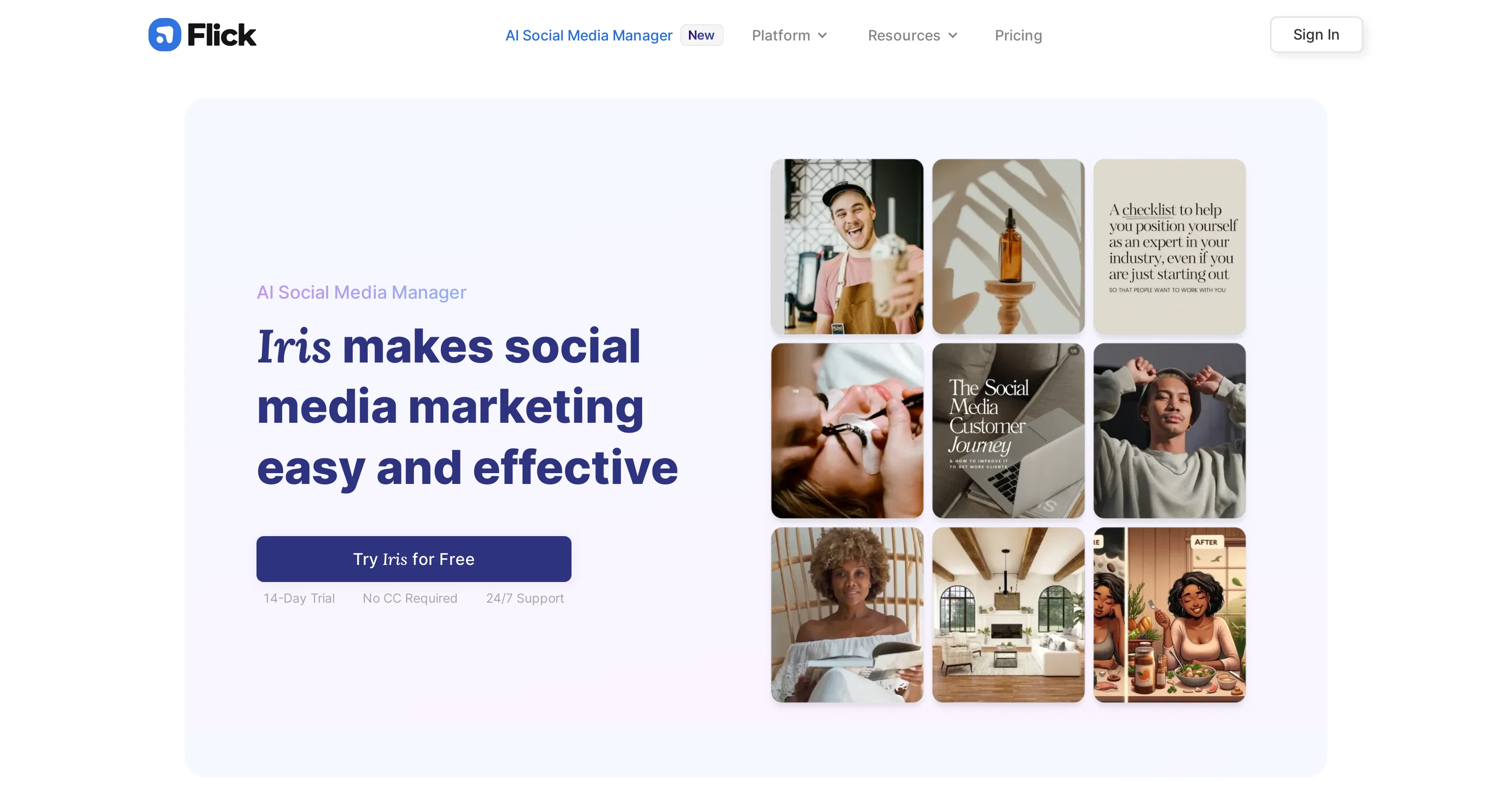
Iris is an AI-powered social media management tool. It is specifically designed to assist businesses in growing their brand through effective social interaction.
Iris provides a comprehensive solution for social media strategy, content planning, and content creation. Iris enables users to visually plan their content ahead of time and find optimal hashtags.
Its sophisticated analytics helps users track and evaluate their social media performance.Apart from these primary services, Iris also provides extensive resources for learning and further improvement.
These include tips and tricks through blogs, free social media training through an academy, and videos providing aid in various aspects.Moreover, Iris also provides a remarkable feature by being available as mobile applications for iOS and Android platforms.
Allowing easy access to hashtags, scheduling, and analytics tools on the go.In addition, Iris' unique Brand Hub allows users to create quality, on-brand social posts consistently.
Iris analyzes existing social posts to generate highly engaging captions, ensuring the content is always relevant and specific to the user's business.Iris also focuses on developing a tailored social plan for your business.
It incorporates the use of generated content pillars based on users' business goals, and Iris' learning from thousands of businesses across various industries.
Iris also outlines a clear and detailed plan for users, for what they need to post each month.Overall, Iris serves as a comprehensive tool for businesses, enabling them to harness the power of social media through strategic use of AI.
Best for
Short scenarios where Flick - AI assistant tends to shine.
-
Quickly generate ready-to-publish social media posts tailored to your brand and style.
Best for Business owners
-
Find, manage, and analyze hashtags to expand your reach.
Best for Marketers
-
Schedule your content ahead of time across multiple platforms.
Best for Social media managers
-
See what's working and what isn't with best-in-class analytics.
Best for Content creators
-
Craft high-quality captions with Flick's AI caption writing assistant.
Best for Brands
-
Instantly create eye-catching visuals with AI-generated visuals.
Best for Creators
-
Streamline your workflow by creating, scheduling, and publishing from one platform.
Best for Business owners
-
Get personalized, on-brand content tailored to your business.
Best for Business owners
Example outputs 1
Sample generations and before/after results for Flick - AI assistant.
Access & connections
Where you can use Flick - AI assistant, and what it plugs into.
Integrations
Capabilities
What this tool accepts, produces, and is strongest at.
Input
- Text
Output
- Text
Pros & cons
Pros
- Generates unique ideas
- Speeds up social workflow
- Knows your brand
- Generates original content
- Captions generated are personal
- Repurposes content instantly
- Integrated content planner
- Visually plan content
Show 23 more
- Finds best hashtags
- Best-in-class analytics
- Optimized for creators, brands
- Instagram specific features
- Easily shareable snippets
- IOS & Android available
- Hashtag tracking
- Instagram feed planner
- Content Scheduling
- Hashtag management
- Free social media training
- Built-in community features
- Option for 7-day trial
- 24/7 Support
- Blog post conversion
- Content scheduling in one click
- Personal copywriter feature
- Product areas for efficient navigation
- Features tailored to individual social platforms
- Supports various post types
- Trusted by content creators
- Style customization
- On-brand content creation
Cons
- Limited long-form repurposing options
- No video content transformation
- Specifically built for social media
- No auto-scheduling for posts
- Only generates written content
- Waiting list for access
- Limited customization of captions
Compare alternatives
Similar tools in the catalog — with a clear reason to open each one.

EasyAI – AI Flow - No Code Content (Video/Image) Ge... ✓
Free TrialChain AI tasks with no-code into workflows for chatbots, video, documents, and
Why look Offers a public API
Full comparison
RightBlogger ✓
FreemiumAutomate blogging, SEO, and publishing in one simple platform
Free + from $17.99/mo
Full comparison
myAIninja ✓
Free TrialAI-powered content creation for social media, 10x faster
Why look Typically cheaper
Full comparisonPeople also view
Tools that often show up alongside Flick - AI assistant in collections and comparisons.
RightBlogger ✓
FreemiumAutomate blogging, SEO, and publishing in one simple platform
myAIninja ✓
Free TrialAI-powered content creation for social media, 10x faster

Magicley AI ✓
Free TrialAll-In-One AI Hub

FlowPost ✓
Free TrialAI autopilot for social media posting
EasyAI – AI Flow - No Code Content (Video/Image) Ge... ✓
Free TrialChain AI tasks with no-code into workflows for chatbots, video, documents, and

Easy-Peasy.AI ✓
FreemiumAccelerates content creation.

RepurposingBot ✓
Free TrialTurn one article into dozens of posts.

Kinetik ✓
Free TrialAI agent that handles content strategy and monetization for creators.
Releases 1
FAQ 12
What is the main functionality of Flick?
How does Flick help with content creation for social media?
Is the content generated by Flick unique and original?
Can Flick help generate caption ideas for my brand?
How does Flick assist with content repurposing for social media?
How can I organize my content ideas with Flick?
What are the additional features of Flick?
How can Flick help creators, brands, and marketers with their social media?
What is the 'Content Planner' feature in Flick?
How can Flick assist with hashtag management?
What type of analytics does Flick provide for Instagram?
Does Flick offer any sort of social media training resources?
Related tools
Recommended

PostPerfect ✓
FreemiumAutomated social media posts.

LearningStudioAI ✓
Free TrialAI-powered authoring tool for effortless online course creation.

VenturusAI ✓
FreemiumBusiness idea analysis and reporting.

Followr ✓
Free TrialSocial media on autopilot

Business Idea Generator AI ✓
FreeGenerate innovative business ideas with AI

Stratup.ai ✓
FreemiumInnovative idea generation for businesses.