

FlashFlashCards
Turn screenshots into Anki flashcards instantly.
from $10/mo
Verdict
A quick read before you dig into the full page.
- Best if
- Turn screenshots into Anki flashcards instantly
- Skip if
- Limited to Anki flashcards
- Pick this when
- Converts screenshots to flashcards
Overview
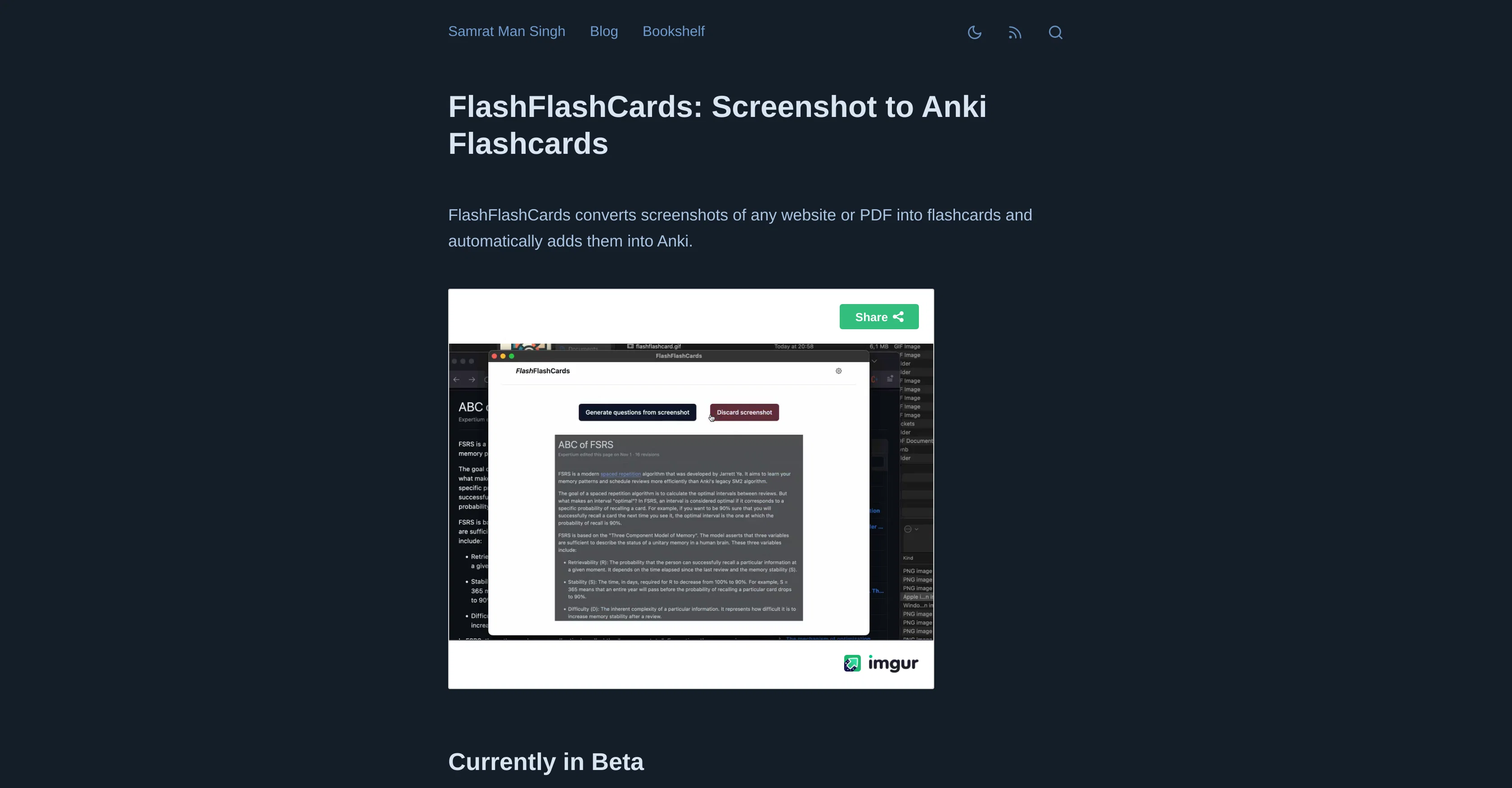
FlashFlashCards is an AI tool that allows users to convert screenshots from any website or PDF document into flashcards, consequently enabling them to be added into Anki, an open-source spaced repetition software.
The main purpose is to create a seamless experience for users to store and review information captured from various sources in a structured, accessible format.
The tool is currently available for Mac users, with the first step of the process requiring users to install the Anki-Connect add-on. Following this, users install FlashFlashCards and add their OpenAI API key.
The actual creation of flashcards from screenshots is triggered by the Control+Command+A command, followed by clicking on the 'Generate flashcards' button.
Once generated, these flashcards can be added to Anki, facilitating easier management and review. However, it is important to note that the tool is in its beta stage, indicating potential enhancements and updates in the future
Access & connections
Where you can use FlashFlashCards.
Platforms
Capabilities
What this tool accepts, produces, and is strongest at.
Input
- Image
Output
- Text
Supported features
- Teaching Humans
Pros & cons
Pros
- Converts screenshots to flashcards
- Facilitates Anki integration
- Simplifies information management
- Complements learning enhancement
- Supports PDF screenshot conversion
- Supports website screenshot conversion
- Compatible with Mac
- Command-based flashcard generation
Show 3 more
- Can add directly to Anki
- Streamlines review process
- Beta stage with future enhancements
Cons
- Mac only
- Additional Anki-Connect add-on required
- Manual command for screenshot
- Beta version (instability risks)
- No direct PDF input
- Limited to Anki flashcards
- Depends on website structure
Releases 1
FAQ 12
What is the main purpose of FlashFlashCards?
How does FlashFlashCards work?
What is the process of installing FlashFlashCards?
Does FlashFlashCards work on other operating systems or just Mac?
What is Anki and why is it needed for FlashFlashCards?
How can I convert screenshots into flashcards with FlashFlashCards?
What are the key features of FlashFlashCards?
What is the OpenAI API key and why do I need to add it to FlashFlashCards?
What is the Anki-Connect add-on?
How does FlashFlashCards enhance the learning experience?
Can FlashFlashCards convert screenshots from PDF documents too?
What is the Control+Command+A command for in FlashFlashCards?
Related tools
Recommended

FounderPal ✓
Free TrialGenerate a perfect marketing strategy in 5 minutes

Beeyond AI ✓
Free TrialBeeyond AI: Unlock 50+ AI tools under one subscription

IllumiChat ✓
FreemiumFrom Ticket Backlog to Instant Answers Powered by AI

Knowee AI - Chrome Extension ✓
UnknownYour AI sidekick for homework and essays.

LearningStudioAI ✓
Free TrialAI-powered authoring tool for effortless online course creation.

Stratup.ai ✓
FreemiumInnovative idea generation for businesses.