
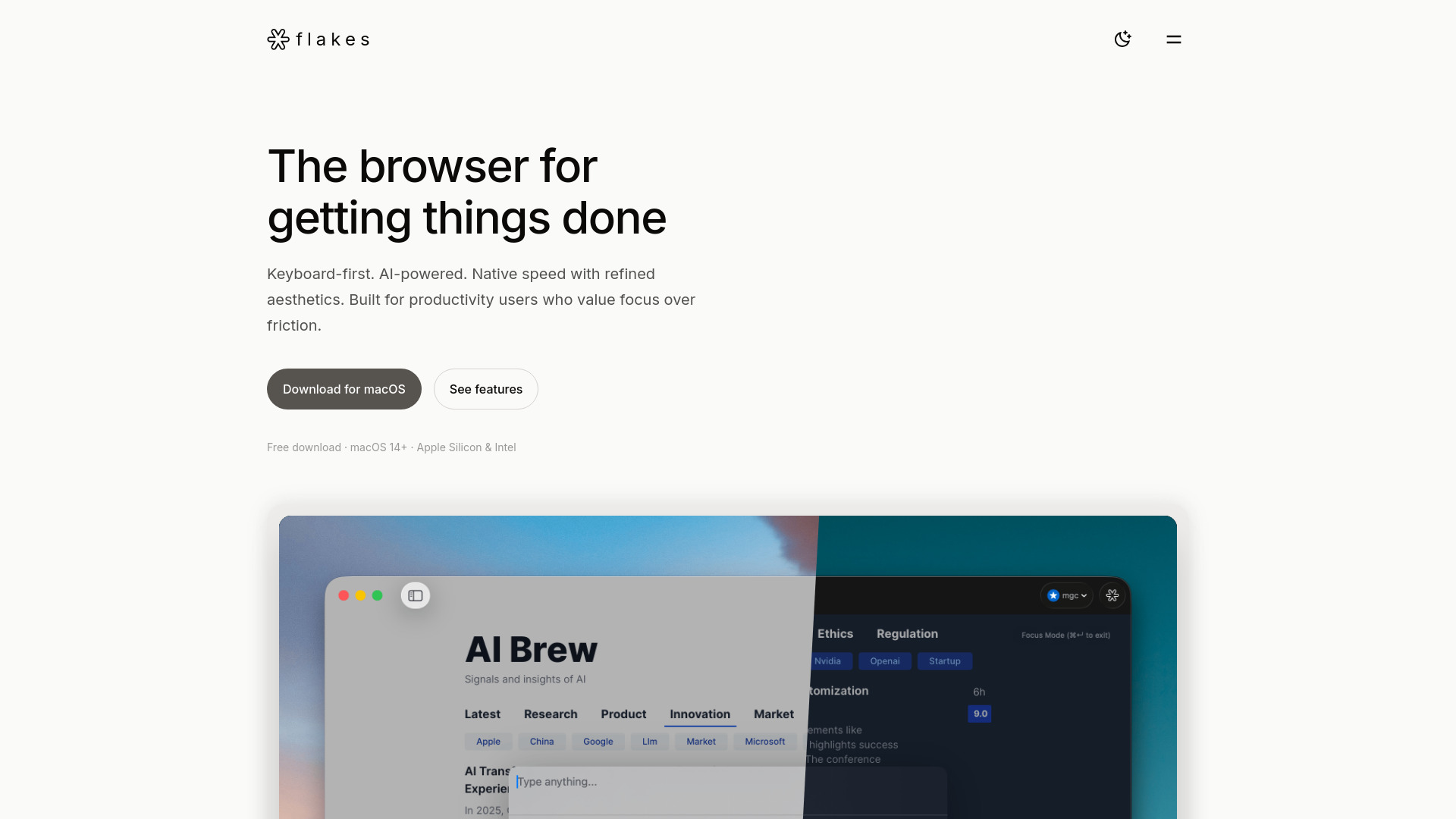
Flakes
AI-native, keyboard-first macOS browser built for focused productivity.
Verdict
A quick read before you dig into the full page.
- Best if
- AI-native, keyboard-first macOS browser built for focused productivity
- Pick this when
- AI-native, keyboard-first macOS browser built for focused productivity
Overview
Flakes is an AI-native, keyboard-first browser for macOS (macOS 14+). It is built for productivity users and thinkers, prioritizing focus over friction. Key architectural choices include using SwiftUI and WebKit for native speed and a minimal memory footprint. Features focus on efficiency, offering Vim-style keyboard navigation, a universal Command Palette (⌘K), built-in ad blocking, Focus Mode (⌘Enter), and optional advanced AI (Drift AI) that provides contextual answers based on open tabs and handles real-time translation.
Access & connections
Where you can use Flakes.
Platforms
Capabilities
What this tool accepts, produces, and is strongest at.
Highlights
- Keyboard-First Navigation (Vim-style h/j/k/l and link hints)
- Command Palette (⌘K) for universal search and command execution
- Drift AI that understands context across all open tabs
- Focus Mode (⌘Enter) with built-in ad blocking
- Native speed and aesthetics built with SwiftUI and WebKit
FAQ 5
What is Flakes?
How to use Flakes?
What operating systems does Flakes support?
Is the Drift AI feature mandatory to use the browser?
How do I access the core functions of Flakes?
Related tools
Recommended

Nextbrowser ✓
FreemiumAI Browser Agent that automates professional tasks through chat.

Clico ✓
FreemiumAI that lives where you type.

KiloClaw ✓
PaidHosted OpenClaw AI agent with zero DevOps required.

AI Hairstyle Changer - 1
UnknownVirtually try on 100+ AI hairstyles and hair colors from your photo — results in seconds, no sign-up needed.