What is Findr?
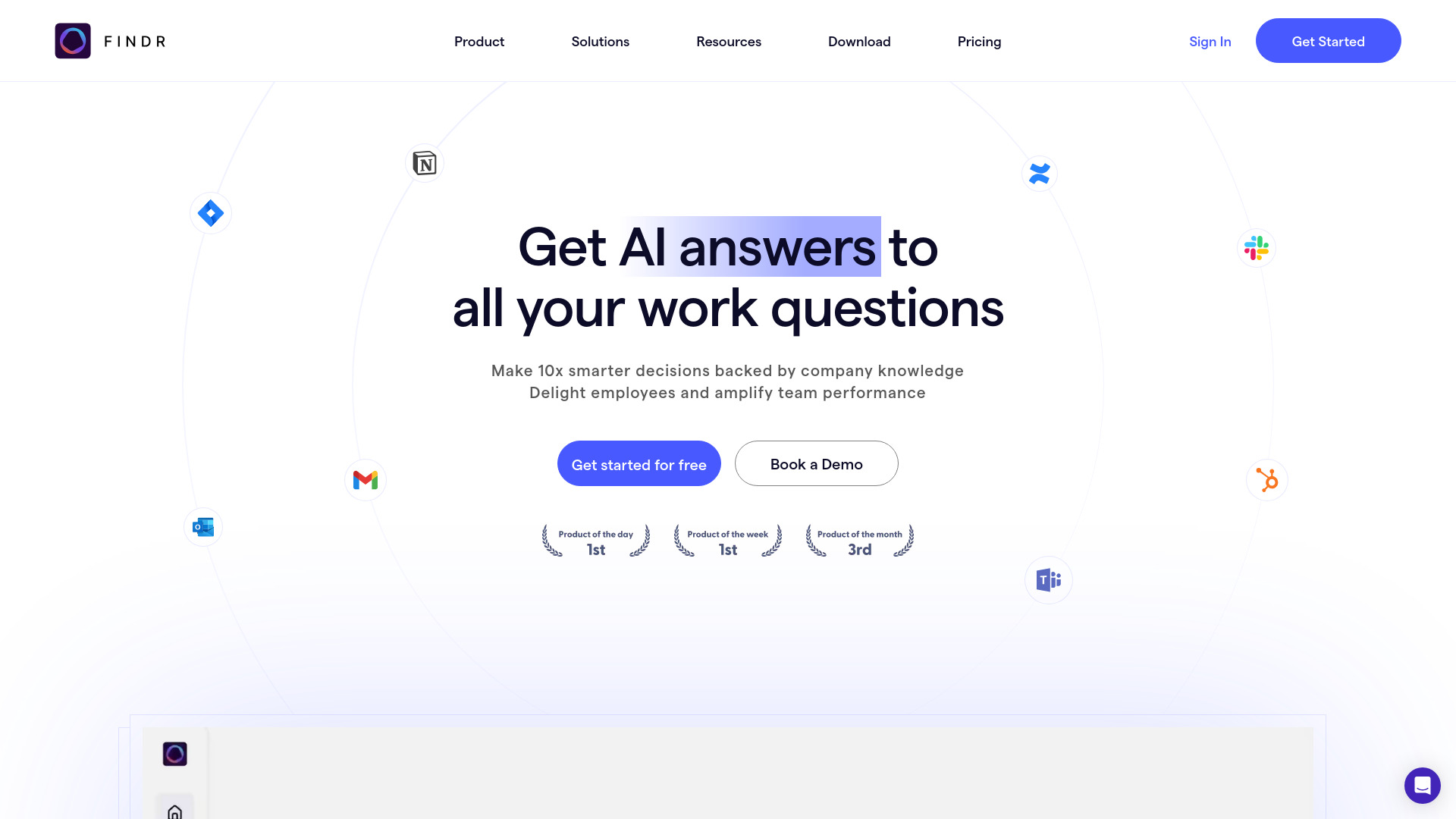
Findr is an AI-powered workspace designed to organize, search, and utilize information scattered across various apps, bookmarks, links, notes, and files. It acts as an AI second brain, allowing users to save articles, videos, notes, PDFs, and more in one place. Findr understands the context of saved information, making it available for instant answers and chats. It integrates with popular apps like Gmail, OneDrive, and Slack, enabling users to search across multiple apps in real-time. Findr also offers features like visual organization of knowledge, lightning-fast topic search, and curated spaces for related ideas.
How to use Findr?
Users can save various types of data (PDFs, links, videos, articles, emails, etc.) into Findr, which then understands the context of the saved information. Users can then use AI search to find information, ask questions, and chat with their saved content. Findr also integrates with other apps, allowing users to search across multiple platforms at once.
Why should I use Findr?
Findr is built for people with 100+ tabs open all the time, who read more knowledge than they can remember and are always hungry for more. It lets you instantly capture, delightfully organise, and chat with anything you've saved. This includes PDFs, videos, articles, links, emails, information inside apps, and more.
How does Findr work?
Think of Findr as an AI memory bank that lets you capture and chat with any type of data in one place. When you save a memory inside Findr it understands the context of the saved information and makes it available for the answer engine to help retrieve and remember the right memories when using AI to search for a particular information.
How is it different from ChatGPT?
Our focus is to help you pleasantly organise, find, and consume information you've saved. Our users save hundreds of articles, links, tweets, videos, and tabs to discover them later. It's a personal knowledge manager, a memory palace for ideas. Plus, our AI search generates answers exclusively using your saved content. It's like having a personalised search engine that has all the context needed to help you remember things 24/7.
Does it integrate with other apps?
Yes, we integrate with all the popular apps like Gmail, OneDrive, Slack, and many more. You can directly add data using our data connectors. You can even use AI search to search all your apps (and multiple email accounts) in real time to find things without switching between apps and tabs.
What is the concept behind a second brain?
A second brain is a personal knowledge management system that eliminates the need for using 10 different apps just to save notes, files, bookmarks, and other stuff. It's a unified “digital memory bank” where you can save any type of information (PDFs, links, videos, articles, emails, slack messages, etc) and everything becomes available to recall without remembering where you had saved that file or link.
What are the benefits of using it?
"I'll remember that idea later" is the world's biggest lie. With Findr, you transform information overload into actionable knowledge. Experience superhuman memory by turning your entire digital universe into an instantly accessible, intelligent workspace. Benefits include: Instant Recall, Context-Aware Intelligence, Intelligent and unified personal knowledge management, Proactive Insights, Creative Flow.
What are memories?
Anything that you save inside Findr is called a 'memory' because like our minds process information before remembering it in the long term, Findr tries to deeply understand the context of what you're saving. This helps it answer questions using high accuracy from your memories when you're trying recall or find a needle in the haystack.
Why is the chrome extension helpful?
The chrome extension lets you save entire webpages for bookmark quotes as you're reading them. This lets you bookmark articles, social media posts, and webpages with 1-click and helps you maintain your creative flow.
How long does it take for newly added memories to become searchable?
New or updated information becomes instantly available to search and chat. As soon as you add or change any data, it's immediately available for you to find through our platform.