

FigCopy ✓
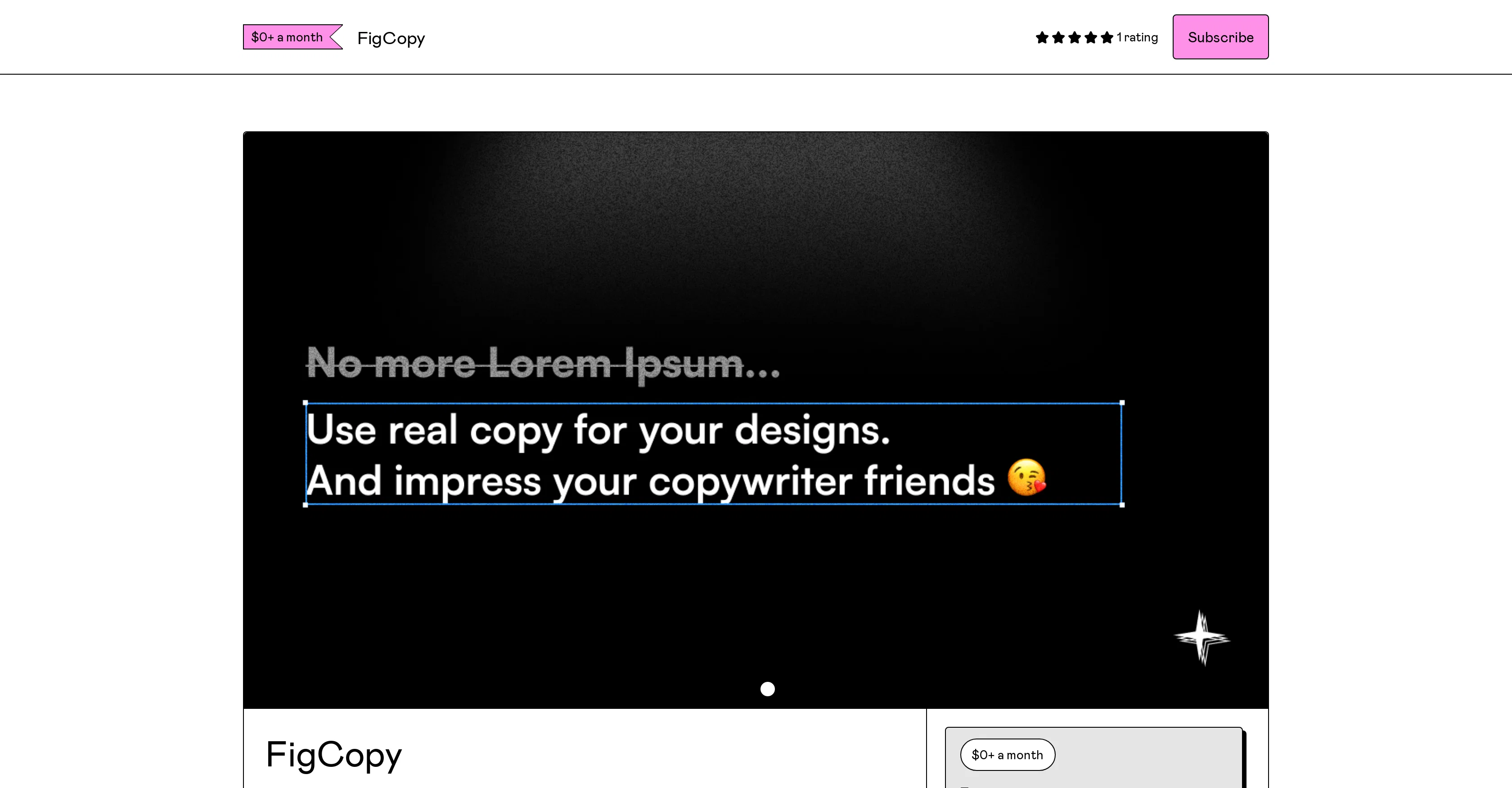
Transform dummy text into real, engaging copy.
Trial; then from $10/mo
Verdict
A quick read before you dig into the full page.
- Best if
- Transform dummy text into real, engaging copy
- Skip if
- Requires monthly subscription
- Pick this when
- Generates realistic copy quickly
Considering Voila instead? Compare side by side
Overview
FigCopy is a productivity enhancing plugin designed for those who regularly work with designs. It is targeted towards helping users eliminate the use of placeholder or 'dummy' text in their designs by allowing them to generate and use 'real copy.' The real copy provided by FigCopy can be personalized according to the specific products or services that are being designed for, offering a touch of customization.
This tool is not only beneficial for designers but is also intended to impress clients or managers with the authenticity of design previews. In addition to producing real copy, FigCopy is also developing new features set to be released in the future.
These include functionality for conducting A/B testing on copy as well as templates which users can experiment with and use in their design work. To use this plugin, it must be installed from the Figma community, and an API key is provided to get started.
JavaScript must also be enabled in the user's browser settings. The tool does not appear fixed in pricing, given a $0+ option that includes limited access and a paid version that grants unlimited usage.
Despite these details, it's crucial to check the most recent updates through their purchase platform to know the current prices and offerings. Note that FigCopy requires an active subscription, deemed through its pricing arrangement.
Best for
Short scenarios where FigCopy tends to shine.
-
Transform dummy text into real, engaging copy.
Example outputs 1
Sample generations and before/after results for FigCopy.
Access & connections
Where you can use FigCopy, and what it plugs into.
Platforms
Integrations
Capabilities
What this tool accepts, produces, and is strongest at.
Input
- API
- Text
Output
- API
- Text
Pros & cons
Pros
- Generates realistic copy quickly
- Personalization options for copies
- A/B testing option
- Provides pre-designed templates
- Plugin installation from Figma
- Requires JavaScript
- Offers 3 free trials
- Unlimited trial with subscription
Show 10 more
- Subscription includes API key
- Helps eliminate dummy text
- Creates design-specific copy
- Impresses clients and managers
- Produces authentic design previews
- Continual feature development
- Flexible pricing
- Text customization feature
- Promotes design authenticity
- Enhances productivity
Cons
- Requires JavaScript enabled
- Only installable from Figma
- Limited free runs
- Requires monthly subscription
- Requires API key
- Not fixed pricing
- Immediate personalization not available
- A/B testing under development
Show 2 more
- Templates not immediately available
- Focused on dummy text replacement
Compare alternatives
Similar tools in the catalog — with a clear reason to open each one.

Voila ✓
Free TrialSeamless AI assistant to help you create, write, brainstorm, and research.
Why look Typically cheaper
Full comparison
Rizz! Keyboard ✓
FreeAI-powered creative responses in your iPhone keyboard.
Why look Fully free option
Full comparison
Werd - Vibe Write with Multi-agent AI ✓
Free TrialVIBE WRITE With Multi-agent AI
Why look Typically cheaper
Full comparison
Sudowrite ✓
Free TrialAI writing partner for faster, more creative storytelling
Free + from $10.00/mo
Full comparison
RewriteBar ✓
Free TrialRewrite. Refine. Accelerate. — AI productivity for every macOS app. 🚀
Why look Higher community rating
Full comparisonPeople also view
Tools that often show up alongside FigCopy in collections and comparisons.

Copygenius ✓
Free TrialAI-powered copywriting for e-commerce success.

Shakespeare ✓
Free TrialAI copywriting that converts for any platform

Creasquare ✓
Free TrialAI-powered content creation and management in one place.

Copymatic ✓
Free TrialGenerate content, copy & images with AI

Anyword ✓
Free TrialAI-powered copywriting that converts.
Werd - Vibe Write with Multi-agent AI ✓
Free TrialVIBE WRITE With Multi-agent AI
Voila ✓
Free TrialSeamless AI assistant to help you create, write, brainstorm, and research.
Sudowrite ✓
Free TrialAI writing partner for faster, more creative storytelling
Releases 1
FAQ 12
What is FigCopy?
How does FigCopy work?
What is the primary function of FigCopy?
How to install the FigCopy plugin?
What is the cost of FigCopy subscription?
What are the benefits of subscribing to FigCopy?
What is the use of the API key provided with FigCopy subscription?
Does FigCopy offer any personalization options?
What makes FigCopy beneficial for designers?
What are the requirements to use FigCopy?
What are the advantages of using FigCopy over placeholder text?
Will FigCopy help in enhancing my copywriting skills?
Related tools
Recommended

Stunning ✓
PaidBuild AI-powered websites in seconds

Stockimg AI ✓
PaidGenerated images and text for design ease.

Kaiber Superstudio ✓
Free TrialAI Video Generation

Easy-Peasy.AI ✓
FreemiumAccelerates content creation.
Copy.ai
FreemiumAI-powered platform for generating high-quality marketing and sales copy and automating GTM workflows.

Smart Copy - AI Copy Assistant ✓
FreemiumAI-powered copy assistant that writes with you