

Backyard AI ✓
Run open-source LLMs offline with zero configuration.
Free + from $7/mo
Verdict
A quick read before you dig into the full page.
- Best if
- Run open-source LLMs offline with zero configuration
- Skip if
- Limited platform versatility
- Pick this when
- Open-source tool
Considering RedPill AI instead? Compare side by side
Overview
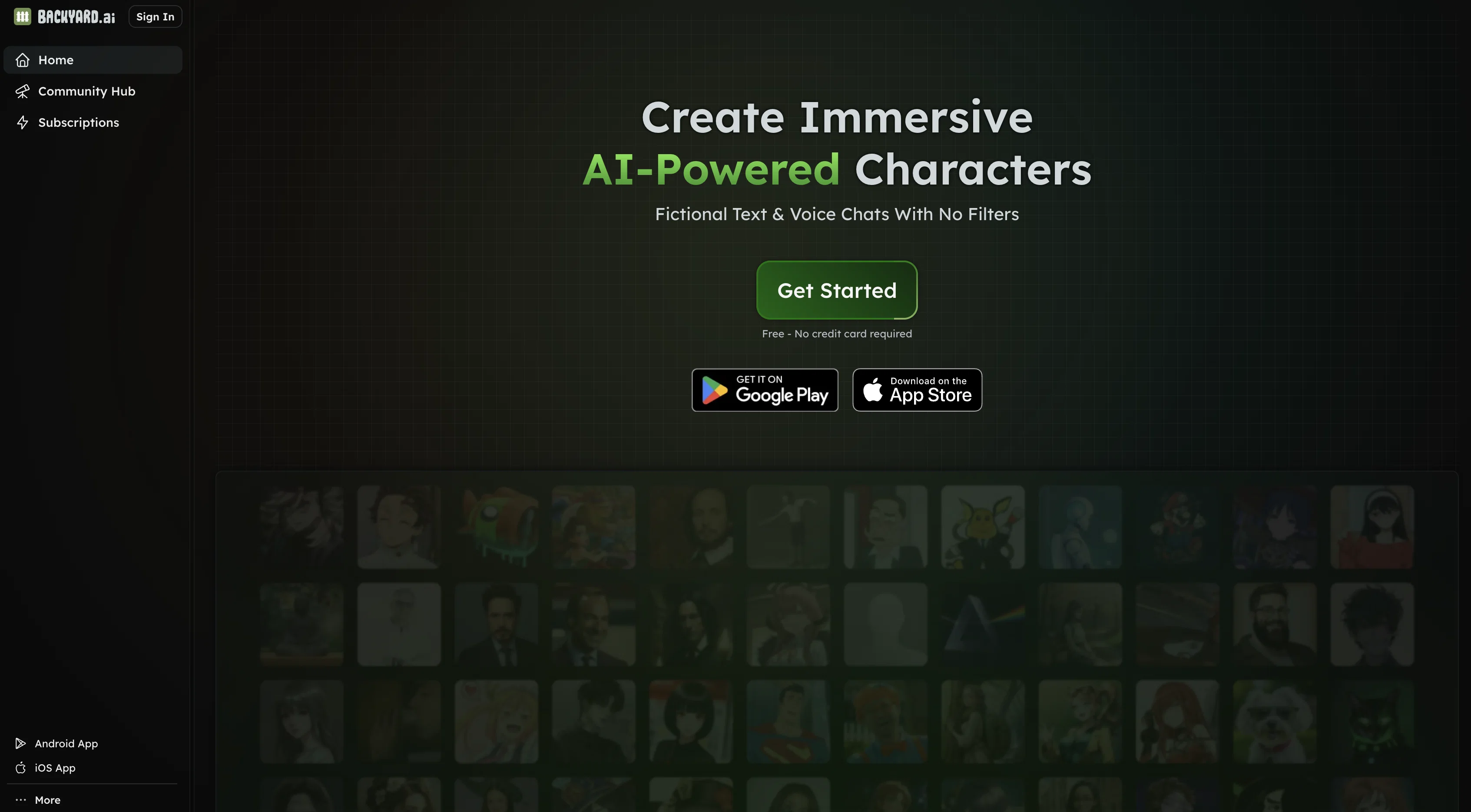
Backyard AI is a powerful platform that offers AI-powered chat and interactive story creation tools, capable of working offline with zero configuration.
It hosts diverse characters that users can thoroughly enjoy. This tool utilizes AI models locally, bringing advantages in data privacy, as the data is stored locally on the device, allowing for complete control and privacy, while also offering an offline working capability.
It integrates automatic GPU acceleration, configuring the optimal performance on any given hardware with no technical knowledge required for setup. Moreover, Backyard AI's desktop experience extends to mobile through tethering, permitting remote usage from a web browser.
The tool also provides an extensive range of AI language models for text adventure creation, with new models added regularly. Additionally, Backyard AI offers cloud services to enhance creativity with fast, performant AI models accessible from anywhere.
Extremely data secure, the tool ensures data encryption at rest and remains private under all circumstances. The platform also offers ultra-high-quality language models and promising browsing speeds for immersive chat experiences.
The software is available in both Desktop App and Web Browser formats, providing flexibility to users.
Access & connections
Where you can use Backyard AI.
Capabilities
What this tool accepts, produces, and is strongest at.
Input
- Text
Output
- Text
Pros & cons
Pros
- Open-source tool
- Runs Language Learning Models
- Offers offline accessibility
- Zero configuration tool
- Chat interface
- Supports Discord, Twitter
- Requires no internet
- Supports various operating systems
Show 9 more
- Optimal performance with 8GB RAM
- Supports Mac OS Apple Silicon
- Supports Intel-based Macs
- Compatible with Windows
- 49-second demo available
- User control and independence
- Privacy maintained
- Direct use on local machines
- Suitable for offline use
Cons
- Requires 8GB of RAM minimum
- Only chat-based interface
- Requires software download
- Limited platform versatility
- No mobile support
- No cloud-based services
- Only supports Discord and Twitter
- No web-based interface
Show 1 more
- No real-time updates
Compare alternatives
Similar tools in the catalog — with a clear reason to open each one.

RedPill AI ✓
FreemiumProvable Confidential AI - Encrypted, Verifiable, and Truly Private
Why look Typically cheaper
Full comparison


Memorr.AI ✓
PaidYour AI conversations, never forgotten
Why look Higher community rating
Full comparison
FireTexts ✓
FreemiumGenerate text messages for flirting, rizz, or talking, sexting, and dating
Why look Typically cheaper
Full comparison
PrivateLLM ✓
PaidYour private AI chatbot for Apple devices, offline and secure.
Why look Typically cheaper
Full comparisonReleases 1
Imported reviews 1
This is an amazing free app that uses community created characters. All AI processing is done on your local computer and doesn’t get loaded to some cloud database. Also, there is a paid cloud service that’s $15 a month but that’s not the focus of what they provide.
FAQ 12
What is Faraday.dev?
How does Faraday.dev work?
What are the system requirements for Faraday.dev?
Do I need internet access to use Faraday.dev?
What platforms does Faraday.dev support?
How can I interact with AI characters on Faraday.dev?
What is the purpose of the open-source nature of Faraday.dev?
Can Faraday.dev be used offline?
What are the advantages of Faraday.dev compared to other AI tools?
What is the recommended RAM for using Faraday.dev?
Does Faraday.dev support MacOS with Apple Silicon?
Can I use Faraday.dev on Windows?
Related tools
Recommended

Agentgpt ✓
FreemiumDeploy autonomous AI Agents effortlessly in your browser.

AutoGPT ✓
Free TrialRun AutoGPT in your browser for free

Odin ✓
FreemiumReal-time info & personalized doc creation assistant.

Pi ✓
FreeYour supportive AI companion for answers and conversation.

Allofus ✓
FreeEnable JavaScript for the best experience.

Browser AI | Opera ✓
FreeChat with AI seamlessly integrated in your browser.