

Expense tracking 2026 Rank: #1490
ExpenseBot ✓
AI Expense Tracking for Google
Trial; then from $10/mo
Verdict
A quick read before you dig into the full page.
- Best if
- AI Expense Tracking for Google
- Skip if
- Not all accounting tools supported
- Pick this when
- Expense management for Google Workspace
Considering Rolly: AI Money Tracker instead? Compare side by side
Overview
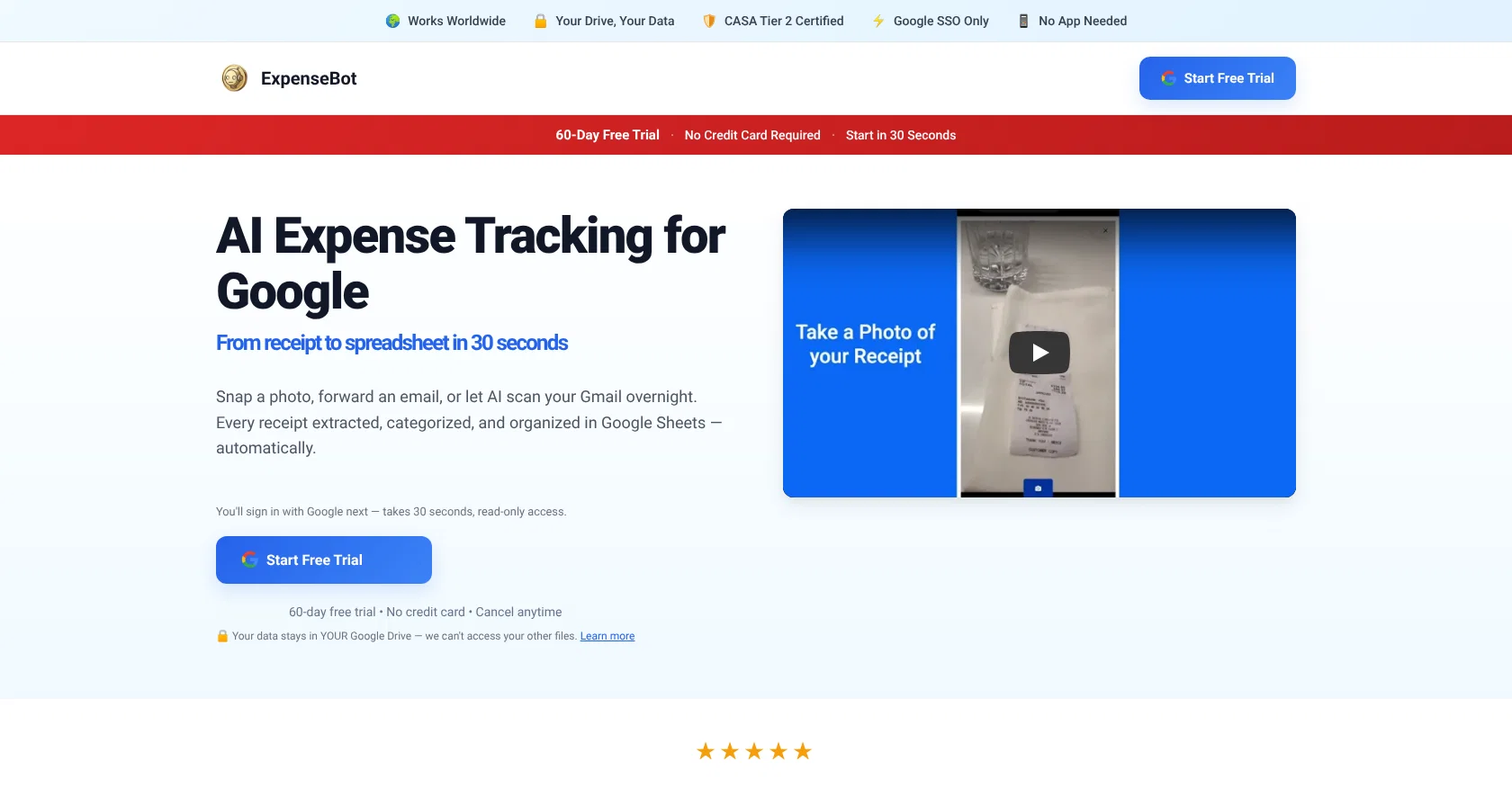
ExpenseBot is an AI-based expense management tool designed for use within Google Workspace. Offering features suited to various user types, it serves a range of professionals from freelancers to team collaborations and accountants.
One of its primary functionalities is tracking expenses, a feature that is essential for freelancers and teams alike, who need to keep a close eye on their financial operations.
The tool is particularly useful for accountants in facilitating their responsibilities regarding financial tracking and reporting. It features Gmail auto-capture, which automatically identifies and records financial transactions from emails, streamlining the tedious task of manual expense logging.
Expenses can be reconciled with credit card statements, providing an additional layer of accuracy and financial control. Also, ExpenseBot offers compatibility with QuickBooks, allowing for smoother and more efficient data export.
This enables seamless integration of expense data into existing accounting systems, simplifying the process of financial management. Note that to effectively use ExpenseBot, users need to have JavaScript enabled.
Overall, ExpenseBot stands out for its use of AI to automate and simplify the task of managing expenses.
Best for
Short scenarios where ExpenseBot tends to shine.
-
AI Expense Tracking for Google
Example outputs 1
Sample generations and before/after results for ExpenseBot.
Access & connections
Where you can use ExpenseBot, and what it plugs into.
Platforms
Capabilities
What this tool accepts, produces, and is strongest at.
Input
- Tabular
Output
- Tabular
Highlights
- MCP
Supported features
- Finance & Accounting
- Spreadsheets
- Image Understanding
- Automation
- Integrations
- Assistant
- MCP
Pros & cons
Pros
- Expense management for Google Workspace
- Suits freelancers, teams, accountants
- Automated expense tracking
- Gmail auto-capture for expenses
- Credit card reconciliation feature
- QuickBooks data export
- Eliminates need for manual entry
- Helps ensure complete expense tracking
Show 7 more
- Seamless accounting software integration
- JavaScript enabled
- Efficient financial data management
- Reduces human error
- Saves time in accounting
- Streamlines financial tracking
- Automation of financial operations
Cons
- Not all accounting tools supported
- Requires manual entry of some mileage expenses
- Required Gmail or Workspace account
- Requires JavaScript enabled
- Only supports one user type (accountants, teams, freelancers) at a time
Compare alternatives
Similar tools in the catalog — with a clear reason to open each one.

Rolly: AI Money Tracker ✓
FreemiumAI-powered expense tracking through interactive chat interface.
Why look Typically cheaper
Full comparison
Clint ✓
Free TrialAI-powered expense tracking that optimizes your spending.
Why look Typically cheaper
Full comparison
Moooney AI ✓
FreemiumTrack expenses effortlessly with AI.
Why look Higher community rating
Full comparison
ShowMeMoney ✓
Free TrialAI-powered expense tracking for smarter spending
Why look Typically cheaper
Full comparison
SparkReceipt ✓
FreemiumScan, track, and manage receipts with AI-powered efficiency.
Why look Typically cheaper
Full comparisonPeople also view
Tools that often show up alongside ExpenseBot in collections and comparisons.

ReceiptiX ✓
FreemiumExpense tracking made simple
Moooney AI ✓
FreemiumTrack expenses effortlessly with AI.
SparkReceipt ✓
FreemiumScan, track, and manage receipts with AI-powered efficiency.
ShowMeMoney ✓
Free TrialAI-powered expense tracking for smarter spending
Rolly: AI Money Tracker ✓
FreemiumAI-powered expense tracking through interactive chat interface.
Clint ✓
Free TrialAI-powered expense tracking that optimizes your spending.

RouterBase ✓
PaidOne API to rule 200+ AI models.

Quaestor Ledger ✓
Free TrialAn AI-powered financial command center that untangles your complex financial life
Releases 1
FAQ 12
What is ExpenseBot?
Who is ExpenseBot designed for?
How does the AI expense tracking feature in ExpenseBot work?
What is Gmail auto-capture in ExpenseBot?
What is the credit card reconciliation feature in ExpenseBot?
How does ExpenseBot help in maintaining financial accuracy?
Can ExpenseBot export data to QuickBooks?
What is the benefit of exporting data to QuickBooks from ExpenseBot?
What requirements are there to use ExpenseBot?
Why is ExpenseBot considered a user-friendly tool?
What role does AI play in ExpenseBot's functionality?
How does Gmail auto-capture feature help save time in ExpenseBot?
Related tools
Recommended

VenturusAI ✓
FreemiumBusiness idea analysis and reporting.

Stunning ✓
PaidBuild AI-powered websites in seconds

DataSquirrel ✓
FreemiumData cleaning & visualization for insights gained.

Limecube ✓
FreemiumTransforming the way websites are created with AI.

Flowpoint ✓
FreemiumWebsite Analytics Reports with AI Agents

Pineapple Builder ✓
FreemiumAI Website Building for Businesses