
Excelmatic
AI-powered Excel data analysis, visualization, and automation tool.
Free + from $9.9 / mo
Verdict
A quick read before you dig into the full page.
- Best if
- You are data Analysts and need: Simplifying complex Excel spreadsheets with multiple sheets, formulas, and data types
- Skip if
- You need enterprise SLAs or a fully managed team plan right away
- Pick this when
- Freemium · Free + from $9.9 / mo
Overview
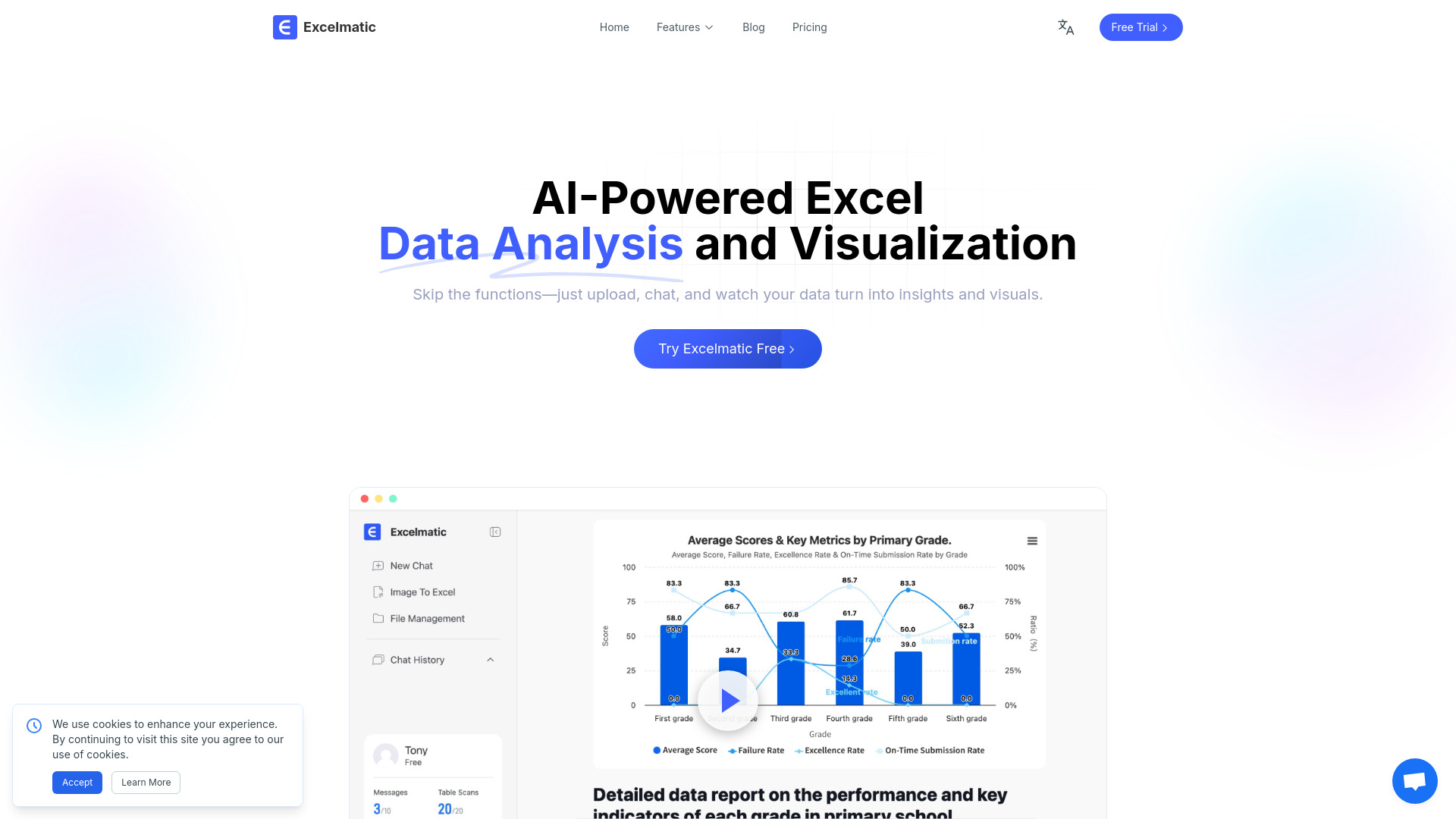
Excelmatic is an AI-powered tool designed for Excel data analysis, visualization, and automation. It enables users to interact with their Excel files by asking questions in plain English, receiving instant answers, charts, and AI-driven insights for fast and accurate reporting. The platform aims to simplify complex Excel operations, advanced statistical analysis, chart creation, and business intelligence tasks, making data analysis accessible to everyone.
Best for
Short scenarios where Excelmatic tends to shine.
-
Simplifying complex Excel spreadsheets with multiple sheets, formulas, and data types.
Best for Data Analysts
-
Making sense of confusing statistical metrics and calculations.
Best for Business Intelligence Managers
-
Reducing hours spent on creating charts and reports.
Best for Product Managers
-
Identifying critical insights from data to avoid missing important information.
Best for CEOs
-
Automating data cleaning and repetitive tasks like copy-pasting.
Best for Marketing Directors
-
Generating professional charts (bar, pie, line) quickly and customizing their styles.
Best for Data Scientists
-
Performing trend analysis and anomaly detection to understand business development and risks.
Best for Anyone overwhelmed by complex Excel spreadsheets
-
Creating Excel formulas easily with natural language input, even for complex scenarios.
Best for Beginners in Excel
Example outputs 1
Sample generations and before/after results for Excelmatic.
Access & connections
Where you can use Excelmatic, and what it plugs into.
Platforms
Integrations
Capabilities
What this tool accepts, produces, and is strongest at.
Highlights
- AI Spreadsheet Assistant: Smart Excel operations via natural language.
- AI Data Analysis: Advanced statistical analysis and insights.
- AI Data Visualization: Create stunning charts and graphics instantly.
- AI Business Intelligence: Transform data into actionable business insights.
- AI Image to Excel: Convert table data images to editable Excel in one click.
- AI PDF to Excel: Convert PDF tables to editable Excel in one click.
- Automate Tedious Repetitive Tasks: Clean complex data with a single click.
- One-Click Chart Generation: Generate professional charts through conversational interaction.
Show 2 more
- Instant Data Insights: Intelligently extract KPIs, indicators, and key data summaries.
- Intelligent Formula Assistant: Generate formulas automatically with natural language input.
People also view
Tools that often show up alongside Excelmatic in collections and comparisons.

