

Workflows 2026 Rank: #2411
ETLR ✓
AI workflows as code, deployed in minutes.
Free + from $27/mo
Verdict
A quick read before you dig into the full page.
- Best if
- AI workflows as code, deployed in minutes
- Skip if
- Complex for non-developers
- Pick this when
- YAML for workflow creation
Considering PixieBrix instead? Compare side by side
Overview



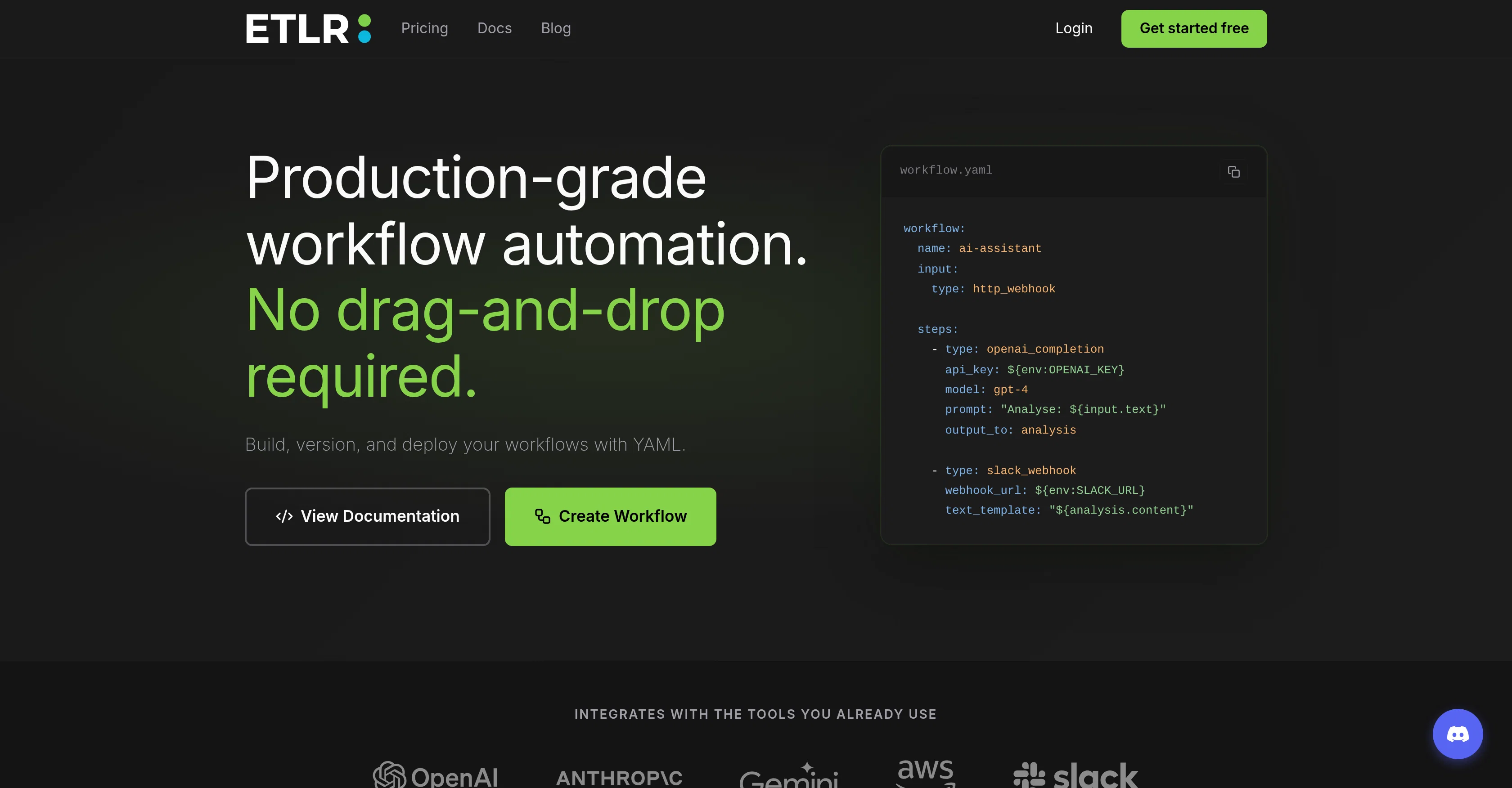
ETLR is an AI workflow automation tool enabling users to create, version, and deploy workflows using YAML. Implemented with a 'workflows as code' approach, it provides a straightforward way to manage AI workflows without the need for UI manipulation.
ETLR comes with built-in version control for workflows, making tracking changes and rolling back updates effortless. By deploying workflows with a single command, developers can avoid the tedious configuration of infrastructure - making the tool a timesaver.
It integrates with various tools like OpenAI, AWS, Slack, Python, and more, enhancing its functionality. Further, it offers notable features such as real-time metrics, structured logs, step-by-step execution traces which provide complete visibility into workflow execution.
ETLR also supports Python-transform at ease, discarding the need for 3rd party scripts. The robust error tracking system helps in easy debugging whenever required.
Also, ETLR enterprise users get the luxury of dedicated support and SLA guarantees. Lastly, the pricing strategy is simple and credit-based, where one credit equals one workflow execution.
Access & connections
Where you can use ETLR, and what it plugs into.
Platforms
Integrations
Capabilities
What this tool accepts, produces, and is strongest at.
Input
- API
- Code
- Tabular
- Text
Output
- Code
- API
- Text
Highlights
- API
Supported features
- Automation
- Integrations
- API
Pros & cons
Pros
- YAML for workflow creation
- Code-based workflow automation
- Version history tracking
- Change and upgrade models seamlessly
- Git-friendly interface
- Workflows as code
- Google Gemini integration
- AWS integration
Show 39 more
- Slack integration
- Python integration
- Built-in metrics
- Structured logs for visibility
- Execution traces for details
- Automatic error detection
- Accept HTTP webhooks
- Transform data with Python
- Forward processed data
- Enterprise Support
- SLA Guarantees
- Credit-Based Pricing
- One command deployment
- Integrated version control
- Python-Transform supported
- Automatic error tracking
- Step-by-step execution traces
- Robust debugging support
- Workflow roll-back capability
- Supports production-ready observability
- Real-time performance tracking
- Track changes, review in PRs
- Store workflows in repo
- Automatic versioning
- One-Click Rollback
- Detailed logs for steps
- Automated error detection
- Manual Python functions
- Simple, transparent pricing
- Dedicated support for enterprise
- Time-stamp and unique IDs addition
- Webhook accept from any source
- Custom code transformation
- Data forwarding to external services
- Health Monitoring
- Can schedule health checks
- Handle non-200 responses
- Alerting via Discord
- Customization of workflow parameters
Cons
- Limited UI interaction
- YAML-only workflow creation
- No drag-and-drop convenience
- Credit-based pricing model
- No credit rollovers
- Complex for non-developers
- Limited enterprise customization
- Only Python support
Show 2 more
- Enterprise tier required for SLA guarantees
- Exclusively code-focused: less accessible
Compare alternatives
Similar tools in the catalog — with a clear reason to open each one.

PixieBrix ✓
FreemiumExtend your apps, accelerate work
Free + from $10/mo per developer, $5/mo per user
Full comparison




WebFill ✓
FreemiumFilling forms and emails, solving MCQs, for students and professionals.
Why look Typically cheaper
Full comparisonReleases 1
FAQ 12
What is ETLR?
How does ETLR enhance AI workflow automation?
What is the significance of YAML in ETLR?
How does ETLR ensure version control?
Can I integrate ETLR with other commonly-used tools like OpenAI, Google Gemini, AWS, and Slack?
How does ETLR facilitate model updates?
How can I track changes and restore previous versions using ETLR?
Is ETLR git-friendly? Can I store workflows in my repo?
How does ETLR help in monitoring, debugging, and optimization?
How can I track execution counts, success rates and performance trends in ETLR?
Can ETLR automatically detect errors for quick debugging?
How does ETLR use HTTP webhooks?
Related tools
Recommended

Thea ✓
FreemiumAI study tools to master material, not just memorize it.

Notis ✓
Free TrialThe first WhatsApp assistant that runs on your ChatGPT and Claude subscriptions

CodeRabbit ✓
Free TrialEnhanced code review for improved workflow and quality.

Claude ✓
FreemiumBuilding reliable, interpretable AI systems

Gemini ✓
FreemiumGemini: Google's most capable AI model yet

Younet ✓
Free TrialAI Agent Orchestration and Automation. Build your agentic business.