
Ethertext
AI-powered clipboard for text transformation and productivity.
Source rating 5.0
(58)
0 views
0 saves
Unknown
Verdict
A quick read before you dig into the full page.
- Best if
- AI-powered clipboard for text transformation and productivity
- Pick this when
- AI-powered clipboard for text transformation and productivity
Overview
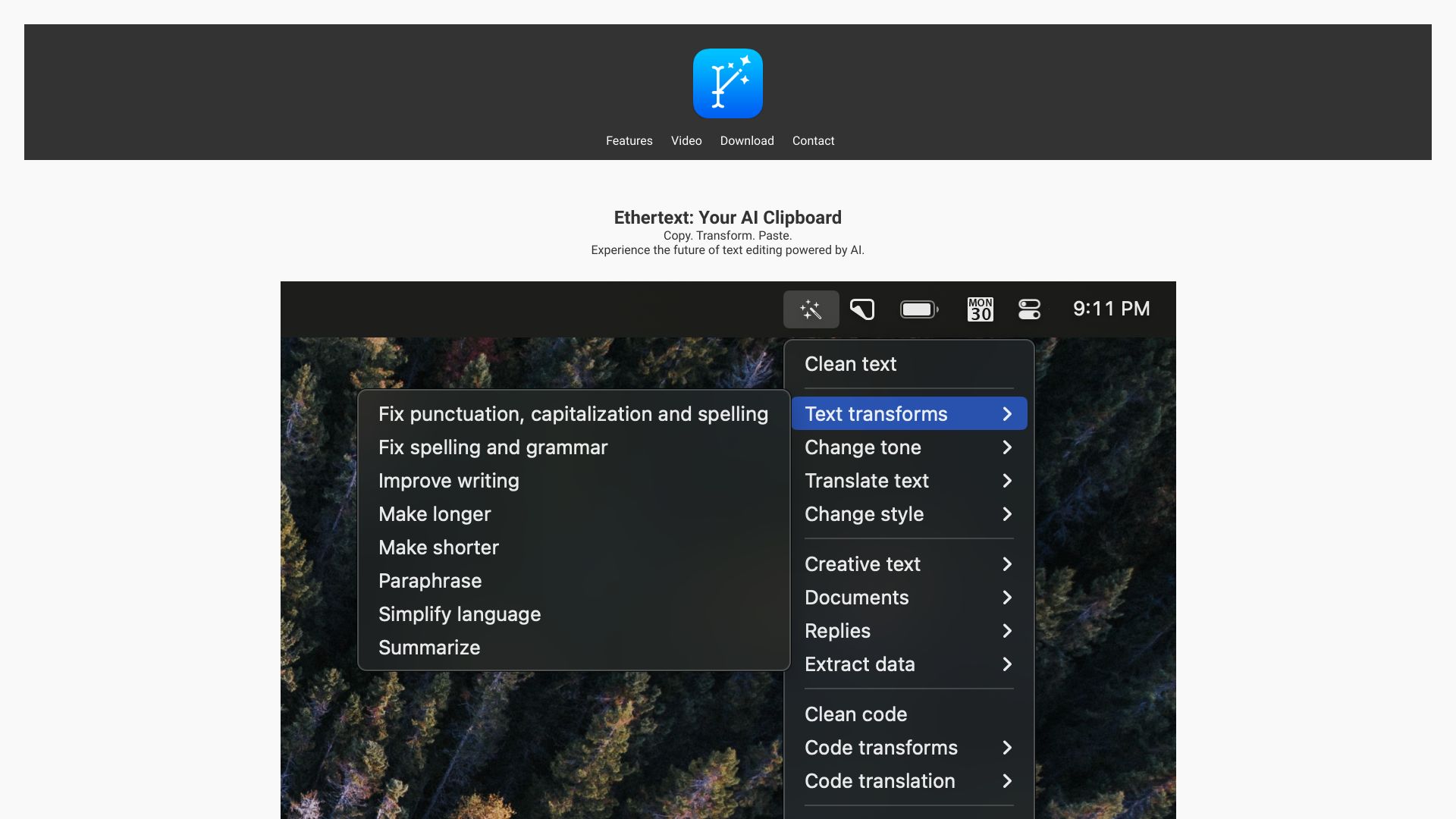
Ethertext is an AI clipboard that enhances productivity with AI-driven text editing. It allows users to copy, transform, and paste text using various AI-powered features. Ethertext supports integration with OpenAI, Google Gemini, Anthropic, and Ollama for local AI model support. It offers features like one-click text transformations, customizable tone and style, code debugging and translation, and text memorization and recall.
Access & connections
Where you can use Ethertext.
Platforms
Capabilities
What this tool accepts, produces, and is strongest at.
Highlights
- AI-powered text transformation
- Text memorization and recall
- Code debugging and translation
- Voice dictation and transcription
- Screenshot text capture
- Integration with OpenAI, Google Gemini, Anthropic, and Ollama
FAQ 7
What is Ethertext?
Ethertext is an AI clipboard that enhances productivity with AI-driven text editing. It allows users to copy, transform, and paste text using various AI-powered features. Ethertext supports integration with OpenAI, Google Gemini, Anthropic, and Ollama for local AI model support. It offers features like one-click text transformations, customizable tone and style, code debugging and translation, and text memorization and recall.
How to use Ethertext?
1. Copy text to your clipboard (⌘C). 2. Select a transformation option from the Ethertext dropdown. 3. Paste the transformed text (⌘V). Alternatively, use keyboard shortcuts like ⌘⇧T to clean text, ⌘⇧M to memorize text, ⌘⇧D to dictate and transcribe voice, ⌘⇧S to capture screen text, and ⌘⇧R to recall past text.
What AI models does Ethertext support?
Ethertext supports OpenAI, Google Gemini, Anthropic, and Ollama for local AI model support.
What are some of the key features of Ethertext?
Key features include one-click text transformations, customizable tone and style, code debugging and translation, text memorization and recall, voice dictation and transcription, and screenshot text capture.
What are the system requirements for Ethertext?
Ethertext requires macOS 13+.
How do I add my API keys for OpenAI, Google Gemini, or Anthropic?
You can add your API keys in the Settings menu. Links to obtain the keys are provided for each service.
How do I use Ollama with Ethertext?
Install Ollama and download AI models, then enable Ollama support in Settings and pick your favorite model.
Related tools
Recommended


Ethertext