

Emma AI ✓
Create custom AI assistants in minutes.
From US$12 per month
Verdict
A quick read before you dig into the full page.
- Best if
- Create custom AI assistants in minutes
- Skip if
- Limited chatbot personalization options
- Pick this when
- Connects with business data
Considering FastBots instead? Compare side by side
Overview
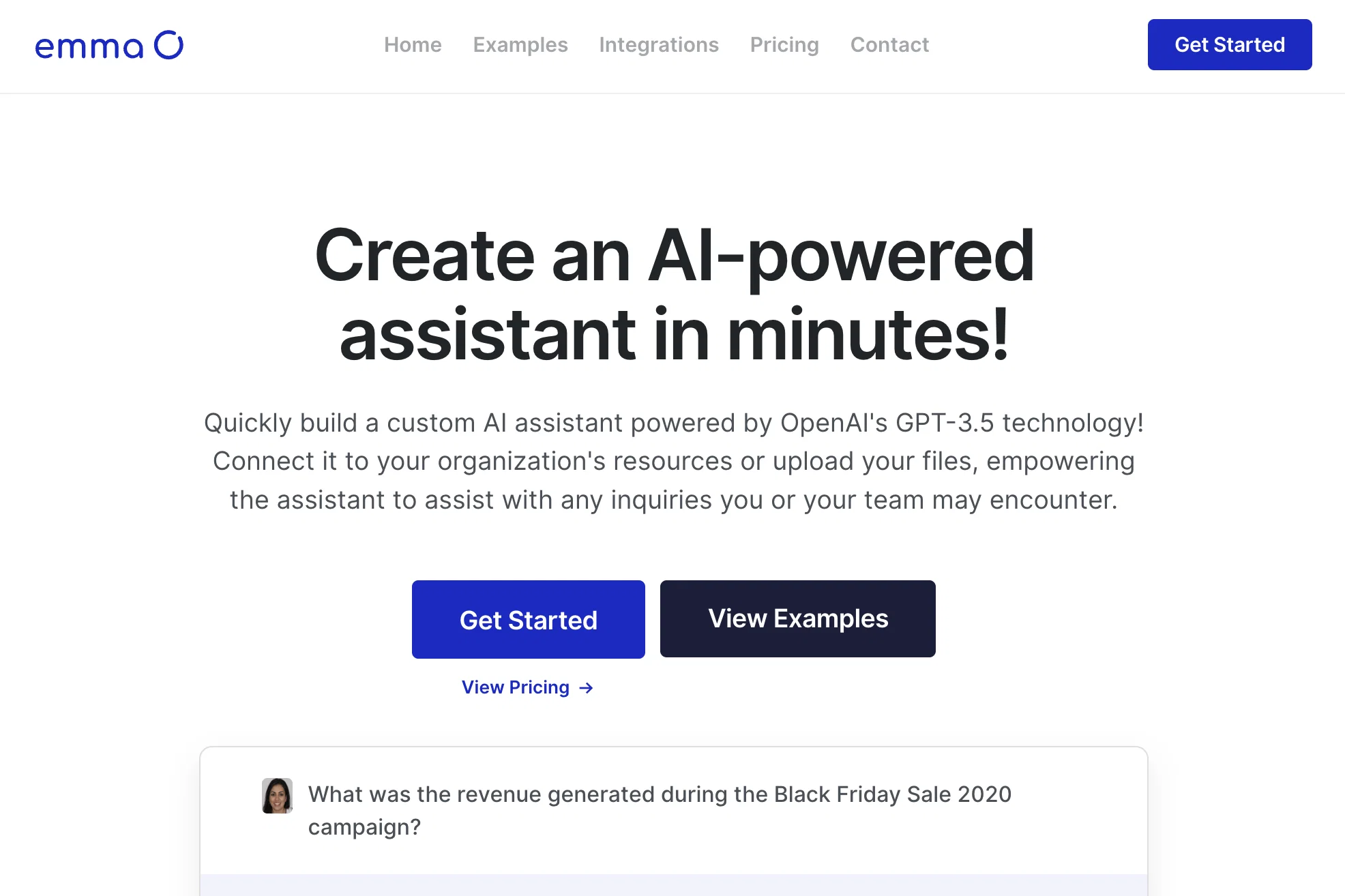
Emma is an AI-powered assistant tool that allows users to quickly build a custom AI assistant using OpenAI's GPT-3.5 technology. The tool offers the ability to create personalized chatbot assistants that can seamlessly connect with business data and integrations.
By eliminating the need to search data, inquire with team members, or sift through documentation, Emma helps save time and improve efficiency.With Emma, users can create help-desk assistant chatbots by connecting various data sources such as integrations, spreadsheets, or manually uploaded documents.
The tool also offers a training feature where Emma can ask questions to learn about the information users want their assistant to be familiar with. This helps the assistant become a knowledgeable resource.Interacting with the assistant can be done through the chat webpage, desktop application, integrations, or by accessing the Emma API.
The tool offers the flexibility to create assistants for different use cases, teams, projects, or workflows, allowing users to customize data access for each assistant.Emma supports seamless integrations with a wide range of platforms and file formats.
This enables users to connect their favorite applications, such as Slack, support applications, Zapier, and email software, to interact with the assistant.Overall, Emma is a versatile AI tool that empowers users to create AI-powered assistants tailored to their specific needs, allowing for efficient data access and streamlined communication.
Access & connections
Where you can use Emma AI, and what it plugs into.
Platforms
Capabilities
What this tool accepts, produces, and is strongest at.
Input
- Text
- Tabular
Output
- Text
- API
Pros & cons
Pros
- Connects with business data
- Time-saving data access
- Help-desk chatbot creation
- Supports various data sources
- Includes training feature
- Accessible via webpage, desktop, API
- Flexible for use cases, teams
- Customizable data access
Show 11 more
- Integration with many platforms
- Supports wide range file formats
- Interaction via desktop application
- Interaction via integrations
- Efficient data access
- Streamlined communication
- Can create public/private chatbots
- Connect with up to 90% efficiency
- Control data access
- Integration with popular apps like Slack, Zapier
- Can manually upload documents
Cons
- No offline usage
- Potential data privacy concerns
- Requires manual data input
- Limited to only text-interactions
- No multilingual support reported
- Limited chatbot personalization options
- May require technical understanding
- Potentially overwhelming number of integrations
Show 1 more
- Not mentioned real-time data syncing
Compare alternatives
Similar tools in the catalog — with a clear reason to open each one.
FastBots ✓
FreemiumCreate AI chatbots customized with your business data.
Why look Offers a public API
Full comparison
Chatbit ✓
FreemiumTrain custom AI Chatbot from your data, add to website.
Free + from $19/mo
Full comparison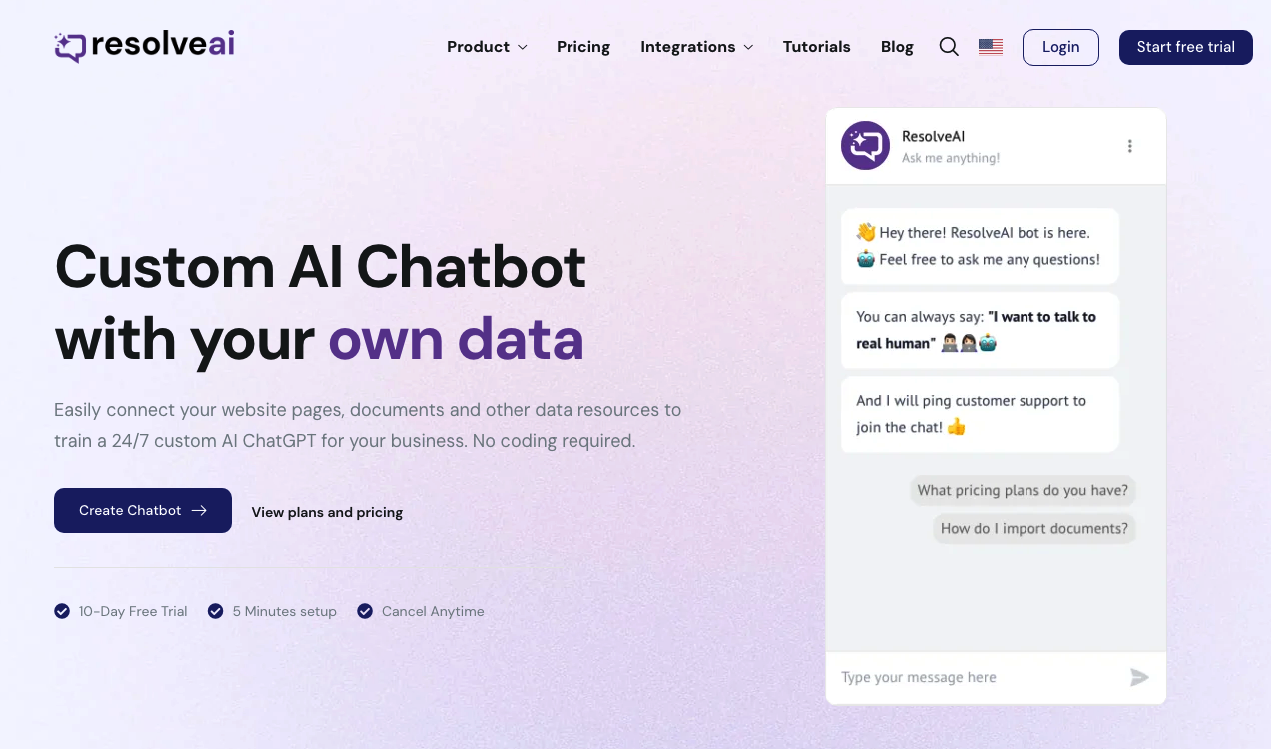
ResolveAI
PaidSaaS platform for creating custom AI customer service chatbots with no coding required.
Why look Better fit for coding
Full comparison
intoCHAT ✓
FreemiumTransform customer interactions with AI chatbots.
Why look Higher community rating
Full comparison

Releases 1
FAQ 12
What is Emma AI?
What technology powers Emma AI?
How can I build a custom AI assistant with Emma?
What kinds of data can Emma connect with?
How does Emma AI help in improving efficiency?
How can I create a help-desk assistant with Emma?
What is the training feature of Emma?
Through what channels can I interact with the AI assistant created by Emma?
How does Emma fit into different use cases, teams, projects, or workflows?
What types of platforms and file formats are supported by Emma for integration?
Can I customize the data access for each assistant created using Emma?
Can the Emma-based assistant be connected to my email software?
Related tools
Recommended

Chaindesk ✓
FreemiumCustomizable chatbot for support

GhostTheWriter
Free TrialSummon spirits to write for you while you watch.

Flowpoint ✓
FreemiumWebsite Analytics Reports with AI Agents

AUDITSU ✓
Free TrialAccessibility compliance for EU mobile apps

Quick Creator ✓
FreemiumEnhanced SEO content creation and optimization.

Magickpen ✓
FreemiumWrite anything in seconds, just like magic.