

EmailTriager ✓
Email on autopilot: AI drafts replies automatically.
Free + from $10/mo
Verdict
A quick read before you dig into the full page.
- Best if
- Email on autopilot: AI drafts replies automatically
- Skip if
- Cannot handle complex requests
- Pick this when
- Automated email replies
Considering CXassist instead? Compare side by side
Overview
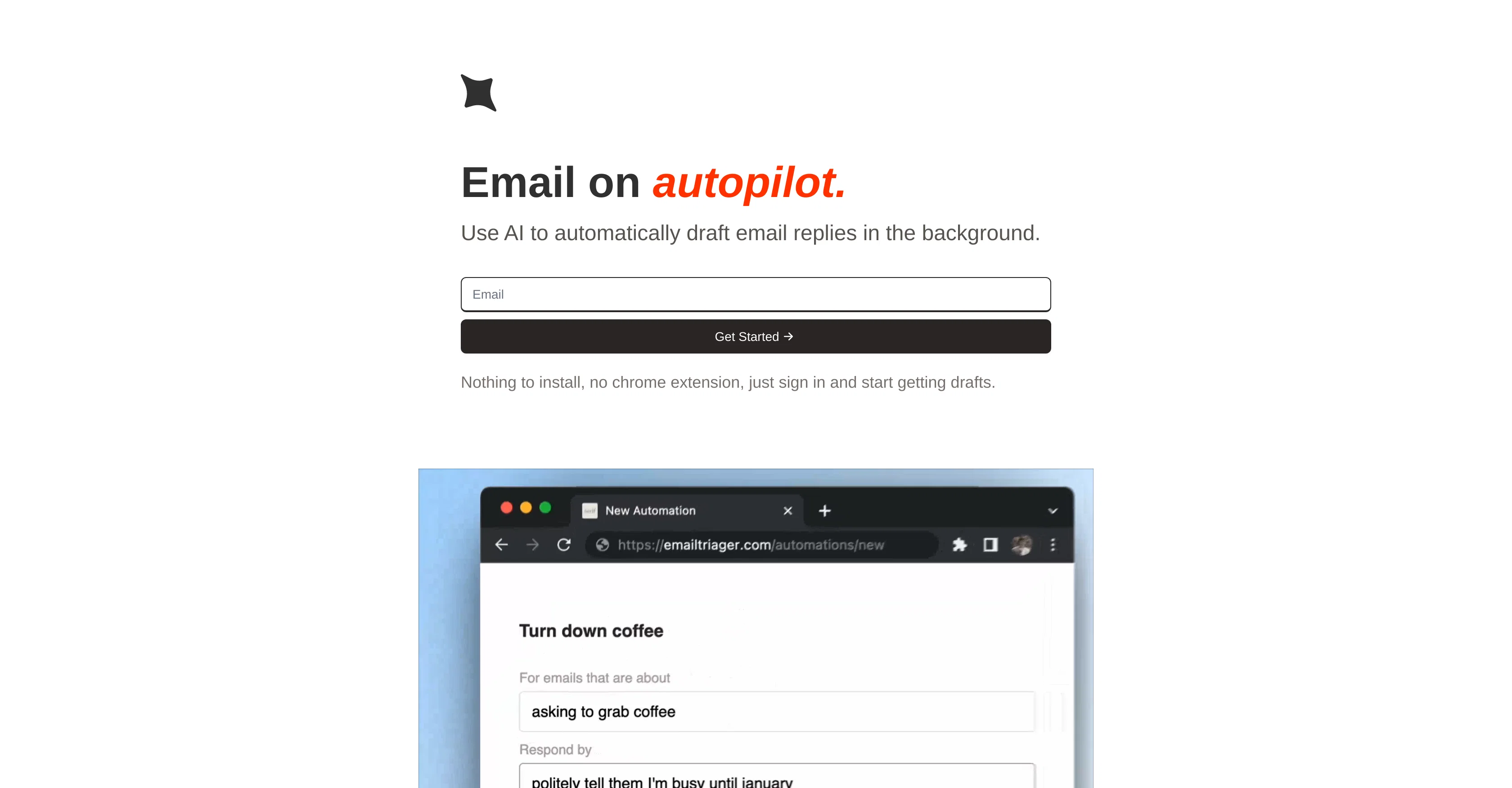
EmailTriager uses artificial intelligence to draft email replies autonomously, thus assisting in speeding up your email correspondence process. It effectively works in the background without necessitating the installation of any external software or browser extension.
This tool simply requires you to sign in and indicate the types of emails you wish for it to learn from. Instructions could include past responses to certain emails, as an example, 'support emails' replied to in the last year.
You also have the flexibility to exclude specific emails such as those from personal contacts. After completing this process, EmailTriager will start generating draft responses that will appear in your inbox, ready to be reviewed and sent.
This can save significant amounts of time and allow users to concentrate on other important tasks. It is particularly beneficial for those who frequently deal with repetitive or similar inquiries through email.
The application is designed with a user-friendly interface and maintains privacy and confidentiality of your data.
Best for
Short scenarios where EmailTriager tends to shine.
-
Email on autopilot: AI drafts replies automatically.
Example outputs 1
Sample generations and before/after results for EmailTriager.
Access & connections
Where you can use EmailTriager.
Platforms
Capabilities
What this tool accepts, produces, and is strongest at.
Input
- Text
Output
- Text
Pros & cons
Pros
- Automated email replies
- Uses NLP technology
- Generates ready-to-send drafts
- Manages ever-growing inbox
- Privacy and security features
- No installation required
- No browser extensions needed
- Simple sign-in and start
Show 10 more
- Instructions in plain English
- Drafts show up in inbox
- Time saver for busy people
- Personalized reply context
- Handles mundane tasks
- Detailed email triage
- Highly intuitive tool
- Perfect for non-techies
- Secures user data
- Easily integrate with inbox
Cons
- Limited NLP understanding
- No customization options
- Potential privacy issues
- No mobile app
- Dependent on user instruction clarity
- No offline capabilities
- Limited to English language
- Cannot handle complex requests
Show 2 more
- No enterprise version available
- Doesn't support all email providers
Compare alternatives
Similar tools in the catalog — with a clear reason to open each one.

VoxReplay ✓
FreeVoice-to-email: Speak your reply, AI writes it.
Why look Fully free option
Full comparison
MailBuddy ✓
FreeReply to any email in 5 seconds with AI.
Why look Fully free option
Full comparisonPeople also view
Tools that often show up alongside EmailTriager in collections and comparisons.

CXassist ✓
FreemiumPut your inbox on autopilot with AI
VoxReplay ✓
FreeVoice-to-email: Speak your reply, AI writes it.

ReplaiGPT ✓
FreeGenerate personalized email replies.

MailReply ✓
FreemiumAI crafts professional email replies, saving you time.
MailBuddy ✓
FreeReply to any email in 5 seconds with AI.

TextWisely ✓
Paid⚡ Your everyday writing companion: Fix grammar, Reply emails, Paraphrase, and more...

Second Glance ✓
FreemiumReview emails before sending to avoid workplace misinterpretation.

HeyHelp ✓
Free TrialAI Email Assistant in Gmail that saves you 1 hour each day.
Releases 1
In the news
Launch coverage and community mentions for EmailTriager.
FAQ 12
What is EmailTriager?
How does EmailTriager use AI to automate email replies?
Is EmailTriager safe to use?
How does EmailTriager understand user's instructions?
What technology does EmailTriager use for processing language?
Do I need to install anything to use EmailTriager?
How can EmailTriager help with managing my inbox?
Can I review email drafts before they are sent with EmailTriager?
How does EmailTriager generate automated drafts?
Do I need to sign up to use EmailTriager?
What language should I use to tell EmailTriager what to do?
Does EmailTriager need constant supervision or does it work independently?
Related tools
Recommended

PostPerfect ✓
FreemiumAutomated social media posts.

VenturusAI ✓
FreemiumBusiness idea analysis and reporting.

TutorAI ✓
FreemiumInstant knowledge on any topic

Stratup.ai ✓
FreemiumInnovative idea generation for businesses.

Agentgpt ✓
FreemiumDeploy autonomous AI Agents effortlessly in your browser.

Stunning ✓
PaidBuild AI-powered websites in seconds
