

Draftsmith ✓
AI-powered editing to perfect your drafts in Word.
from $10/mo
Verdict
A quick read before you dig into the full page.
- Best if
- AI-powered editing to perfect your drafts in Word
- Skip if
- Limited to text simplification
- Pick this when
- Integrated into Microsoft Word
Considering Essay.app instead? Compare side by side
Overview
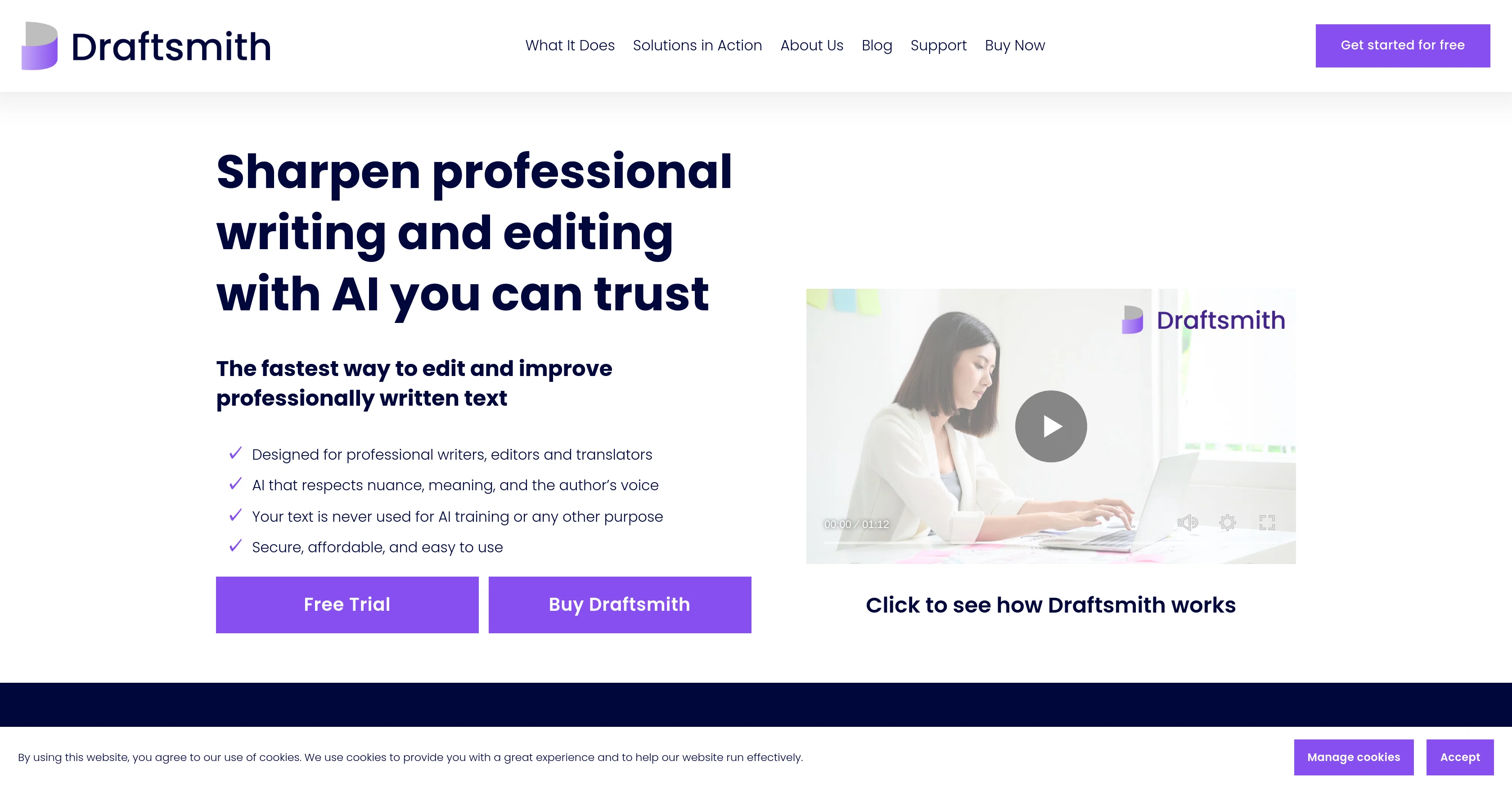
Draftsmith is an AI-powered tool designed to enhance the writing process. It assists in transforming initial drafts into well-polished, professional work and streamlines the editing processmaking it more efficient and preserving the unique voice and meaning of the original author.
Draftsmith is integrated directly into Microsoft Word, eliminating the need for copy-pasting and offering a seamless editing experience. Catering to the needs of professionals, it eases the most strenuous tasks and allows professionals to stay focused and thrive without burnout.
Furthermore, Draftsmith respects the privacy of users' data and ensures text privacy, with a commitment that user texts are neither stored nor used for AI training, which makes it a secure, easy-to-use tool for writers, editors, and translators.
Ideal not only for those using English as a first language but also for writers for whom English is a second or third language, Draftsmith provides suggestions to make text easily comprehensible to the targeted audience.
The AI offers ways to simplify text that is useful to professionals like medical communicators, marketers, and grant writers, enabling them to convey their intended message more efficiently.
Access & connections
Where you can use Draftsmith, and what it plugs into.
Platforms
Integrations
Capabilities
What this tool accepts, produces, and is strongest at.
Input
- Text
Output
- Text
Pros & cons
Pros
- Integrated into Microsoft Word
- Preserves original author voice
- Suggested edits apply
- Text privacy commitment
- Protects user data
- Supports native and non-native English
- Text simplification suggestions
- No hallucinations or plagiarism
Show 13 more
- Useful for various professionals
- Respects nuance and meaning
- Facilitates writing for target audience
- No text storage
- Track changes and complex formatting
- Edits selected text portions
- User retains final control
- Reduces word count quickly
- Improves English fluency
- Enterprise-grade security on Azure
- Personal and professional use
- Timesaving editing
- Helps prevent user burnout
Cons
- Microsoft Word exclusive
- No offline capabilities
- No multi-language support
- Limited scope for improvement suggestions
- No automatic changes
- Dependent on internet connection
- May miss nuanced errors
- Limited to text simplification
Show 2 more
- User approval needed for changes
- Not applicable for first drafts
Compare alternatives
Similar tools in the catalog — with a clear reason to open each one.



Ludwig ✓
UnknownFind the perfect English words and sentences.
Why look Higher community rating
Full comparison
AMP FinePoint ✓
PaidYour personal AI-powered editor-in-chief
Why look Typically cheaper
Full comparisonReleases 1
FAQ 12
What's the primary function of Draftsmith?
Is Draftsmith integrated with Microsoft Word?
How does Draftsmith ensure data privacy?
Can Draftsmith be useful for non-native English speakers?
How can Draftsmith help me simplify my texts?
Does Draftsmith offer any grammar check features?
Will using Draftsmith prevent work-related burnout?
Can Draftsmith help medical communicators in their work?
How can marketers benefit from Draftsmith?
Does Draftsmith offer any features for grant writers?
How does Draftsmith help maintain the unique voice of the author?
Can Draftsmith function without storing my data?
Related tools
Recommended

LaunchLemonade ✓
Free TrialBuild AI assistants effortlessly for your business.

TheLibrarian.io ✓
Free TrialYour WhatsApp AI assistant for instant productivity.

remio: Your Personal ChatGPT ✓
FreemiumGet Tailored Answer with Your Personal ChatGPT

Ideogram ✓
FreemiumAI-powered creativity booster

Collate ✓
FreeUnlimited free and private summaries and chat with PDF
GenTube ✓
FreeCreate stunning AI art in 2 seconds