Automation

Draftr

AI email assistant pre-writes replies in your voice, saving hours daily.

Source rating 5.0 (53) 116 views 116/mo traffic 0 saves Freemium
More categories (10)

Free + from $19.99 per month

Verdict

A quick read before you dig into the full page.

Best if
AI email assistant pre-writes replies in your voice, saving hours daily
Skip if
You need enterprise SLAs or a fully managed team plan right away
Pick this when
Freemium · Free + from $19.99 per month

Overview

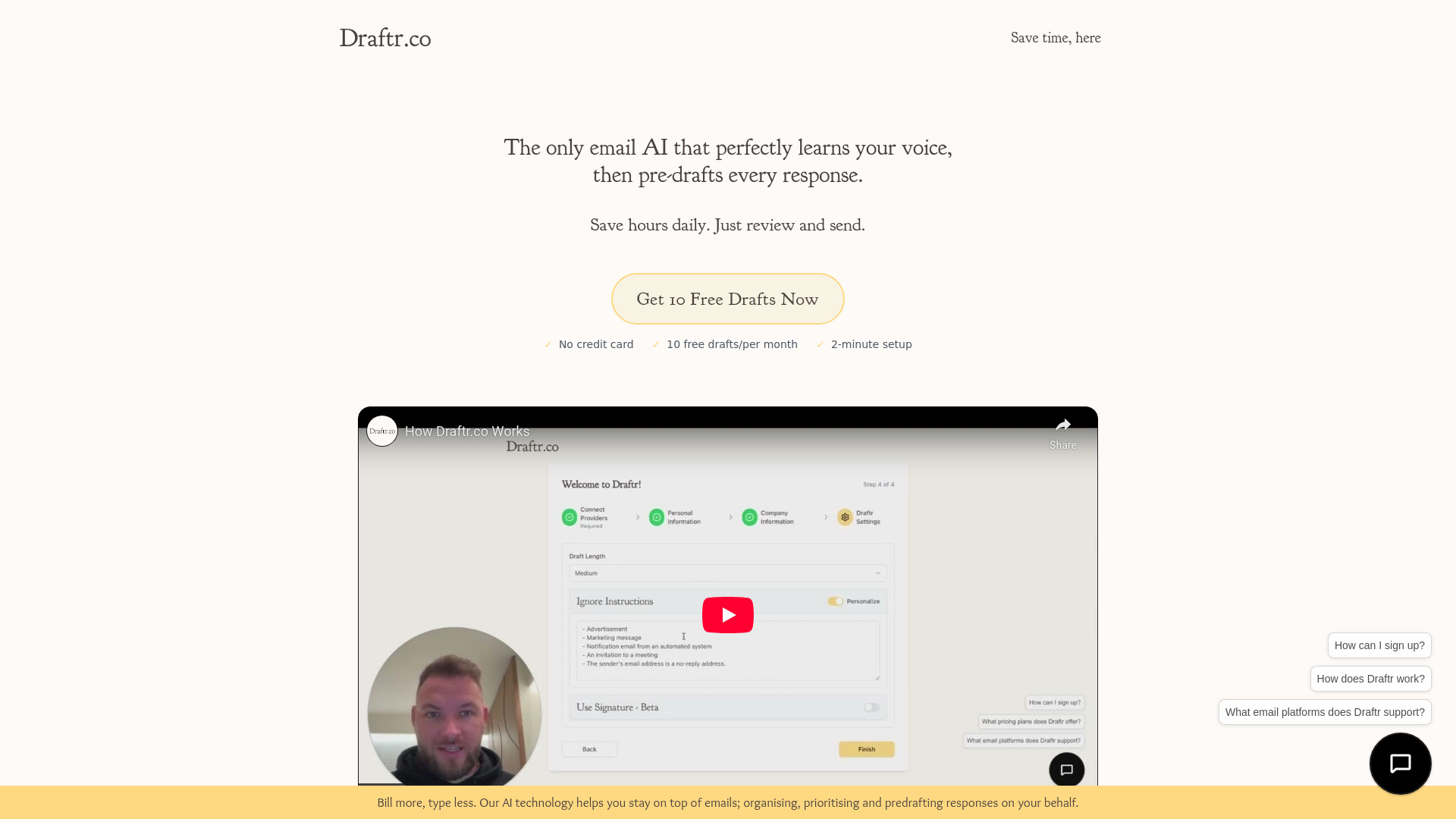
Draftr is an AI email assistant designed for busy professionals that pre-writes email replies in your exact voice as emails arrive, requiring no prompting. It automates email management, helping users save 2-3 hours daily by handling the reading, processing, and drafting of responses. Draftr integrates seamlessly with existing email workflows like Gmail and Outlook, learning your unique writing style to ensure all drafted messages are authentic and natural. While it automates content creation, human review and approval are always required before any email is sent, ensuring personal oversight.

Draftr screenshot

Access & connections

Where you can use Draftr, and what it plugs into.

Platforms

Web

Integrations

Capabilities

What this tool accepts, produces, and is strongest at.

Highlights

  • AI-powered email drafting in your exact voice
  • Automatic pre-writing of email replies
  • Email management and organization
  • Seamless integration with Gmail, Outlook, and more
  • Learning and replicating user's tone and prose
  • Requires human review and approval before sending

FAQ 8

What is Draftr?
Draftr is an AI email assistant designed for busy professionals that pre-writes email replies in your exact voice as emails arrive, requiring no prompting. It automates email management, helping users save 2-3 hours daily by handling the reading, processing, and drafting of responses. Draftr integrates seamlessly with existing email workflows like Gmail and Outlook, learning your unique writing style to ensure all drafted messages are authentic and natural. While it automates content creation, human review and approval are always required before any email is sent, ensuring personal oversight.
How to use Draftr?
To use Draftr, first, connect your Gmail account, which takes approximately 15 seconds. Once connected, the AI automatically learns your unique writing style by scanning your previous email responses. After this setup, drafts for incoming emails will appear automatically in your inbox, ready for you to review, edit, and send.
How does Draftr save me time?
Draftr pre-writes email replies in your exact voice as emails arrive, automating the drafting process and saving you 2-3 hours daily by reducing the need for manual typing.
Does Draftr send emails automatically?
No, Draftr only drafts the content. Human review and approval are always required before any email is sent, ensuring you maintain full control over your communications.
How does Draftr learn my voice?
Draftr connects to your email provider (like Gmail) and scans your previous responses to learn your unique tone, style, and prose, ensuring drafted messages feel authentic and natural.
Is my data secure with Draftr?
Yes, Draftr prioritizes your privacy with 256-bit encryption for secure data storage. Your data is never shared, sold, or rented to third parties, and all conversations are strictly confidential.
What email platforms does Draftr support?
Draftr integrates naturally with Gmail, Outlook, and more.
What pricing plans does Draftr offer?
Draftr offers a free Starter plan (up to 10 messages drafted/month), a paid Starter plan ($19.99/month or $4.99/month when paid annually for up to 100 messages), and a Professional plan ($79.99/month or $19.99/month when paid annually for up to 2000 messages).
Draftr Free + from $19.99 per month