Documentation Tool

Doclific

Open-source internal documentation tool integrating AI, diagrams, and code snippets in your repo.

Source rating 5.0 (90) 0 views 0 saves Unknown
More categories (6)

Verdict

A quick read before you dig into the full page.

Best if
Open-source internal documentation tool integrating AI, diagrams, and code snippets in your repo
Pick this when
Open-source internal documentation tool integrating AI, diagrams, and code snippets in your repo

Overview

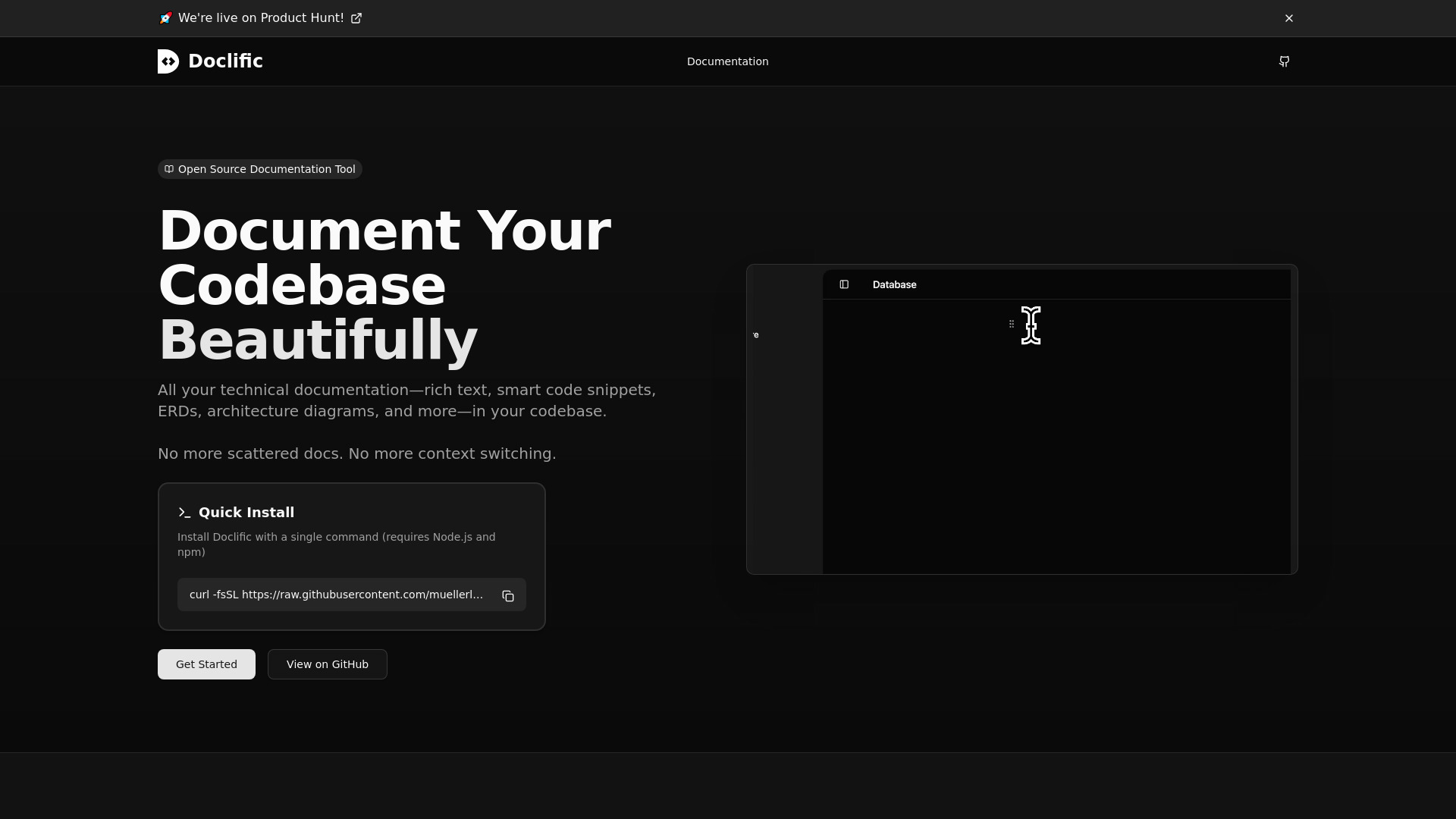
Doclific is an open-source, internal documentation tool designed to prevent documentation drift by ensuring all technical documents live within the code repository. It features a Notion-like rich text editor that supports headings, lists, and code blocks, along with powerful features like ERD diagramming, architecture whiteboarding, and integration of dynamic code snippets directly from the codebase. Doclific also includes built-in AI support (currently Google Gemini) to automatically generate documentation. It runs locally and fast, requiring no external services, and aims to keep documentation synchronized with the codebase via future CI integration.

Doclific screenshot

Access & connections

Where you can use Doclific, and what it plugs into.

Platforms

Web

Integrations

Capabilities

What this tool accepts, produces, and is strongest at.

Highlights

  • Documentation stored directly in the code repository (preventing drift)
  • AI-Powered Documentation Generation (using providers like Google Gemini)
  • Dynamic Code Snippets that pull directly from the repository
  • ERD Diagramming and Architecture Whiteboarding
  • Notion-like Rich Text Editor

FAQ 5

What is Doclific?
Doclific is an open-source, internal documentation tool designed to prevent documentation drift by ensuring all technical documents live within the code repository. It features a Notion-like rich text editor that supports headings, lists, and code blocks, along with powerful features like ERD diagramming, architecture whiteboarding, and integration of dynamic code snippets directly from the codebase. Doclific also includes built-in AI support (currently Google Gemini) to automatically generate documentation. It runs locally and fast, requiring no external services, and aims to keep documentation synchronized with the codebase via future CI integration.
How to use Doclific?
Doclific is installed using a single command line: `curl -fsSL https://raw.githubusercontent.com/muellerluke/doclific/main/scripts/install.sh | bash`. Once installed, users can use the Notion-like editor to create rich technical documentation, insert diagrams and dynamic code snippets, or prompt the built-in AI to generate documentation on the codebase.
Where does Doclific store the documentation?
Doclific stores all your documentation within your code repository. This is designed to ensure engineers always access the correct version and to prevent documentation drift.
Is Doclific an external service?
No, Doclific runs entirely on your machine. It is fast, local, and requires no external services.
How does Doclific prevent documentation drift?
It keeps documentation in the repo and utilizes dynamic code snippets that automatically update from your files. A future CI tool will also check for discrepancies during the workflow.
Doclific


