
Django Helper
VS Code extension for Django developers with AI-powered assistance.
Source rating 5.0
(90)
0 views
0 saves
Unknown
Verdict
A quick read before you dig into the full page.
- Best if
- VS Code extension for Django developers with AI-powered assistance
- Pick this when
- VS Code extension for Django developers with AI-powered assistance
Overview
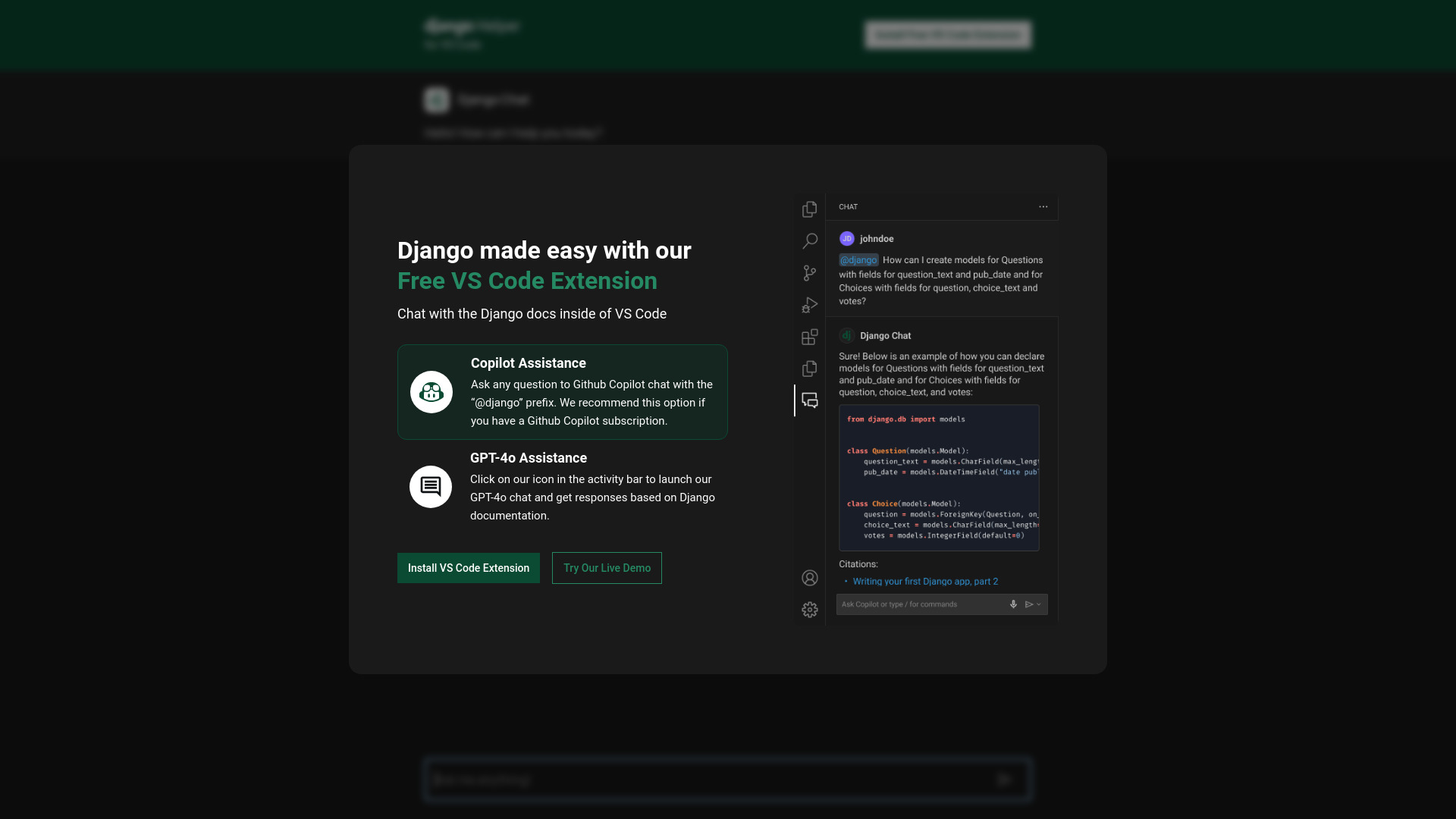
Django Helper is a VS Code extension designed for Django developers. It provides easy access to accurate information about Django usage. The AI chat system is trained on Django documentation and code examples, offering assistance within the VS Code environment.
Access & connections
Where you can use Django Helper, and what it plugs into.
Platforms
VS Code
Integrations
Capabilities
What this tool accepts, produces, and is strongest at.
Highlights
- AI-powered chat system trained on Django documentation
- Integration with VS Code
- Copilot assistance with '@django' prefix
- GPT-4o assistance via activity bar icon
FAQ 4
What is Django Helper?
Django Helper is a VS Code extension designed for Django developers. It provides easy access to accurate information about Django usage. The AI chat system is trained on Django documentation and code examples, offering assistance within the VS Code environment.
How to use Django Helper?
Install the VS Code extension. Use the AI chat system by launching it from the activity bar or by using the '@django' prefix with Github Copilot. Ask questions related to Django development and receive responses based on Django documentation.
What is Django Helper?
Django Helper is a VS Code extension that helps Django users easily find accurate information about how to use Django. It features an AI chat system trained on Django documentation and code examples.
How do I use the AI chat system?
You can launch the GPT-4o chat by clicking on the icon in the activity bar, or use the '@django' prefix with Github Copilot if you have a subscription.
Related tools
Recommended



Django Helper