Speech to text

Dictato

Private, on-device voice-to-text dictation app for Mac with no cloud processing.

Source rating 5.0 (81) 4.3k views 4.3k/mo traffic 0 saves Paid
More categories (6)

Verdict

A quick read before you dig into the full page.

Best if
Private, on-device voice-to-text dictation app for Mac with no cloud processing
Skip if
You need a free plan with no credit card
Pick this when
Paid · From $9.99

Overview

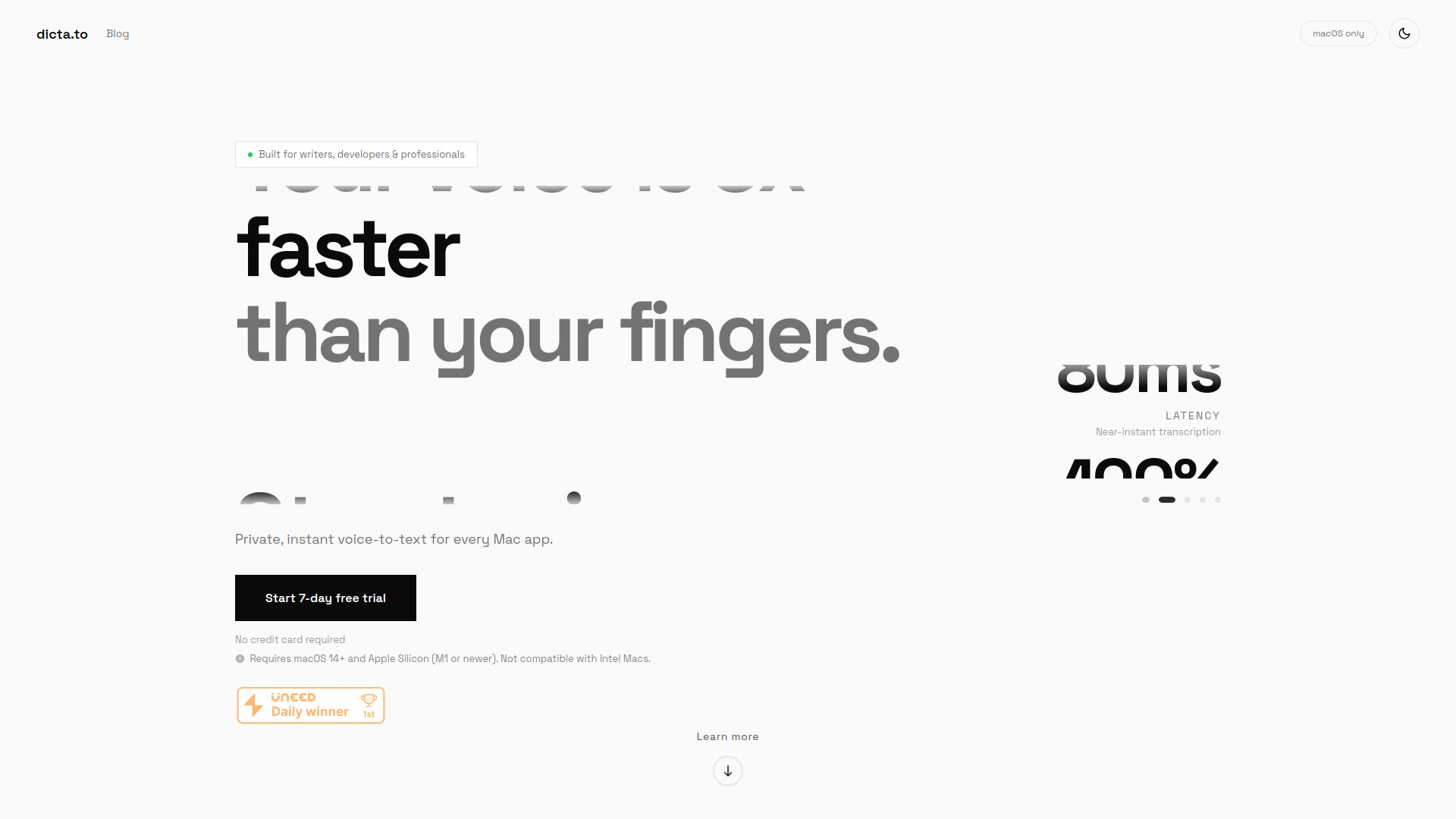
Dictato is a private, fast voice-to-text dictation application specifically built for macOS. It allows users to transcribe speech directly into any application—such as Gmail, Slack, or VS Code—using a global hotkey. The app operates 100% on-device, meaning no audio data is ever sent to the cloud, ensuring total privacy. It features three different transcription engines (Whisper, Parakeet, and Apple) to balance speed and language support, and it bypasses the standard 60-second limitation found in Apple's built-in dictation. It is designed for professionals who need to capture ideas at the speed of thought without compromising security.

Dictato screenshot

Access & connections

Where you can use Dictato, and what it plugs into.

Platforms

VS Code macOS

Integrations

Capabilities

What this tool accepts, produces, and is strongest at.

Highlights

  • 100% on-device processing for total privacy
  • Three engines: OpenAI Whisper, NVIDIA Parakeet, and Apple SpeechAnalyzer
  • Ultra-low 80ms real-time latency
  • No dictation time limits (avoids Apple's 60-second timeout)
  • Works in any macOS application (Gmail, Slack, VS Code, etc.)
  • Support for 25 to 99 languages depending on the engine
  • Optional AI proofreading and auto-translation

FAQ 5

What is Dictato?
Dictato is a private, fast voice-to-text dictation application specifically built for macOS. It allows users to transcribe speech directly into any application—such as Gmail, Slack, or VS Code—using a global hotkey. The app operates 100% on-device, meaning no audio data is ever sent to the cloud, ensuring total privacy. It features three different transcription engines (Whisper, Parakeet, and Apple) to balance speed and language support, and it bypasses the standard 60-second limitation found in Apple's built-in dictation. It is designed for professionals who need to capture ideas at the speed of thought without compromising security.
How to use Dictato?
After installing, configure a global hotkey in the settings. To dictate, press and hold your hotkey, speak your text, and release the key. The transcribed text will appear instantly at your cursor position in any active app.
Does Dictato require an internet connection?
No, all speech recognition happens entirely on your Mac using locally downloaded models. It works perfectly while offline.
Is there a limit to how long I can dictate?
No. Unlike the built-in macOS dictation which times out after 60 seconds, Dictato allows you to dictate for as long as you need.
What are the system requirements?
You need a Mac with Apple Silicon (M1 chip or newer) and macOS Sonoma (14.0) or later.
Dictato From $9.99