Data analysis

devActivity

AI-powered app to track, analyze, and improve developer experience through contribution analytics.

Source rating 5.0 (84) 52k views 52k/mo traffic 0 saves Freemium
More categories (8)

Free + from $10/contributor

Verdict

A quick read before you dig into the full page.

Best if
You are customer Representatives and need: Optimize engineering processes and track team performance
Skip if
You need enterprise SLAs or a fully managed team plan right away
Pick this when
Freemium · Free + from $10/contributor

Overview

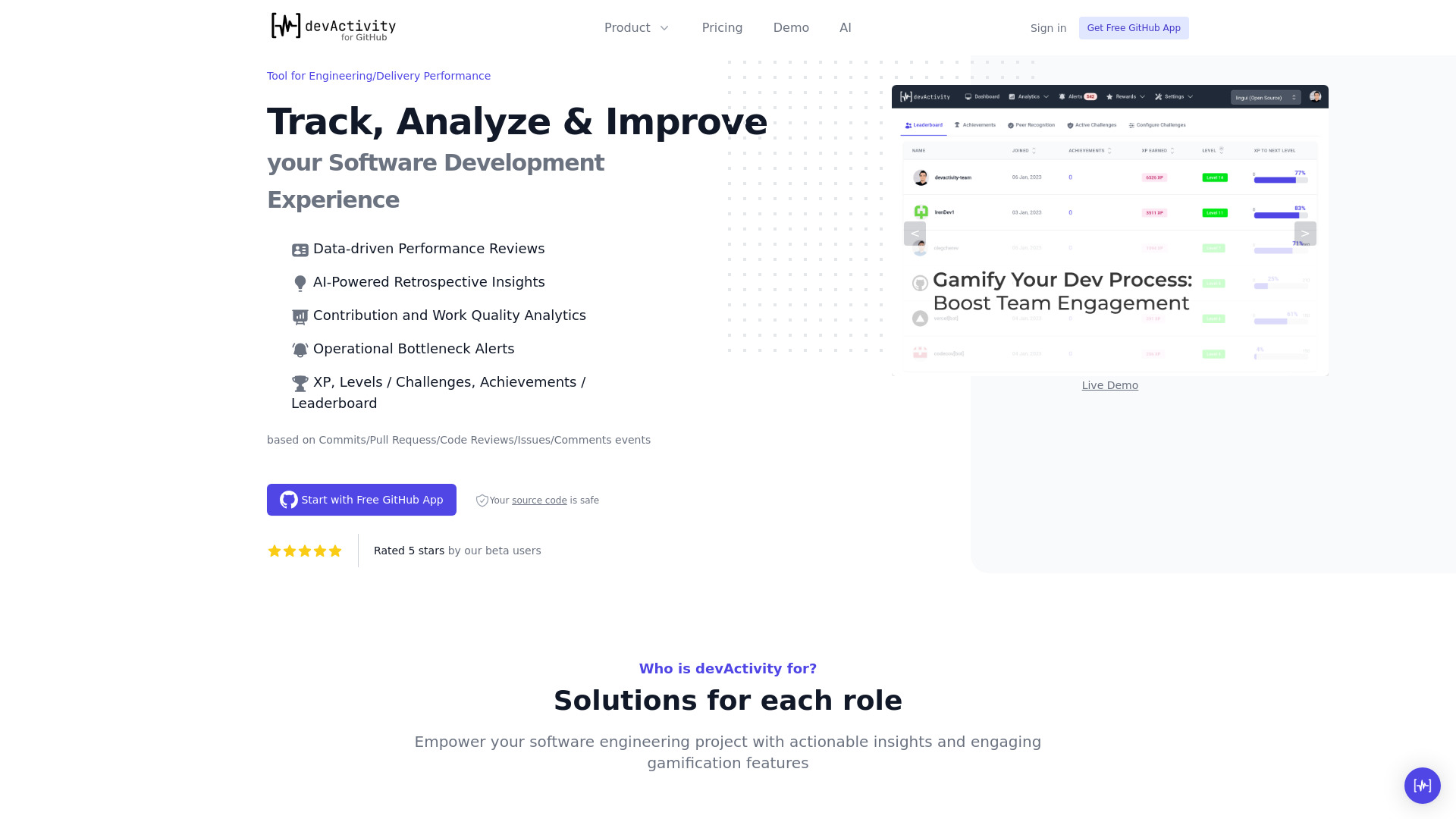
devActivity is an AI-powered code contributions analytics app designed to track, analyze, and improve developer experience (DevEx). It features performance reviews, retrospective meeting insights, alerts, gamification, and more. It helps optimize engineering processes, identify bottlenecks, and provide 360-degree visibility into engineering team performance.

devActivity screenshot

Best for

Short scenarios where devActivity tends to shine.

  • Optimize engineering processes and track team performance.

    Best for Customer Representatives

  • Empower teams with actionable insights and gamified motivation.

    Best for Product Managers

  • Gain 360-degree visibility into engineering team performance for data-driven decisions.

    Best for Tech Program Managers

  • Acquire, reactivate, and engage open-source contributors.

    Best for Engineering/Delivery Managers

Example outputs 1

Sample generations and before/after results for devActivity.

Access & connections

Where you can use devActivity.

Platforms

Web

Capabilities

What this tool accepts, produces, and is strongest at.

Highlights

  • Data-driven Performance Reviews
  • AI-Powered Retrospective Insights
  • Contribution and Work Quality Analytics
  • Operational Bottleneck Alerts
  • Gamification (XP, Levels, Achievements, Leaderboard)

People also view

Tools that often show up alongside devActivity in collections and comparisons.

FAQ 10

What is devActivity?
devActivity is an AI-powered code contributions analytics app designed to track, analyze, and improve developer experience (DevEx). It features performance reviews, retrospective meeting insights, alerts, gamification, and more. It helps optimize engineering processes, identify bottlenecks, and provide 360-degree visibility into engineering team performance.
How to use devActivity?
Install the free GitHub app to get granular visibility on the development process. No code access is required, only Git metadata is used. The app is fully automated, requiring zero manual input.
Is it genuinely free?
Yes, devActivity embraces the Freemium model. You can enjoy many features free of charge, and upgrade for extended functionality if needed.
Will you access my source code?
No, devActivity prioritizes non-sensitive data like Git metadata and does not access your source code.
What kind of data do you collect from GitHub?
devActivity gathers Git metadata, including the type of activity (commits, pull requests), timestamps, and author information.
Do you support other platforms (GitLab, Bitbucket etc)?
Currently, devActivity is primarily focused on the GitHub community. Expanding to other Git platforms is part of the roadmap.
Who qualifies as an Active Contributor?
Any individual who is actively engaged in activities such as making commits, pull requests (PRs), or reviews within the repository, or managing the team
What should I do if I exceed the limit of 7 Contributors on the Free Plan?
If you exceed the limit of contributors, those exceeding the limit will be disabled. To continue using the service, you'll need to upgrade to the Premium plan or disable some contributors to stay within the limit
How do I upgrade, downgrade, or cancel a subscription?
You can manage subscription from your billing section of your GitHub Org account
Can I get a discount?
We're working on annual billing plans with up to 20% discount. Also, we can extend Premium trial on your request
devActivity Free + from $10/contributor


