Verdict

A quick read before you dig into the full page.

Best if
You are marketing professionals and need: Create editable social media posts, banners, and ads
Skip if
You need a free plan with no credit card
Pick this when
Paid · From $7 / mo

Overview

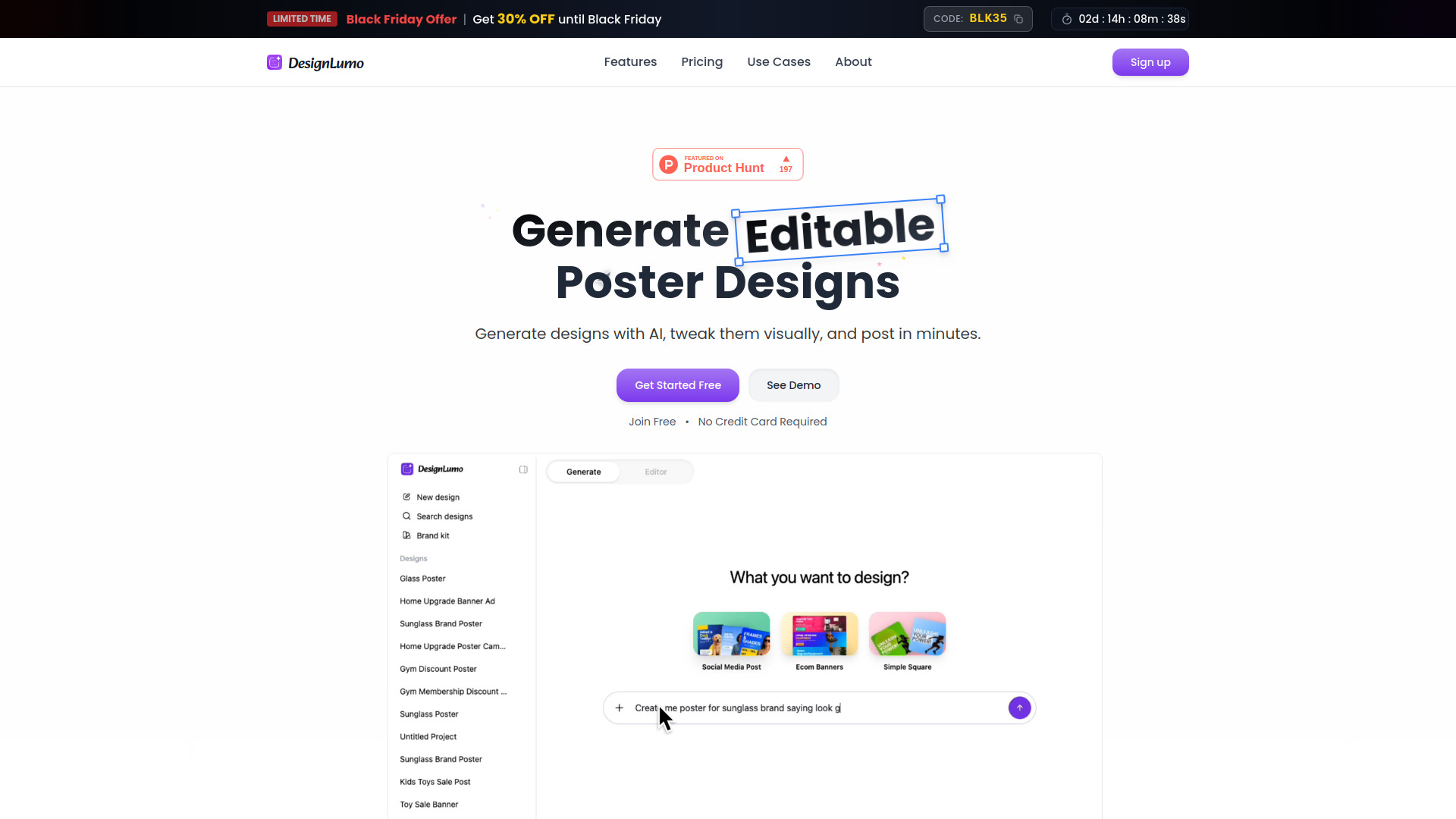
DesignLumo is an AI-powered design tool that transforms ideas into fully editable, ad-ready designs, rather than flat AI images. It understands layout, typography, and color structure to generate real designs that users can adjust. Users can type a prompt to get a polished design, tweak anything they want, and export. It enables the creation of editable social media posts, banners, and ads in seconds, allowing design by chatting and free editing on a full canvas.

DesignLumo screenshot

Best for

Short scenarios where DesignLumo tends to shine.

  • Create editable social media posts, banners, and ads

    Best for Marketing professionals

  • Generate flyers, banners, documents, and infographics

    Best for Social media managers

  • Design Shopify store banners and promotional banners

    Best for Content creators

  • Make hiring posters and Etsy banners

    Best for Ecommerce businesses (Shopify store owners)

Example outputs 1

Sample generations and before/after results for DesignLumo.

Access & connections

Where you can use DesignLumo, and what it plugs into.

Platforms

Web

Integrations

Capabilities

What this tool accepts, produces, and is strongest at.

Highlights

  • AI-powered generation of fully editable, layered designs
  • Full canvas editor for visual customization (like Canva)
  • Brand Kit to automatically apply logos and colors
  • Background removal
  • Edit designs via chat

People also view

Tools that often show up alongside DesignLumo in collections and comparisons.

In the news

Launch coverage and community mentions for DesignLumo.

FAQ 7

What is DesignLumo?
DesignLumo is an AI-powered design tool that transforms ideas into fully editable, ad-ready designs, rather than flat AI images. It understands layout, typography, and color structure to generate real designs that users can adjust. Users can type a prompt to get a polished design, tweak anything they want, and export. It enables the creation of editable social media posts, banners, and ads in seconds, allowing design by chatting and free editing on a full canvas.
How to use DesignLumo?
Using DesignLumo involves three simple steps: 1. Simply chat your idea to the AI. 2. Receive editable, 100% layered designs that truly follow your prompt, rather than static images. You own what you create. 3. Open the design in the editor to take full control, editing everything like Canva, asking AI for further changes, adding images, or custom fonts.
How is DesignLumo different from Canva?
Canva is template-based, requiring users to pick and tweak pre-made designs. DesignLumo is AI-first: you describe what you need, and it generates a unique, editable design in seconds, eliminating the need to scroll through templates for faster, smarter, and fresh content.
What makes DesignLumo different from AI image generators?
Most AI tools generate pictures or flat images that cannot be edited. DesignLumo creates fully editable designs with text, fonts, colors, and layers that can be moved around, similar to Canva, providing a complete customizable design rather than just an image.
Can I edit the designs like in Canva?
Yes, every design generated by DesignLumo is layer-by-layer editable. You can easily change text, fonts, colors, positions, images, and shapes, offering a similar editing experience to Canva but without the repetitive templates.
Is DesignLumo just for social media?
No. While DesignLumo primarily focuses on social media, it can also be used to generate flyers, banners, documents, infographics, and more. If you can describe it, DesignLumo can design it for you.
How much does it cost?
You can try DesignLumo with free credits. After that, affordable plans are available for professional designs on a monthly basis, which are significantly cheaper than hiring designers or agencies.
DesignLumo From $7 / mo