Code assistant

Design In The Browser

AI-powered visual frontend development tool using point-and-click browser editing.

Source rating 5.0 (50) 518 views 518/mo traffic 0 saves Unknown
More categories (4)

Verdict

A quick read before you dig into the full page.

Best if
AI-powered visual frontend development tool using point-and-click browser editing
Pick this when
AI-powered visual frontend development tool using point-and-click browser editing

Overview

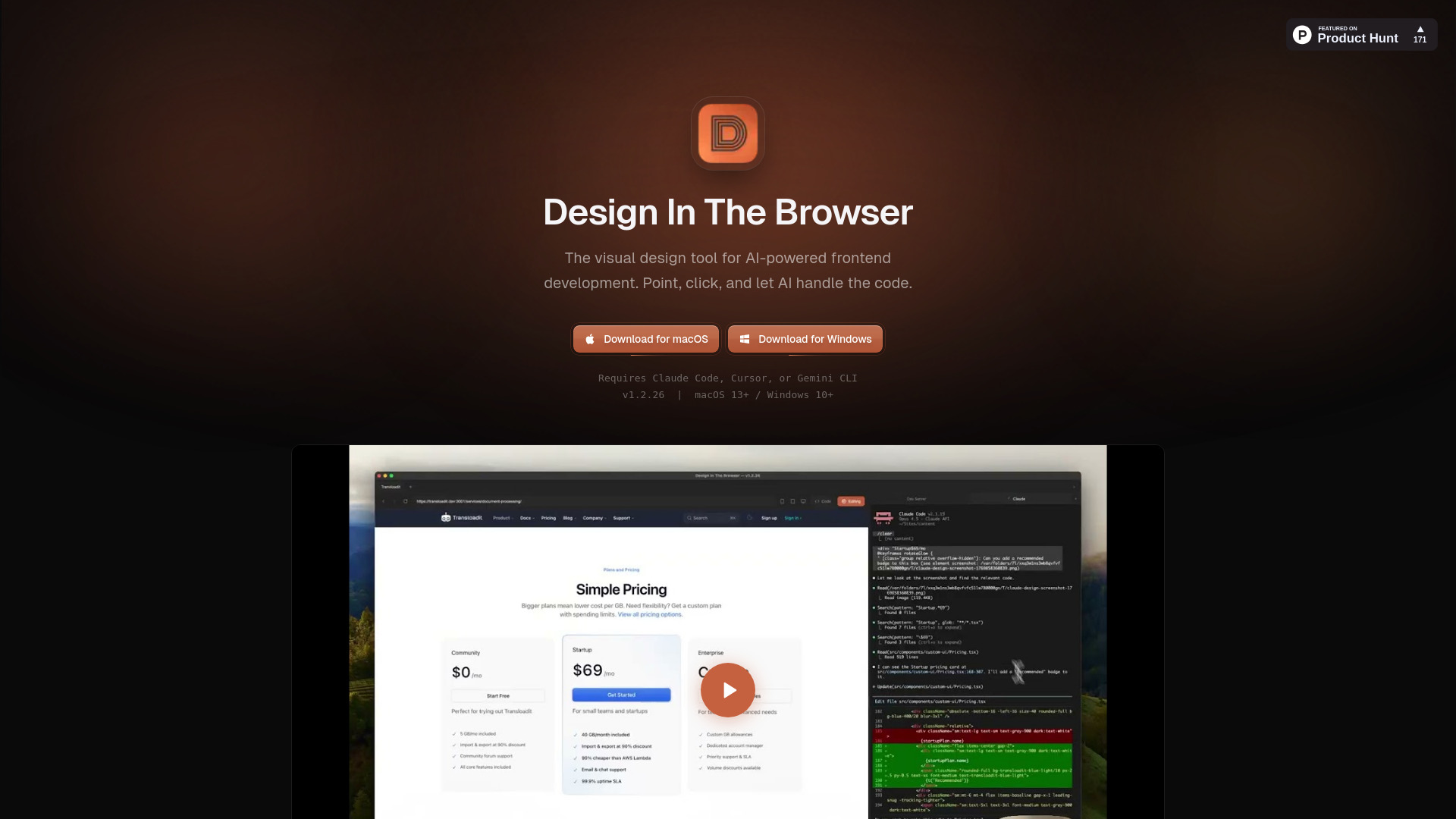
Design In The Browser is an AI-powered visual frontend development tool that bridges visual design and AI development. It allows users to point and click at any element on a website in their browser, describe the desired edit in plain language, and send the instruction (with a screenshot) directly to integrated AI models (Claude Code, Cursor, or Gemini CLI) running in a built-in terminal. This process eliminates the need to copy selectors or describe layouts manually, allowing developers to see, describe, and change elements quickly while the AI handles the code.

Design In The Browser screenshot

Access & connections

Where you can use Design In The Browser.

Platforms

CLI

Capabilities

What this tool accepts, produces, and is strongest at.

Highlights

  • Point & Click Editing that instantly sends instructions to AI CLIs
  • Code Editor Integration (jump directly to source code)
  • Multi-Edit queuing capability
  • Integrated Terminal for side-by-side browser and code work
  • Responsive Testing with customizable viewport switcher
  • Reference Images support for pixel-perfect prompting

FAQ 5

What is Design In The Browser?
Design In The Browser is an AI-powered visual frontend development tool that bridges visual design and AI development. It allows users to point and click at any element on a website in their browser, describe the desired edit in plain language, and send the instruction (with a screenshot) directly to integrated AI models (Claude Code, Cursor, or Gemini CLI) running in a built-in terminal. This process eliminates the need to copy selectors or describe layouts manually, allowing developers to see, describe, and change elements quickly while the AI handles the code.
How to use Design In The Browser?
Users point and click any element (like a button or heading) in the browser, describe the required edit in plain language, and the instruction is instantly sent to the configured AI CLI (Claude Code, Cursor, or Gemini CLI) running in the integrated terminal to write the code.
What AI tools are compatible with Design In The Browser?
Design In The Browser requires and works with Claude Code, Cursor, or Gemini CLI running in the built-in terminal.
How does Design In The Browser handle responsive design?
It includes a built-in viewport switcher that users can customize to test different breakpoints for responsive views.
Can I use my preferred code editor with this tool?
Yes, it supports Code Editor Integration, allowing you to jump directly from any UI element to its source code in your favorite editor.
Design In The Browser


