
Deckary
The AI consulting toolkit for PowerPoint
Verdict
A quick read before you dig into the full page.
- Best if
- You are management Consultants and need: Best for Management Consultants
- Pick this when
- The AI consulting toolkit for PowerPoint
Overview
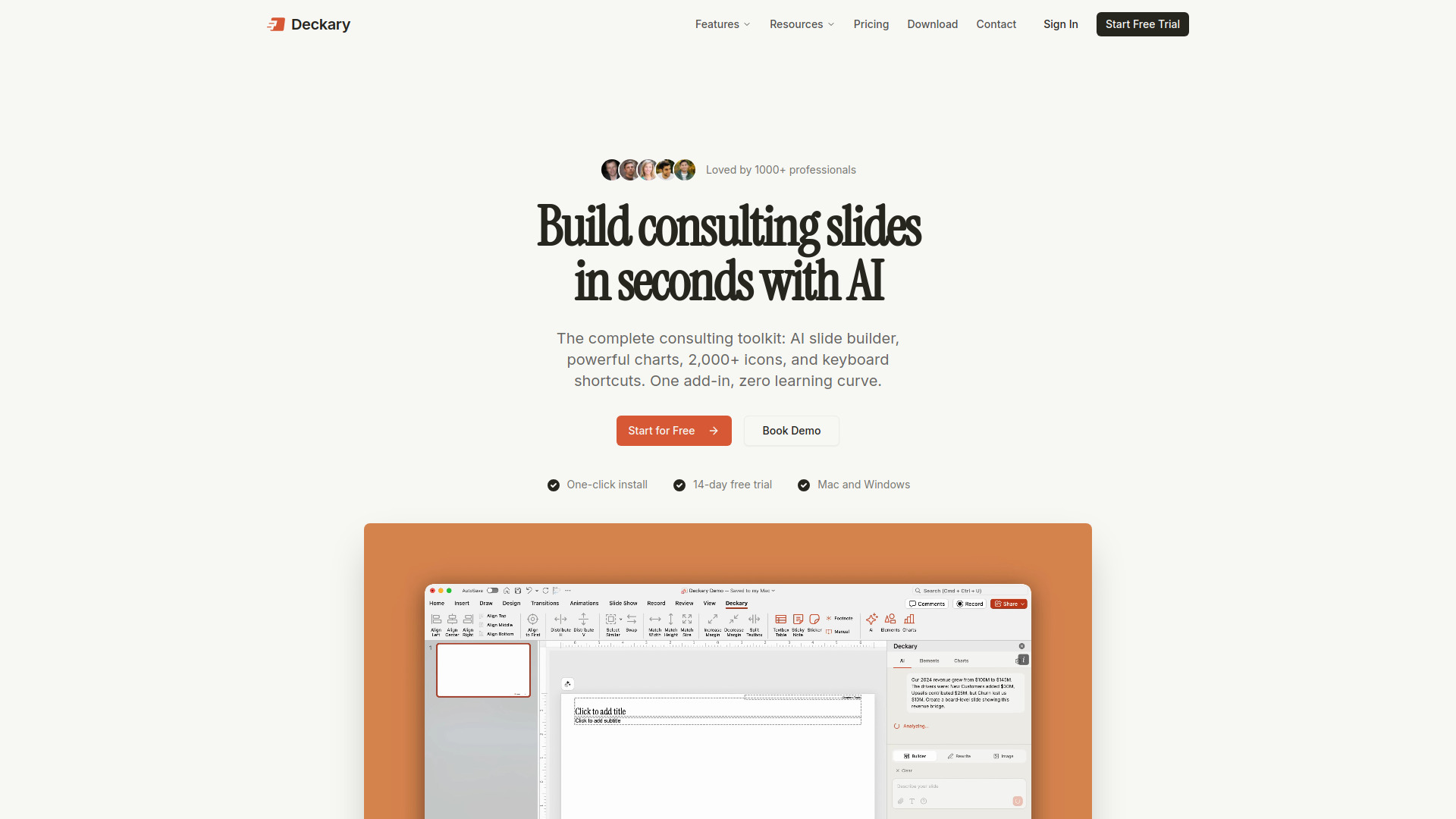
Deckary is a PowerPoint add-in that combines AI slide generation with professional consulting tools. The AI Slide Builder turns plain-text descriptions and data into MBB-style slides with charts, bullet points, and icons. Beyond AI, Deckary includes Waterfall, Mekko, and Gantt charts with live Excel linking, a library of 2,000+ icons and flags, keyboard shortcuts for alignment and distribution, a slide template library, and AI-powered text rewriting and image generation. It installs directly into the PowerPoint ribbon on both Mac and Windows.
Best for
Short scenarios where Deckary tends to shine.
-
Best for Management Consultants
Best for Management Consultants
-
Best for Investment Bankers
Best for Investment Bankers
-
Best for Corporate Strategy Teams
Best for Corporate Strategy Teams
-
Best for Business Founders
Best for Business Founders
-
Best for Financial Analysts
Best for Financial Analysts
-
Best for Project Managers
Best for Project Managers
Example outputs 1
Sample generations and before/after results for Deckary.
Access & connections
Where you can use Deckary, and what it plugs into.
Platforms
Integrations
Capabilities
What this tool accepts, produces, and is strongest at.
Highlights
- AI Slide Builder — Describe a business problem, get a consultant-grade slide with charts, bullets, and icons in seconds
- Consulting Charts — Waterfall, Mekko, and Gantt charts with live Excel data linking
- 2,000+ Icon & Flag Library — Auto insert professional icons and country flags directly into slides with AI
- Keyboard Shortcuts — Quick shortcuts for alignment, distribution, resizing, and formatting
- Slide Template Library — Pre-built consulting slide layouts ready to customize
- AI Text Polish — Rewrite and improve slide text with AI in a professional consulting tone
- AI Image Generation — Generate custom images from text descriptions, inserted directly into slides
People also view
Tools that often show up alongside Deckary in collections and comparisons.

WZRD ✓
FreemiumDocuments that answer back.

Velo ✓
FreemiumAI video infrastructure to explain, train, and sell faster.

Runable ✓
FreemiumThe Best Way to Work with AI

Raccoon AI ✓
FreemiumThe AI Coworker for Apps, Research, Docs & Everything Else
FAQ 2
What is Deckary?
How to use Deckary?
2. To generate slides with AI, click the AI Slide Builder button in the ribbon. Describe your business problem or paste your data, and Deckary generates structured consulting slides with action titles, supporting bullets, and chart suggestions.
3. To create charts, select a chart type from the ribbon (Waterfall, Mekko, Gantt, etc.). Enter your data or link an Excel file. Charts stay linked and update automatically when your data changes.
4. Use keyboard shortcuts for rapid slide formatting — align objects, distribute spacing, resize shapes, and swap positions without touching the mouse.
5. Insert icons & flags automatically with AI that detects your slides content