
DataGPTd
Browser tool for querying & modifying tabular data using text.
Source rating 5.0
(75)
0 views
0 saves
Unknown
Verdict
A quick read before you dig into the full page.
- Best if
- Browser tool for querying & modifying tabular data using text
- Pick this when
- Browser tool for querying & modifying tabular data using text
Overview
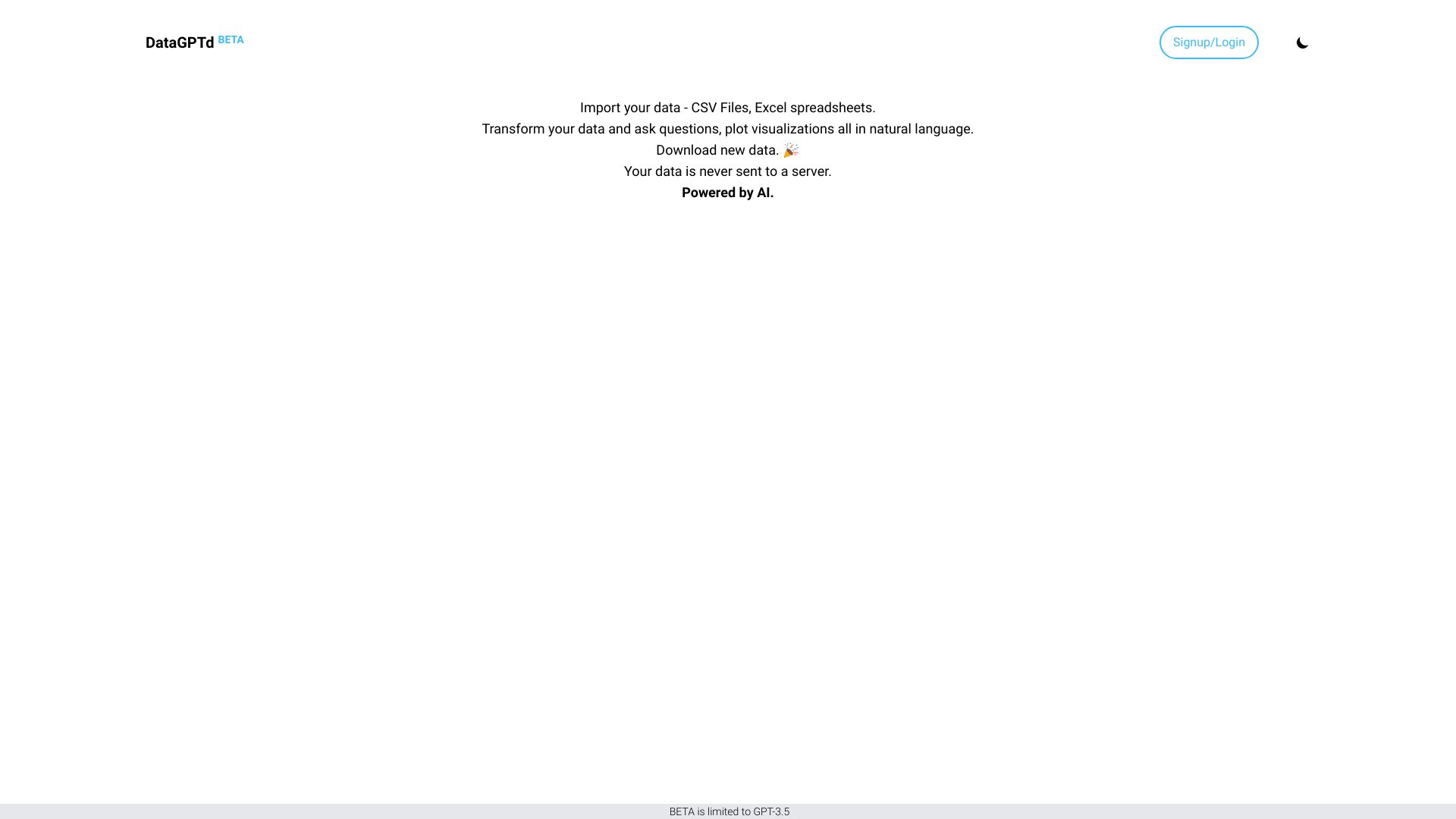
DataGPTd is a browser tool designed for querying and modifying tabular data using natural language text. It converts text commands into executable code, which is then run in a sandboxed environment via WebAssembly. The tool leverages language models to automate and streamline manual data tasks, allowing users to chat with, visualize, and edit their data. A key feature is that data is processed locally and not uploaded, ensuring user privacy. After completing tasks, users can download their updated files.
Access & connections
Where you can use DataGPTd, and what it plugs into.
Platforms
Integrations
Capabilities
What this tool accepts, produces, and is strongest at.
Highlights
- Querying & modifying tabular data using text
- Text-to-code conversion via WebAssembly
- Local data processing (data stays with the user)
- Chat with data functionality
- Data visualization (creating charts and graphs)
- Data editing capabilities
- Machine learning for insights
- Session result sharing
Show 1 more
- Direct import of CSV and Excel files
FAQ 5
What is DataGPTd?
DataGPTd is a browser tool designed for querying and modifying tabular data using natural language text. It converts text commands into executable code, which is then run in a sandboxed environment via WebAssembly. The tool leverages language models to automate and streamline manual data tasks, allowing users to chat with, visualize, and edit their data. A key feature is that data is processed locally and not uploaded, ensuring user privacy. After completing tasks, users can download their updated files.
How to use DataGPTd?
To use DataGPTd, users can load their data, such as CSV files or Excel spreadsheets, directly into the app. Once loaded, they can interact with their data by asking questions in plain text, without needing complex syntax. Users can also create charts and graphs by simply describing what they want, for example, "Make a bar chart for...". The tool allows for editing data, deriving insights using machine learning, and sharing session results.
What types of data files can I import into DataGPTd?
You can import CSV Files and Excel spreadsheets directly into the app for analysis.
Is my data uploaded to the cloud when using DataGPTd?
No, your data is not uploaded anywhere. It stays with you and is processed locally.
Do I need to know complex coding syntax to analyze my data?
No, DataGPTd makes data analysis as easy as asking a question, with no complex syntax required.
Related tools
Recommended

DataGPTd