
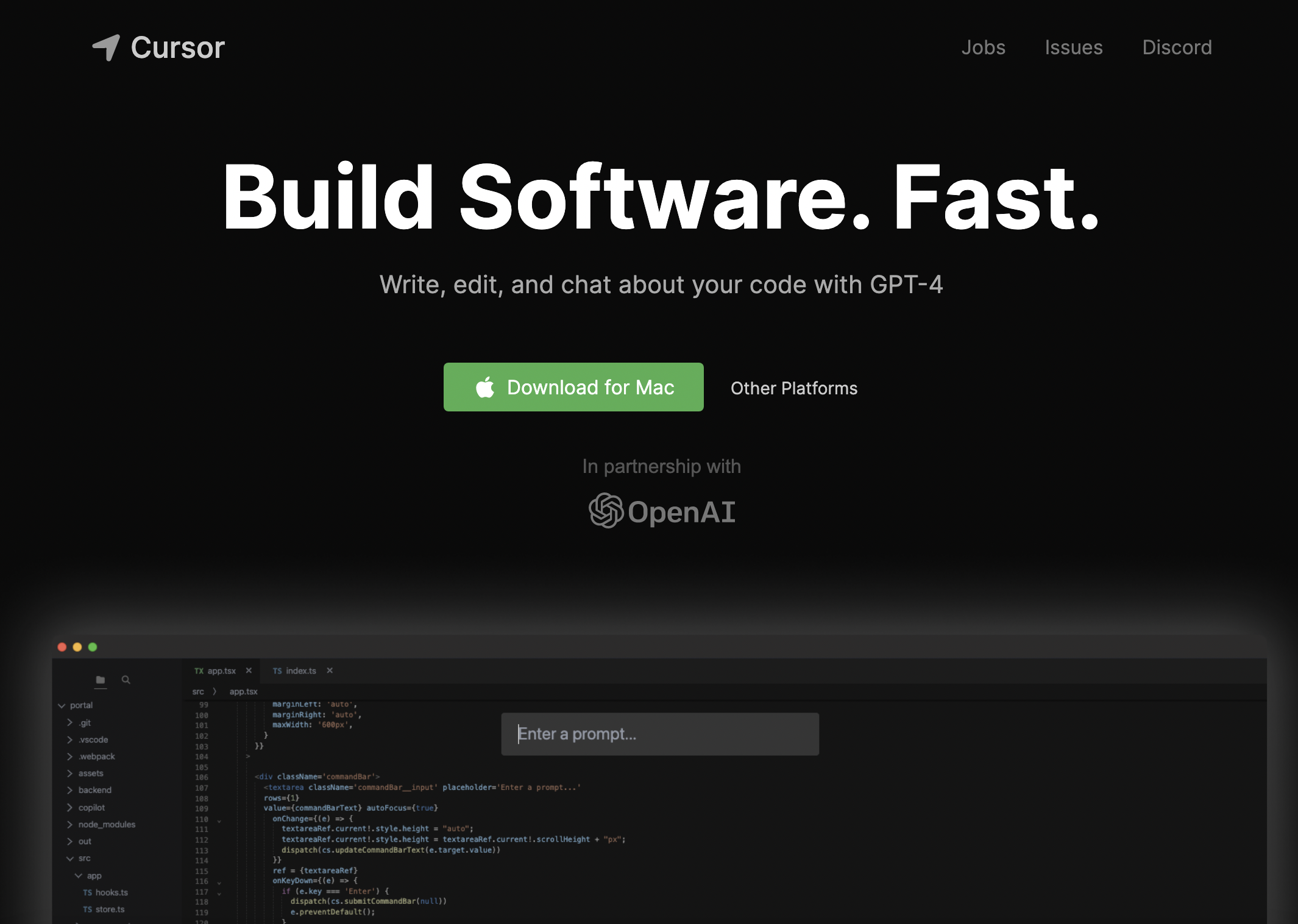
Cursor
AI-powered code editor for faster software development and pair-programming.
Source rating 5.0
(53)
0 views
0 saves
Paid
$20/month
Verdict
A quick read before you dig into the full page.
- Best if
- AI-powered code editor for faster software development and pair-programming
- Skip if
- You need a free plan with no credit card
- Pick this when
- Paid · $20/month
Overview
Cursor is an AI-first code editor designed for pair-programming with powerful AI. It's built as a fork of VSCode, allowing for one-click migration of extensions, themes, and keybindings. Cursor aims to help engineers build software faster by providing features like AI-powered code completion, code generation, bug detection, and documentation browsing. It offers both local and cloud-based options, with a privacy mode to keep code local and secure.
Access & connections
Where you can use Cursor.
Platforms
VS Code
Capabilities
What this tool accepts, produces, and is strongest at.
Highlights
- AI-powered code completion and generation
- Chat with your project codebase
- Bug detection and fixing
- Documentation browsing
- One-click VSCode migration
- Local mode for privacy
FAQ 6
What is Cursor?
Cursor is an AI-first code editor designed for pair-programming with powerful AI. It's built as a fork of VSCode, allowing for one-click migration of extensions, themes, and keybindings. Cursor aims to help engineers build software faster by providing features like AI-powered code completion, code generation, bug detection, and documentation browsing. It offers both local and cloud-based options, with a privacy mode to keep code local and secure.
How to use Cursor?
Download and install Cursor. Migrate your VSCode settings in one click. Start coding and use AI features like chat, code generation, and bug fixing by prompting the AI. Choose between local mode for privacy or cloud-based for full functionality.
Who owns the code generated in Cursor?
You! Regardless of whether you use the free, pro or business version of Cursor, all generated code is yours and free to be used however you like, including commercially.
What code do you store?
If you enable "Privacy mode", your code is never stored anywhere other than your machine and will never be trained on. Otherwise, we may collect usage and telemetry data (including prompts, code snippets, or editor actions) to help improve Cursor.
What are fast and slow uses?
Fast uses of premium models are given first priority by our backend. On Pro, once you hit your fast usage limit, you can still use premium models, but your requests may be queued behind others at times of high load.
Why isn't Cursor completely free?
Large language models cost quite a bit of money to run. To grow Cursor sustainably without compromising our service quality, we need to cover our costs.
Related tools
Recommended




Cursor
$20/month