

Music production 2026 Rank: #371
Cue ✓
Learn music production by doing, not Googling.
Verdict
A quick read before you dig into the full page.
- Best if
- Learn music production by doing, not Googling
- Skip if
- Limited genre-specific advice
- Pick this when
- Free interactive tool
Considering Staccato instead? Compare side by side
Overview

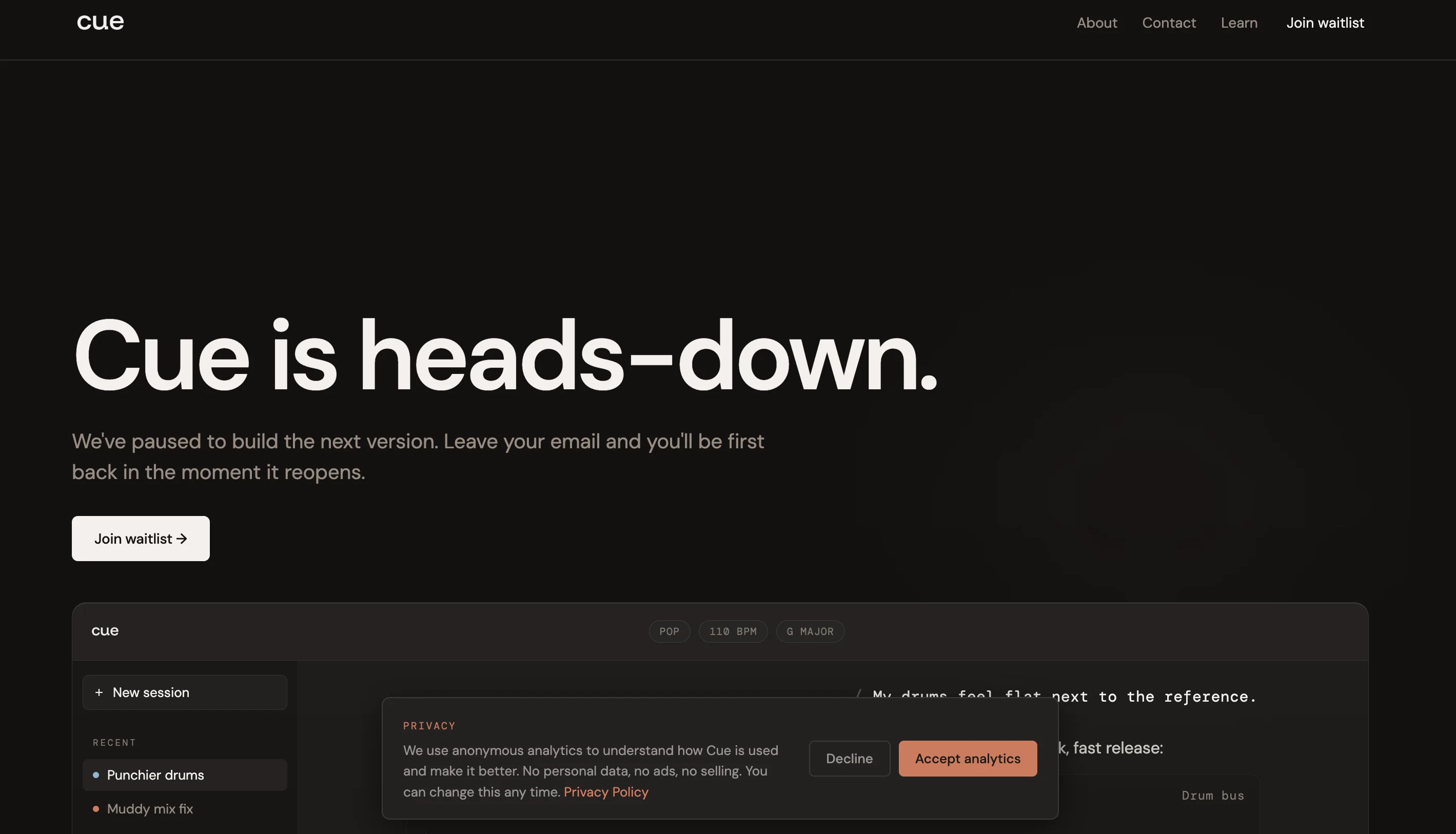
Cue is an interactive learning assistant designed specifically for music producers. Its primary objective is to aid in learning different aspects of music production such as mixing, arrangement, sound design, EQ, and compression.
The unique feature of Cue is its ability to sit alongside any Digital Audio Workstation (DAW), functioning as an aiding tool while music production is going on.
It supports various DAWs like Ableton, Logic, FL Studio, and Pro Tools. Cue offers a distinctive experience by visually demonstrating the tasks rather than merely providing theoretical instructions.
It does not generate music automatically nor make creative decisions, thereby preserving the user's creativity. It merely offers guidance to help the user understand the intricacies of their own creative decisions.
Its services include EQ Frequency balance, Compressor Dynamics control, Reverb Space and Depth, Transient Attack and Punch, Synth Sound Design, and more.
Unlike other platforms that disrupt user flow, Cue aims to provide real-time learning without affecting the user's workflow, preserving the user's in-the-moment creativity.
It is also designed to remember the user's genre, BPM, key from session to session, and provides specifically tailored advice.
- 14 Interactive Visualizers (eq, Compressor, Reverb, Transients, Synth, Etc.)
- Daw-agnostic — Works With Ableton, Logic, Fl Studio, Pro Tools
- No Signup, Free To Use
- Image Upload — Analyze Screenshots From Your Daw
- Midi Export For Chord Progressions
- Conversation History Saved Locally
Access & connections
Where you can use Cue, and what it plugs into.
Platforms
Integrations
Capabilities
What this tool accepts, produces, and is strongest at.
Input
- Tabular
- Image
- Text
Output
- Tabular
- Text
Highlights
- No Signup
Supported features
- No Signup
Pros & cons
Pros
- Free interactive tool
- Visual interactive learning
- Works alongside any DAW
- Requires no signup
- Real-time learning
- Preserves user creativity
- Provides EQ Frequency balance
- Offers Compressor Dynamics control
Show 26 more
- Teaches Reverb Space and Depth
- Supports Transient Attack and Punch
- Aids in Synth Sound Design
- Does not disrupt workflow
- Remembers user's session details
- Provides genre-specific advice
- Provides practical, not theoretical learning
- 14 visualizers
- Built for learning by doing
- Does not make creative decisions
- Interactive real-time learning
- Live, free web app
- Phase-wise development plan
- DAW-agnostic
- Not using users' data to train models
- Doesn't require leaving your DAW
- Learns your context (Genre, BPM, Key)
- Explains the why behind every answer
- Fast, visual, and interactive answers
- Desktop app in development
- DAW integration in future updates
- No account needed for usage
- Maintains users' privacy
- Anonymous usage analytics with consent
- Your conversations are browser-stored only
- Visual feedback for each tool
Cons
- No mobile version
- Limited DAW integration
- Overly simplified controls
- Lack of detail explanations
- Lacks audio uploads
- Limited genre-specific advice
- Requires continuous operation
- No account setup
Show 1 more
- Lacks automatic music generation
Compare alternatives
Similar tools in the catalog.




Releases 1
FAQ 12
What is Cue?
Which Digital Audio Workstations (DAWs) is Cue compatible with?
How does Cue assist with EQ for frequency balance?
How can Cue help manage dynamic control with compressors?
What resources are available within Cue for mastering transients, saturation, velocity, etc.?
How does Cue enhance the learning experience with visual feedback and instant answers?
Does Cue generate music or make creative decisions for the user?
What are the three phases of Cue's existence?
Is Cue free to use?
Does Cue collect any personal or audio data?
Who is the target user for Cue, beginners or experienced producers?
Does Cue function as a real-time learning tool?
Related tools
Recommended

Lyric Remix Studio ✓
FreeAI-powered music generation, transcription, and album art

Thea ✓
FreemiumAI study tools to master material, not just memorize it.

AirMusic ✓
Free TrialAI music generator and music video creator in one platform.

Lyria ✓
FreeGenerate high fidelity music and audio

ChatGPT ✓
FreemiumAsk anything, create anything, and move from idea to action.

Claude ✓
FreemiumBuilding reliable, interpretable AI systems