

CTRLpotato ✓
Ace interviews and tests with instant, off-screen AI help
Free + from $29/mo
Verdict
A quick read before you dig into the full page.
- Best if
- Ace interviews and tests with instant, off-screen AI help
- Skip if
- Free tier limited to 10 uses
- Pick this when
- Real-time help during interviews and tests
Considering Acedit instead? Compare side by side
Overview

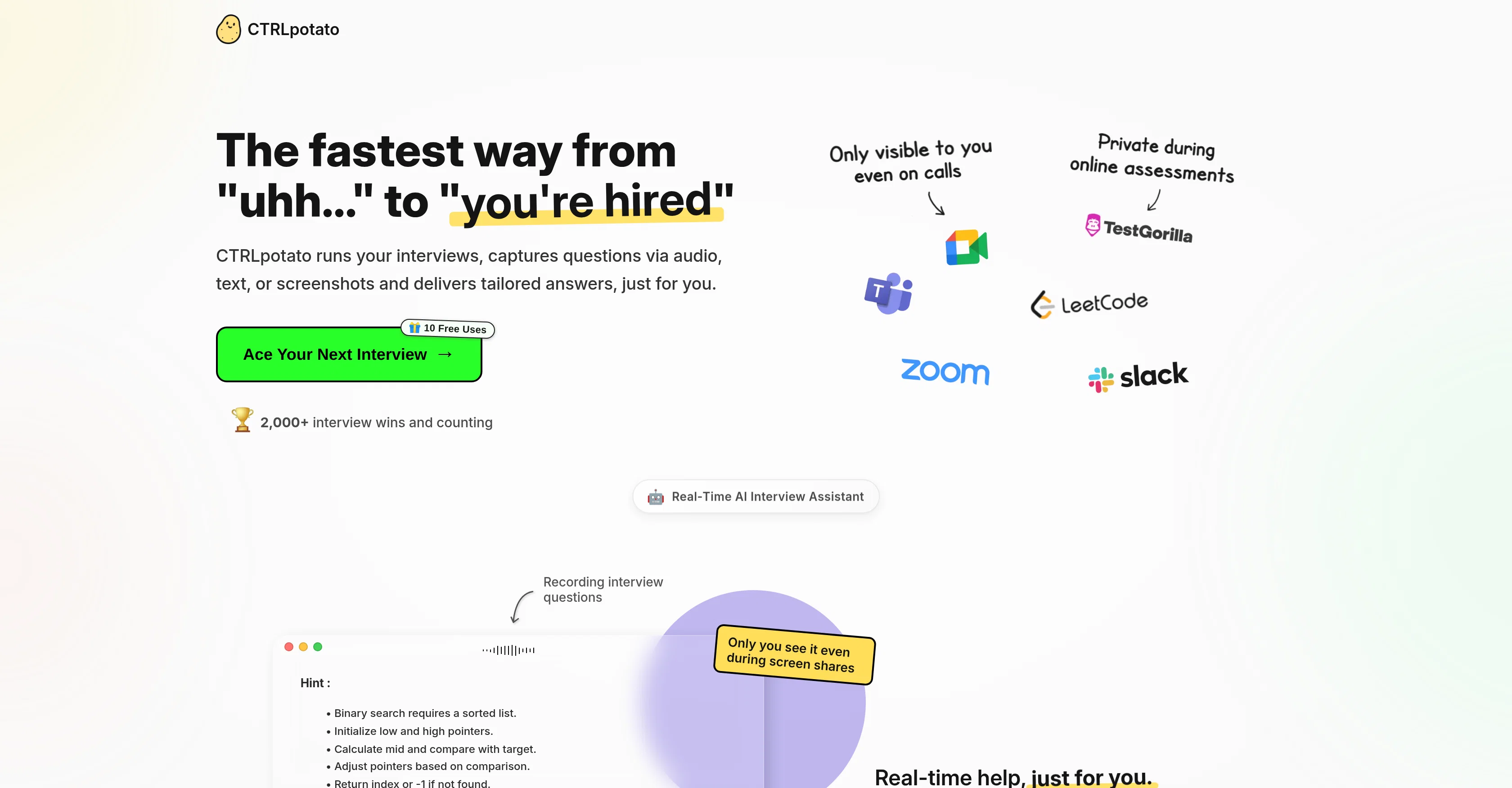
With one keystroke, it captures text selections, screenshots, or live-transcribed audio, fuses the context, and returns a concise, human-sounding solution from top models (GPT-5, Claude, Gemini, etc.).
It runs off-screen or mirrored to your phone for screen-share safety, with custom shortcuts, resume/document context, and on-the-fly model switching.
Built for speed and discretion, stealth by design, answers in ~2–3 seconds, so candidates deliver clear, confident responses on Zoom/Teams/Meet, HackerRank, TestGorilla, and more.
- Off-screen Answers + Phone View (no Install)
- Context Buffer: Combine Audio, Screenshots, And Text
- Stealth/obfuscation; Screen-share Safe Design
- One-key Capture (audio, Area/full Screenshot, Text)
- Human-sounding Hint → Full Answer Flow
- Remote Control From Phone (trigger Screenshots, Follow-ups, Switch Models)
- Multi-model Engine; Switch On The Fly (gpt-5, Claude, Gemini, Etc.)
- Coding Mode: Language-aware, Regen, Complexity Notes
- Line-by-line Code Comments Option
- Instant/bypass Mode For Fastest Answers
- Resume & Document Context For Tailored Responses
- Customizable Shortcuts And Quick Clearing Of Buffer/answers
- Multilingual I/o (10+ Languages)
Access & connections
Where you can use CTRLpotato, and what it plugs into.
Platforms
Capabilities
What this tool accepts, produces, and is strongest at.
Input
- Code
- Image
- Text
- Audio
Output
- Code
- Text
Supported features
- Assistant
- Code Assistant
- Image Understanding
- Mobile Companion
- STT
- Transcription
- CLI
Pros & cons
Pros
- Real-time help during interviews and tests
- Combines audio, screenshots, and text into one answer
- Instant human-sounding responses (not copy-paste bot speak)
- Off-screen by design; safe for screen-share
- Phone mirroring via secure browser (no app)
- Context buffer for multi-part questions
- Coding mode: language-aware, regen, complexity notes
- Switch between top models on the fly
Show 16 more
- Customizable keyboard shortcuts (one-key capture)
- Works on Zoom/Teams/Meet, HackerRank/TestGorilla and many more
- Stealth features minimize OS/process visibility
- Answers in ~2–3 seconds
- Resume & document context for tailored outputs
- macOS & Windows support
- First 10 uses free
- Invisible in Task Manager
- Generates code answers
- Safe against screen shares
- Invisible in task manager
- Not detected on screen shares
- Live answers on mobile
- Handles proctored tests
- Safe for live coding rounds
- Unobtrusive answer delivery
Cons
- No Linux support
- Free tier limited to 10 uses
- Risk of over-reliance; not a prep substitute
- Needs initial permissions setup (mic, screenshots)
- Potential ethical considerations
- Works best with clear audio; noisy calls reduce accuracy
Compare alternatives
Similar tools in the catalog — with a clear reason to open each one.

Acedit ✓
FreemiumAI-powered interview coach for real-time assistance
Why look Higher community rating
Full comparison
MeetAssist ✓
Free TrialGet real-time AI suggestions during interviews.
Why look Typically cheaper
Full comparison

Interview Copilot | Interviews Chat ✓
Free TrialYour secret weapon to ace any interview and land the job.
Why look Typically cheaper
Full comparison
Acedly AI ✓
Free TrialYour private AI co-pilot for job interviews.
Why look More privacy-focused
Full comparison
Releases 1
FAQ 12
What methods does CTRLpotato use to capture interview questions?
How does CTRLpotato ensure user privacy during use?
What features does CTRLpotato offer for enhancing privacy?
Is it possible to switch between different AI models in CTRLpotato?
How does the tool handle multi-part questions or context?
What is CTRLpotato's context buffer and how does it work?
Is CTRLpotato compatible with both MacOS and Windows?
How does CTRLpotato stay invisible during screen shares?
How does the tool ensure that its responses sound authentic?
How does CTRLpotato adjust its responses based on the user's specific experience and tone?
How does the mobile mirroring feature work on CTRLpotato?
Is it possible for CTRLpotato to accept multiple forms of input at once?
Related tools
Recommended

Notis ✓
Free TrialThe first WhatsApp assistant that runs on your ChatGPT and Claude subscriptions

Thea ✓
FreemiumAI study tools to master material, not just memorize it.

TheLibrarian.io ✓
Free TrialYour WhatsApp AI assistant for instant productivity.

Recall ✓
FreemiumSummarize Anything, Forget Nothing!

Marketing Assistant (Elsa AI) ✓
FreemiumDefine your ideal customers and craft a winning marketing strategy with Elsa.

remio: Your Personal ChatGPT ✓
FreemiumGet Tailored Answer with Your Personal ChatGPT