
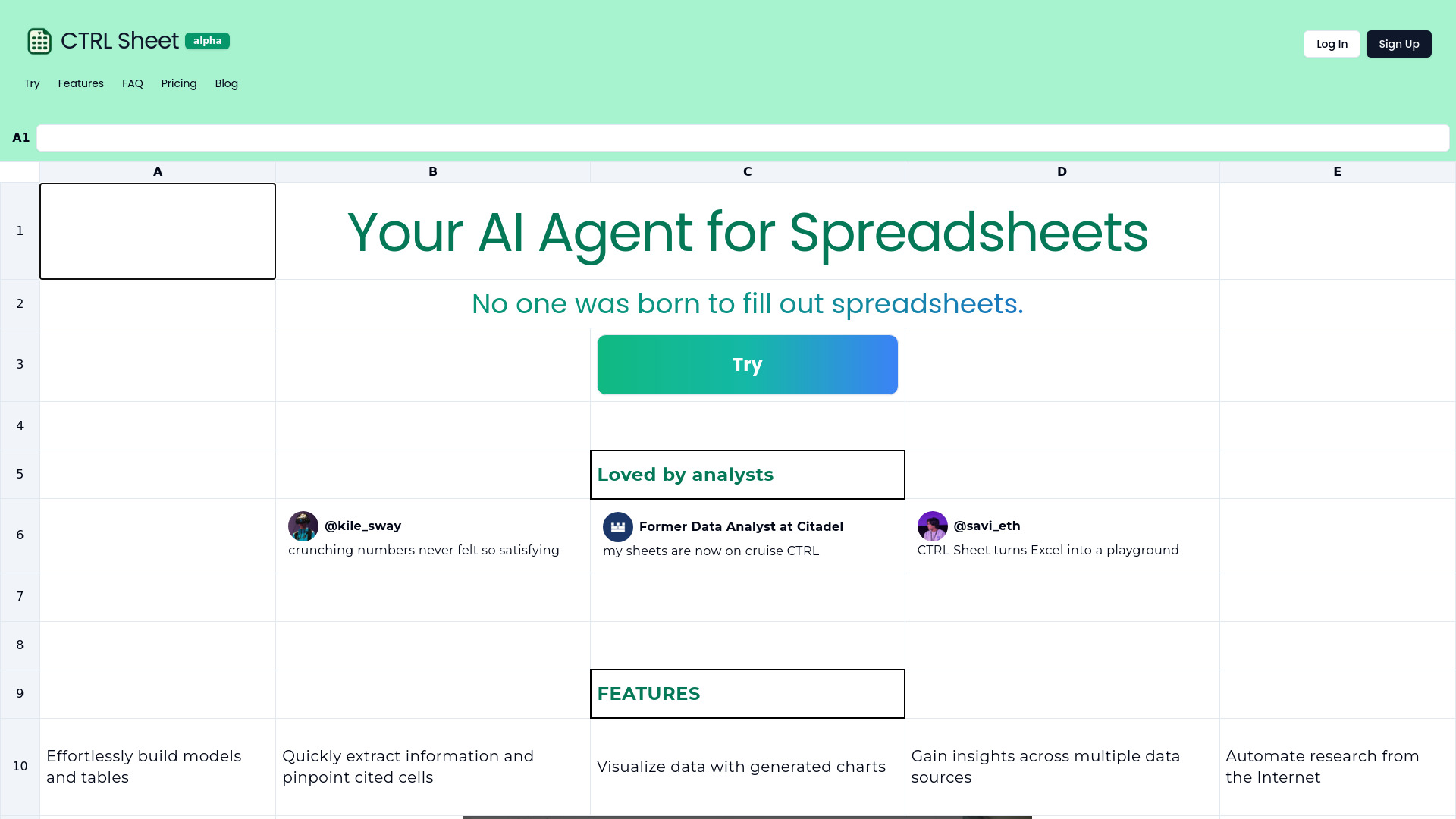
CTRL Sheet
AI agent for spreadsheets to automate tasks like model building and data extraction.
Verdict
A quick read before you dig into the full page.
- Best if
- You are data analysts and need: Instantly extract data from PDFs and other files into spreadsheets
- Pick this when
- AI agent for spreadsheets to automate tasks like model building and data extraction
Overview
CTRL Sheet is an AI agent designed to supercharge your data and simplify spreadsheet tasks. It allows users to build models, edit cells, create and edit charts, and extract information from spreadsheets using AI. It aims to eliminate the tediousness of manual spreadsheet work.
Best for
Short scenarios where CTRL Sheet tends to shine.
-
Instantly extract data from PDFs and other files into spreadsheets.
Best for Data analysts
-
Create complex models and formulas with a single prompt.
Best for Students
-
Gather real-time data from the internet to use in tables.
Best for Researchers
-
Generate pivot tables, charts, and analyses based on data.
Best for Business professionals
Example outputs 1
Sample generations and before/after results for CTRL Sheet.
Access & connections
Where you can use CTRL Sheet, and what it plugs into.
Platforms
Integrations
Capabilities
What this tool accepts, produces, and is strongest at.
Highlights
- Build models with prompts
- Edit cells with AI
- Create and edit charts
- Extract information
- Ingest data from PDFs, Excel, CSV, and images
- Gather real-time data from the internet
- Generate pivot tables and analyses
People also view
Tools that often show up alongside CTRL Sheet in collections and comparisons.


