
CSV-AI
One-click tool to generate presentations from CSV files with data analysis and ML insights.
Source rating 5.0
(66)
0 views
0 saves
Freemium
Free + from $20 / month
Verdict
A quick read before you dig into the full page.
- Best if
- One-click tool to generate presentations from CSV files with data analysis and ML insights
- Skip if
- You need enterprise SLAs or a fully managed team plan right away
- Pick this when
- Freemium · Free + from $20 / month
Overview
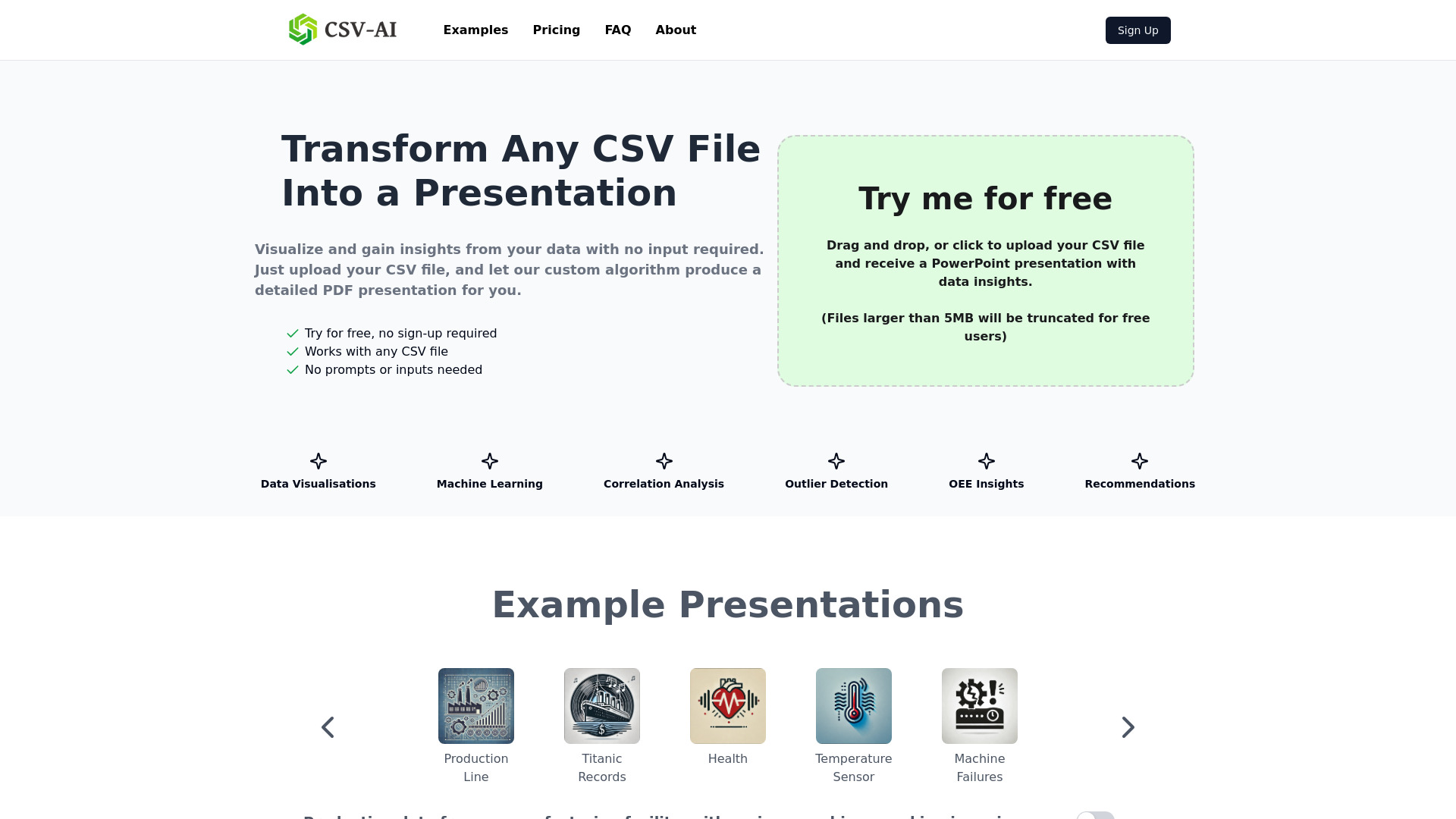
CSV-AI, also known as Dataslide.ai, is a one-click tool that analyzes any CSV file and produces a PowerPoint presentation with visualizations, data analysis, and machine learning insights. No prompts or any other user input is required. It supports various file formats including .csv, .xlsx, .json, .parquet, .xml & .tsv.
Access & connections
Where you can use CSV-AI.
Platforms
Capabilities
What this tool accepts, produces, and is strongest at.
Highlights
- Automated data analysis and visualization
- Machine learning insights generation
- One-click presentation creation
- Support for multiple data file formats
- Secure uploads
FAQ 5
What is Dataslide.ai?
CSV-AI, also known as Dataslide.ai, is a one-click tool that analyzes any CSV file and produces a PowerPoint presentation with visualizations, data analysis, and machine learning insights. No prompts or any other user input is required. It supports various file formats including .csv, .xlsx, .json, .parquet, .xml & .tsv.
How to use Dataslide.ai?
Upload your data file in a supported format (.csv, .xlsx, .json, .parquet, .xml & .tsv) to the website. The algorithm will automatically discover key insights, produce visualizations, and apply machine learning to your dataset, generating a stylish PDF presentation.
How does Dataslide work?
Dataslide automatically discovers key insights, produces visualizations, and applies machine learning to your dataset. No prompts needed, just upload your data file and let our algorithm produce a stylish PDF presentation for you.
Is my data secure?
The website mentions 'Secure Uploads' as a feature, implying data security measures are in place, but specific details are not provided in the given content.
How can I get additional analysis in my presentations?
The Professional plan (Coming Soon) offers personalized features and support, styled outputs to match your brand, downloadable ML models and cleaned dataframes, and dedicated support.
Related tools
Recommended




CSV-AI
Free + from $20 / month