

Product images 2026 Rank: #2999
crop.photo ✓
Bulk resize and edit product photos automatically.
Verdict
A quick read before you dig into the full page.
- Best if
- Bulk resize and edit product photos automatically
- Skip if
- Limited sector-specific solutions
- Pick this when
- Bulk image resizing
Considering SellerPic instead? Compare side by side
Overview
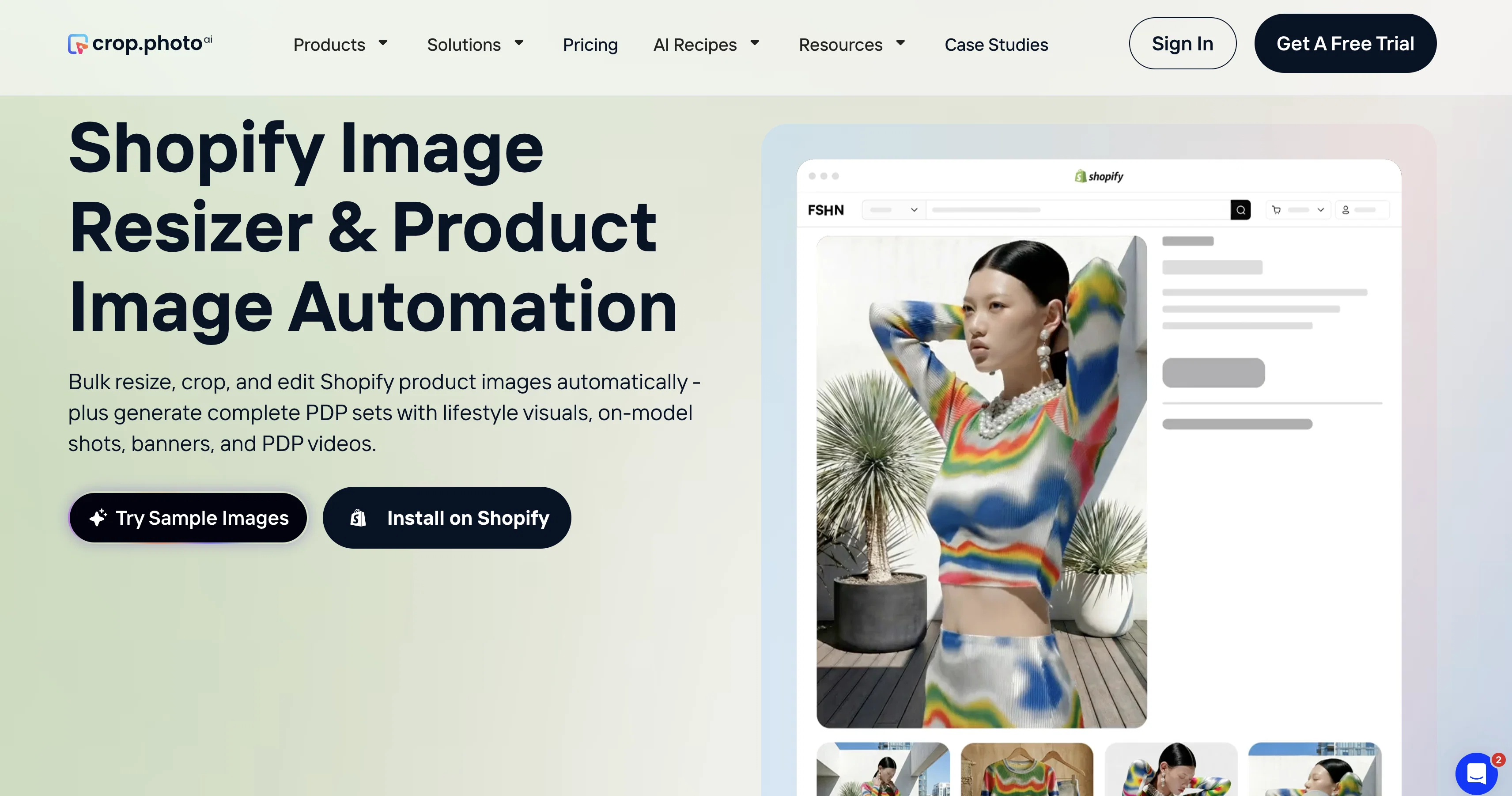
The Shopify Image Resizer by Crop.photo is an AI-powered tool designed to automate image resizing for bulk product photos. Primarily catering to the Shopify platform, this tool can also auto-resize images for Instagram and Meta Ads.
Beyond resizing, Crop.photo incorporates several intelligent functions. It offers editing capabilities such as cropping, background removal, and photo enhancement to improve image quality.
It comes with a custom cropper feature for creating smart recipes to control cropping, backgrounds, and layouts, and even a Banner Automation tool for generating brand-aware banners.
One of its standout features includes the AI Fashion Model Generator, capable of creating lifelike on-model fashion images from flat-lays and packshots.
Other notable features include the AI Product Video Generation, which turns static product images into studio-quality videos, and the Listing Analyzer designed to optimize Product Detail Page (PDP) images for better marketplace performance.
With the Shopify Photo Editing Plugin App, users can edit, resize, and enhance product images in bulk, streamlining the process of getting professional-quality images ready for online listing.
The tool is also capable of providing image solutions for various sectors like fashion and apparel, marketplaces, D2C stores, and photo studios.
Access & connections
Where you can use crop.photo, and what it plugs into.
Platforms
Capabilities
What this tool accepts, produces, and is strongest at.
Input
- API
- Image
Output
- API
- Image
Highlights
- API
Supported features
- API
- Thumbnails
- E-Commerce
Pros & cons
Pros
- Bulk image resizing
- Editing functionalities
- Background removal
- Photo Quality enhancement
- Custom cropper provision
- Banner Automation
- PDP Images optimization
- Serves various sectors
Show 33 more
- Auto-resizing for multiple platforms
- Smart cropping recipes
- Brand-aware banners generation
- Shopify dedicated photo editing app
- Headless Face Cropper
- Auto-cropping for lifestyle images
- Listing Analyzer for optimization
- Bulk editing and generation
- Shopify dedicated image optimization
- Automated image transformation workflows
- API for automated bulk editing
- Image automation for Shopify
- Battle tested for reliability
- Generates campaign-ready assets
- Auto-generation of PDP assets
- Integration in Shopify PIM workflows
- Background cleanup
- Auto-alignment for flatlays
- Generation of PDP sets
- Campaign Banners Creation
- PDP assets Auto-generation
- Handles large image catalogues
- Auto-generates complete PDP sets
- Photo Shoots Reduction
- Product Catalog Auto-Push
- Multi-Store and Multi-Brand compatibility
- Fast and efficient processing
- Team and class photos automation
- Pose-aware crop for Shopify
- Pixel perfect personal photos
- Efficiency through Automation
- Generate consistent styling
- Improve conversion through visuals
Cons
- Primarily caters to Shopify
- No detailed output customization
- Limited to image manipulation
- Lacks advanced image editing features
- No multi-platform compatibility
- Limited sector-specific solutions
Compare alternatives
Similar tools in the catalog — with a clear reason to open each one.

SellerPic ✓
FreemiumSupercharge photos with AI, boost sales in minutes.
Free + from $29/mo
Full comparison
SellShots ✓
Free TrialTurn one photo into high-converting product images
Why look Stronger for image work
Full comparison
Merchant Floor | Product Images ✓
Free TrialCreate product listings 10x faster with AI.
Free + from $20
Full comparison
ProductAI ✓
PaidAccurate on-brand AI Product Photos
Why look Higher community rating
Full comparison
Zawa AI | Brand Kit Generator & Editor ✓
FreemiumCreate logos, videos, and brand assets instantly.
Free + from $4.17 / month
Full comparison
ProductViews ✓
PaidGenerate product images from different angles with one upload.
Why look Higher community rating
Full comparisonReleases 1
FAQ 12
What is Shopify Image Resizer by Crop.photo?
Can Shopify Image Resizer resize images for Instagram and Meta Ads?
What is the AI Fashion Model Generator in the Shopify Image Resizer?
What does the AI Product Video Generation feature do?
How does the Listing Analyzer optimize images for marketplace performance?
How can I use the custom cropper feature in Shopify Image Resizer?
What is the role of the Banner Automation tool in Shopify Image Resizer?
Can I use the Shopify Image Resizer if my store is not on Shopify platform?
Can Shopify Image Resizer be used for sectors other than fashion and apparel?
Does the Shopify Image Resizer tool work efficiently with large amounts of product photos?
Does Shopify Image Resizer offer image solutions for D2C stores and photo studios?
Can the Shopify Image Resizer tool enhance the quality of my product images?
Related tools
Recommended

MagicSlides.app AI PPT Maker ✓
FreemiumCreate Stunning PPTs in Seconds with the AI PPT Maker

GetLogit ✓
FreemiumArtificial intelligence, available for everyone.

ChatGPT ✓
FreemiumAsk anything, create anything, and move from idea to action.

Automateed ✓
Free TrialCreate eBooks effortlessly with Automateed, the AI-powered writing tool.

Kin - Personal AI Advisors ✓
FreePrivacy-first & designed your for mind, and life at work

Aiter.io | Paste a URL. Ship a Campaign That Sounds L... ✓
FreemiumAI marketing that sounds like you, not everyone else.