Verdict

A quick read before you dig into the full page.

Best if
You are uI/UX designers and need: Rapidly creating wireframes and high-fidelity designs
Skip if
You need enterprise SLAs or a fully managed team plan right away
Pick this when
Freemium · Free + from $8

Overview

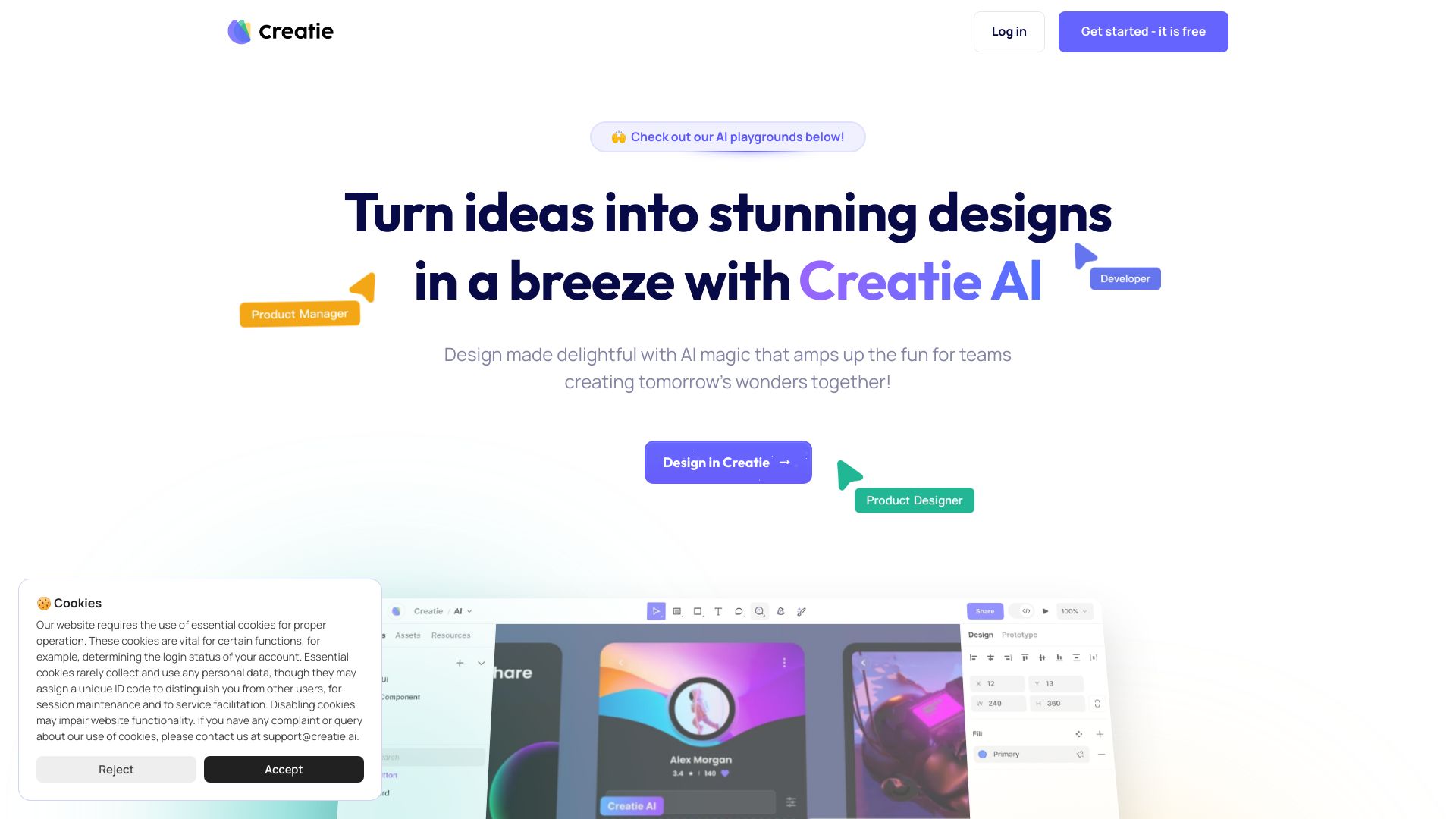
Creatie is an intuitive, affordable, AI-powered product design software. It offers features for product design, collaboration, prototyping, and design handoff. Creatie uses AI to enhance the UI/UX workflow, from generating design ideas from text prompts to enhancing or editing images and checking for style inconsistencies. It is designed for UI/UX designers, product managers, developers, and all key stakeholders in the UI/UX design process.

Creatie screenshot

Best for

Short scenarios where Creatie tends to shine.

  • Rapidly creating wireframes and high-fidelity designs

    Best for UI/UX designers

  • Generating style libraries based on design files

    Best for Product managers

  • Creating 2D and 3D icons from text prompts or reference images

    Best for Developers

  • Enhancing images by removing backgrounds, upscaling, or vectorizing

    Best for Startups

  • Transitioning from interface design to interactive prototypes

    Best for Small businesses

  • Handoff to developers with specs and code

    Best for Enterprises

Example outputs 1

Sample generations and before/after results for Creatie.

Access & connections

Where you can use Creatie.

Platforms

Web

Capabilities

What this tool accepts, produces, and is strongest at.

Highlights

  • AI-powered design tools (Creatie Wizard, Style Guide, Magicon, Image Enhancer)
  • Product design
  • Collaboration
  • Prototyping
  • Design handoff
  • Web-based editor

People also view

Tools that often show up alongside Creatie in collections and comparisons.

FAQ 9

What is Creatie?
Creatie is an intuitive, affordable, AI-powered product design software. It offers features for product design, collaboration, prototyping, and design handoff. Creatie uses AI to enhance the UI/UX workflow, from generating design ideas from text prompts to enhancing or editing images and checking for style inconsistencies. It is designed for UI/UX designers, product managers, developers, and all key stakeholders in the UI/UX design process.
How to use Creatie?
Creatie can be used to create wireframes, mockups, prototypes, moodboards, and visual designs for web, mobile, and desktop platforms. Users can import files from other design software and leverage AI features to streamline the design process.
What is Creatie?
Creatie brings the power of AI to UI/UX design. Creatie is a small team led by designers, building innovation for designers. We understand the UI/UX design workflow intimately, and we believe that AI can be better used to transform the workflow. We strive, using state-of-the-art AI technology, to help you in every aspect of the UI/UX design process, from wireframes to mockups, from moodboards to illustrations.
How are we different from other tools?
Similar to Figma and Sketch, we offer a powerful web-based editor. However, at Creatie.ai, we believe that AI should not merely be an add-on to the design tool but an integral part of the design process itself. Compared to traditional tools, our AI is more robust, seamlessly integrated, and user-friendly.
Who is Creatie for?
Creatie is made for UI/UX designers across the board - whether you're igniting change in startups, energizing small businesses, or driving innovation in enterprises. It's the perfect companion for any designer eager to amplify their creative power and productivity with AI. But we know that design isn't just the job of designers - it's always a team effort. Creatie is also designed for product managers, developers, and all key stakeholders in the UI/UX design process.
How does the AI work in Creatie?
Creatie's AI can enhance the UI/UX workflow, from the first idea to the final design. Our AI can generate design ideas from text prompts, help designers quickly enhance or edit images, and check for style inconsistencies. By streamlining mundane tasks, Creatie uses AI to give designers more time and space to focus on the part of design we love the most: creativity and innovation.
What can I create with Creatie?
Embark on a journey of creation with our powerful web-based editor at your side. From simple wireframes to polished mockups and prototypes, from inspirational moodboards to detailed visual designs, you can create everything UI/UX within Creatie. Moreover, Creatie can be used to design for every platform, whether it's web, mobile, or desktop.
Is Creatie free to use?
Absolutely! Creatie is completely free right now. We will be rolling out our paid plan in November, but we will always have a free plan for you to explore Creatie. You can find more details on our pricing page. If you have registered before October 31st, we will provide you with access to our paid plan for free until the end of the year, so join soon to lock in you early adopter perks!
Is Creatie worth trying?
Definitely! Our community loves how Creatie combines AI features with a powerful web-based UI/UX editor. This way, you can focus on big-picture design challenges and experience the joy of focusing on creativity and innovation. Try Creatie for free today!
Creatie Free + from $8
