

Crafter ✓
AI-powered task creation for efficient teams
from $9.99/mo
Verdict
A quick read before you dig into the full page.
- Best if
- AI-powered task creation for efficient teams
- Skip if
- Limited customization in task creation
- Pick this when
- Automates task creation
Considering SureThing.io - "OpenClaw" for Beginners instead? Compare side by side
Overview
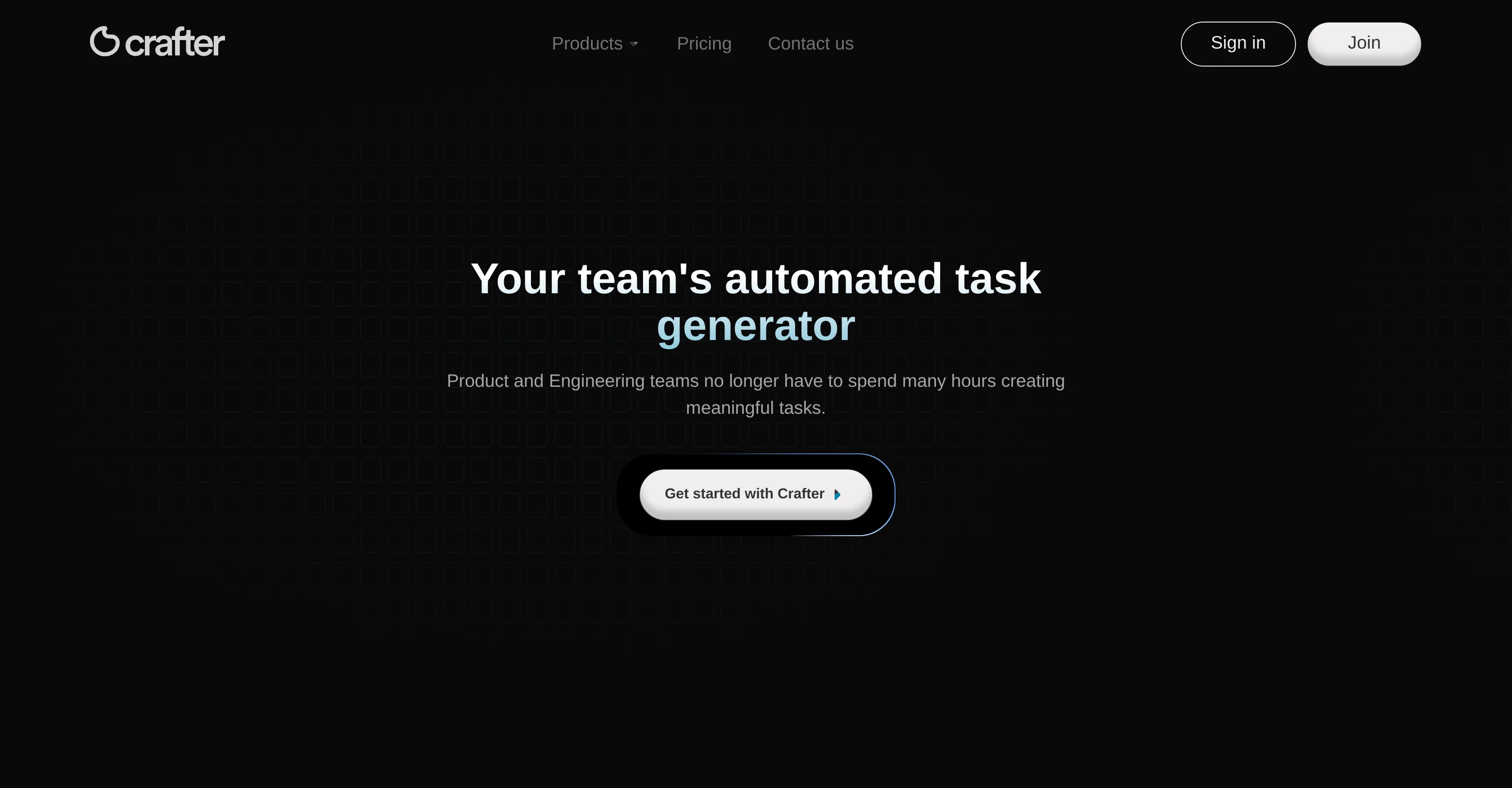
Crafter aims to automate and enhance the task creation process for product and engineering teams. By focusing on reducing administrative tasks like ticket generation, it allows the user to focus more on project building and strategising.
Crafter allows task creation through the analysis of documents which could be uploaded in various formats including PDF and Word, or connected directly via Google Drive.
The tool extracts critical features, functionalities, and also project-specific acceptance criteria from the documents and automatically generates actionable tasks for the team.
Users can review these tasks and instantly sync them to their Jira project, or alternatively export them as a CSV for use in other project management tools.
This assists in gaining insights into technical specifications and project requirements. By integrating seamlessly into existing workflows, Crafter positions itself as a valuable partner in a product development journey, essentially becoming an AI-powered workflow assistant.
Access & connections
Where you can use Crafter, and what it plugs into.
Platforms
Integrations
Capabilities
What this tool accepts, produces, and is strongest at.
Input
- Text
- Tabular
Output
- Tabular
Supported features
- Automation
Pros & cons
Pros
- Automates task creation
- Reduces administrative tasks
- Document analysis feature
- Accepts PDF and Word formats
- Google Drive direct connection
- Extracts project-specific criteria
- Generates actionable tasks
- Sync tasks with Jira
Show 12 more
- Export tasks as CSV
- Seamless workflow integration
- Aids technical spec understanding
- Extracts critical functionalities
- Enhances focus on strategising
- Boost project output
- Time-saving tool
- Various document upload methods
- Allows task review
- Accessible project requirements
- Reduces time on ticket creation
- Increased team productivity
Cons
- Limited document format compatibility
- Primarily Jira-focused
- Lacks multi-language support
- Limited customization in task creation
- No stand-alone task management
- No API mentioned
- Possible inaccuracies in document analysis
- Lack of on-premise deployment
Show 2 more
- Possible integration limitations
- No stated security features
Compare alternatives
Similar tools in the catalog — with a clear reason to open each one.

SureThing.io - "OpenClaw" for Beginners ✓
FreemiumFirst General AI Agency. Designed for long-horizon tasks.
Why look Freemium alternative
Full comparison

Manus ✓
FreemiumTurn your thoughts into actions with AI
Why look Freemium alternative
Full comparison
Raccoon AI ✓
FreemiumThe AI Coworker for Apps, Research, Docs & Everything Else
Why look Freemium alternative
Full comparison
Autopilots by Athena AI ✓
Free TrialAutonomous AI agents that execute tasks for you.
Why look Typically cheaper
Full comparison
Releases 1
FAQ 12
What is Crafter?
How does Crafter automate the task creation process for product and engineering teams?
What administrative tasks can Crafter reduce like ticket generation?
How does Crafter allow task creation through the analysis of documents?
What document formats can be uploaded in Crafter?
How does Crafter connect directly with Google Drive?
How does Crafter extract critical features, functionalities, and project-specific acceptance criteria from the documents?
How does Crafter generate actionable tasks for the team?
How can users review these tasks in Crafter?
How can Crafter sync tasks to a Jira project?
How can Crafter allow to export tasks as a CSV for use in other project management tools?
How does Crafter assist in gaining insights into technical specifications and project requirements?
Related tools
Recommended

Kin - Personal AI Advisors ✓
FreePrivacy-first & designed your for mind, and life at work

CleeAI ✓
FreeCustom AI for Enterprise, built in seconds

LearningStudioAI ✓
Free TrialAI-powered authoring tool for effortless online course creation.

VenturusAI ✓
FreemiumBusiness idea analysis and reporting.

Hyperis ✓
FreemiumOrganized task prioritization.

Beeyond AI ✓
Free TrialBeeyond AI: Unlock 50+ AI tools under one subscription