
Copywrite+
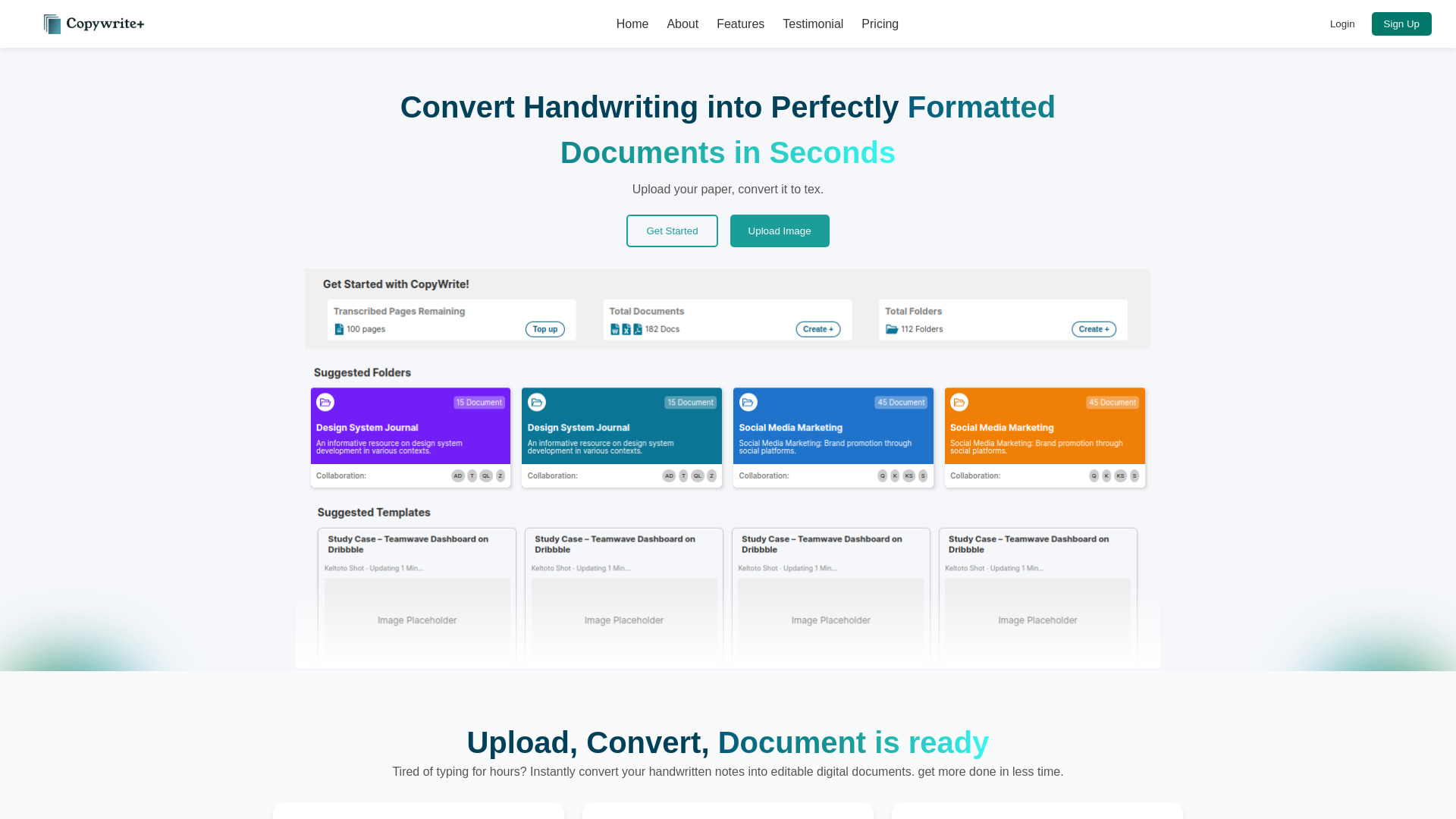
AI-powered tool to convert handwriting into formatted digital text and documents.
Source rating 5.0
(60)
0 views
0 saves
Freemium
Free + from $25 / month
Verdict
A quick read before you dig into the full page.
- Best if
- AI-powered tool to convert handwriting into formatted digital text and documents
- Skip if
- You need enterprise SLAs or a fully managed team plan right away
- Pick this when
- Freemium · Free + from $25 / month
Overview
Copywrite is an AI-powered tool designed to convert handwritten notes and scanned documents into perfectly formatted digital text. It offers features like high-precision OCR & ICR, cloud document management, spreadsheet support, and seamless collaboration, making it a complete document management ecosystem.
Access & connections
Where you can use Copywrite+.
Platforms
Capabilities
What this tool accepts, produces, and is strongest at.
Highlights
- Handwriting to text conversion
- Document formatting
- Spreadsheet support
- Cloud document management
- Seamless collaboration
- High-Precision OCR & ICR
FAQ 9
What is Copywrite?
Copywrite is an AI-powered tool designed to convert handwritten notes and scanned documents into perfectly formatted digital text. It offers features like high-precision OCR & ICR, cloud document management, spreadsheet support, and seamless collaboration, making it a complete document management ecosystem.
How to use Copywrite?
To use Copywrite, upload an image, scanned document, or handwritten text. The AI will extract and format the text, making it editable. Customize the text and export it in your preferred format.
What file formats does CopyWrite support for OCR conversion?
CopyWrite supports a wide range of formats including JPG, PNG, and handwritten images for high-quality OCR conversion. Our technology works with both digital and analog documents, ensuring versatility for all your text extraction needs. Future updates may include TIFF, WebP, and multi-page document support.
How accurate is CopyWrite's OCR technology for handwritten text?
Our AI-powered OCR technology achieves over 99% accuracy for typed text and 98% for handwritten content. The system supports multiple handwriting styles and continuously improves through machine learning. For best results, ensure documents are well-lit and clearly written. Our technology excels even with cursive writing and various pen types.
Do I need to install any software to use CopyWrite OCR services?
No, CopyWrite is 100% web-based and runs directly in your browser—no installation required. Our cloud-based solution works on all modern browsers including Chrome, Firefox, Safari, and Edge, and is fully responsive across desktop, tablet, and mobile devices. This zero-installation approach means you can start converting handwriting to text documents instantly.
Can I edit and format the extracted text after OCR conversion?
Yes! CopyWrite includes a comprehensive built-in editor that allows you to refine, format, and export extracted text in multiple formats (DOCX, TXT, PDF). Your documents are automatically saved in the cloud. The editor includes spell-check, formatting tools, and collaboration features.
Does CopyWrite accurately transcribe handwritten tables and structured data?
Yes! CopyWrite excels at recognizing handwritten tables and converts them into structured formats like MS Excel, Google Sheets, or CSV files. Our AI can identify column and row structures even in complex layouts and maintains formatting integrity. This is particularly useful for financial documents, research notes, and data collection forms.
How does CopyWrite ensure my data remains secure during OCR processing?
Your security is our priority. CopyWrite uses end-to-end 256-bit encryption, and files are automatically deleted from our servers immediately after processing unless you choose to save them to your account. We're GDPR and CCPA compliant, never share your data with third parties, and offer enterprise-grade security features for business users. Our servers are SOC 2 certified for maximum data protection.
What languages does CopyWrite's OCR technology support?
CopyWrite supports over 100 languages for OCR processing, including all major European languages, Asian languages like Chinese, Japanese, and Korean, as well as right-to-left scripts such as Arabic and Hebrew. Our multilingual capabilities make CopyWrite the perfect solution for international businesses and researchers working with documents in various languages.
Related tools
Recommended


Copywrite+
Free + from $25 / month