
Continue
Open-source AI code assistant for customizable autocomplete and chat experiences in IDEs.
Verdict
A quick read before you dig into the full page.
- Best if
- You are software developers and need: Accelerate development with AI-powered autocompletion
- Pick this when
- Open-source AI code assistant for customizable autocomplete and chat experiences in IDEs
Overview
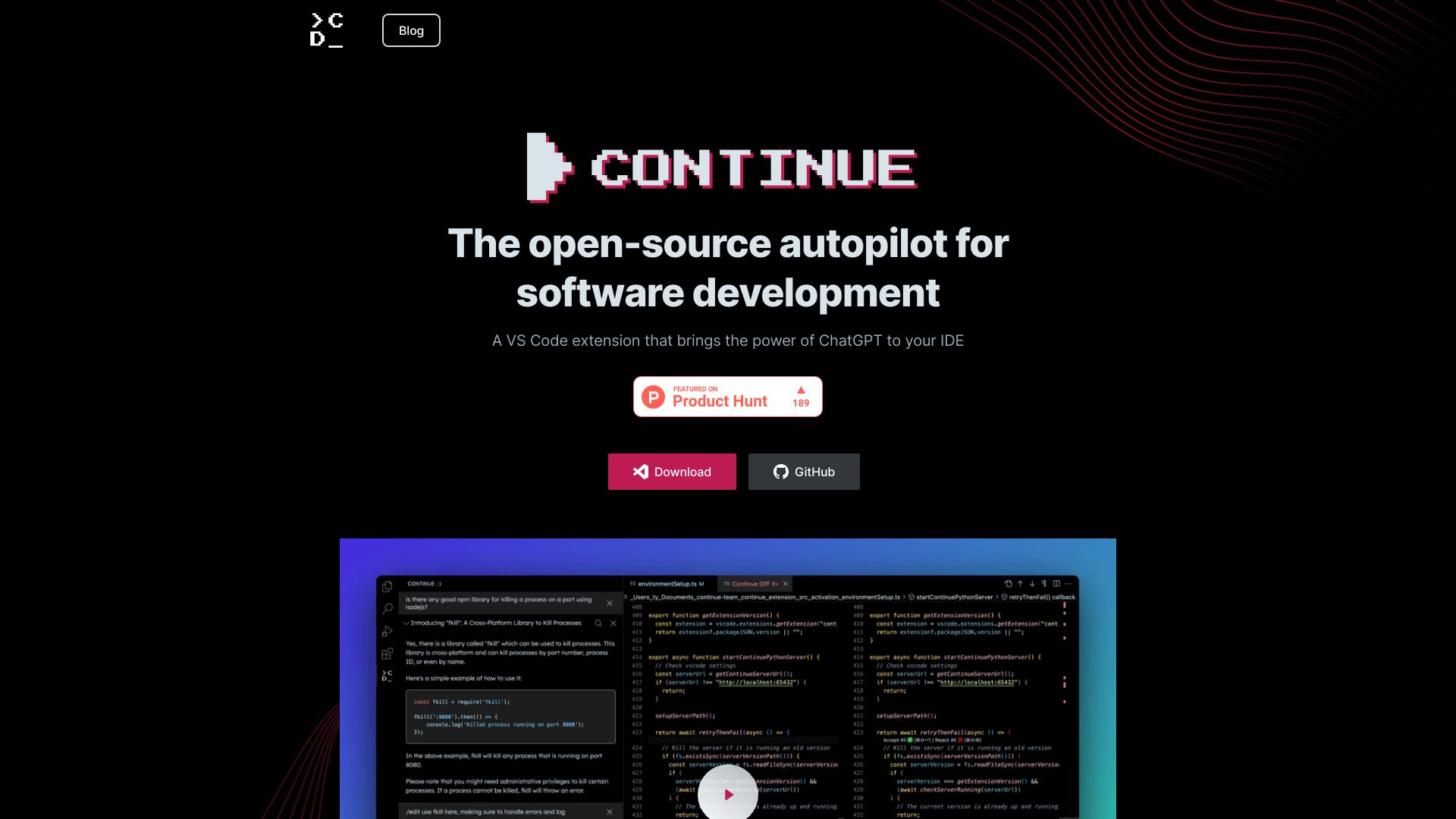
Continue is an open-source autopilot for software development built to be deeply customizable and continuously learn from development data. It's a VS Code extension that brings the power of ChatGPT to your IDE. You can connect any models and any context to build custom autocomplete and chat experiences inside the IDE.
Best for
Short scenarios where Continue tends to shine.
-
Accelerate development with AI-powered autocompletion.
Best for Software developers
-
Improve code understanding with context-aware chat.
Best for AI engineers
-
Refactor code using natural language instructions.
Best for Data scientists
How it works
Example outputs 1
Sample generations and before/after results for Continue.
Access & connections
Where you can use Continue, and what it plugs into.
Platforms
Integrations
Capabilities
What this tool accepts, produces, and is strongest at.
Highlights
- AI-powered code autocompletion
- Context-aware code referencing and chat
- Natural language code editing
- Customizable AI code assistants
People also view
Tools that often show up alongside Continue in collections and comparisons.



In the news
Launch coverage and community mentions for Continue.