
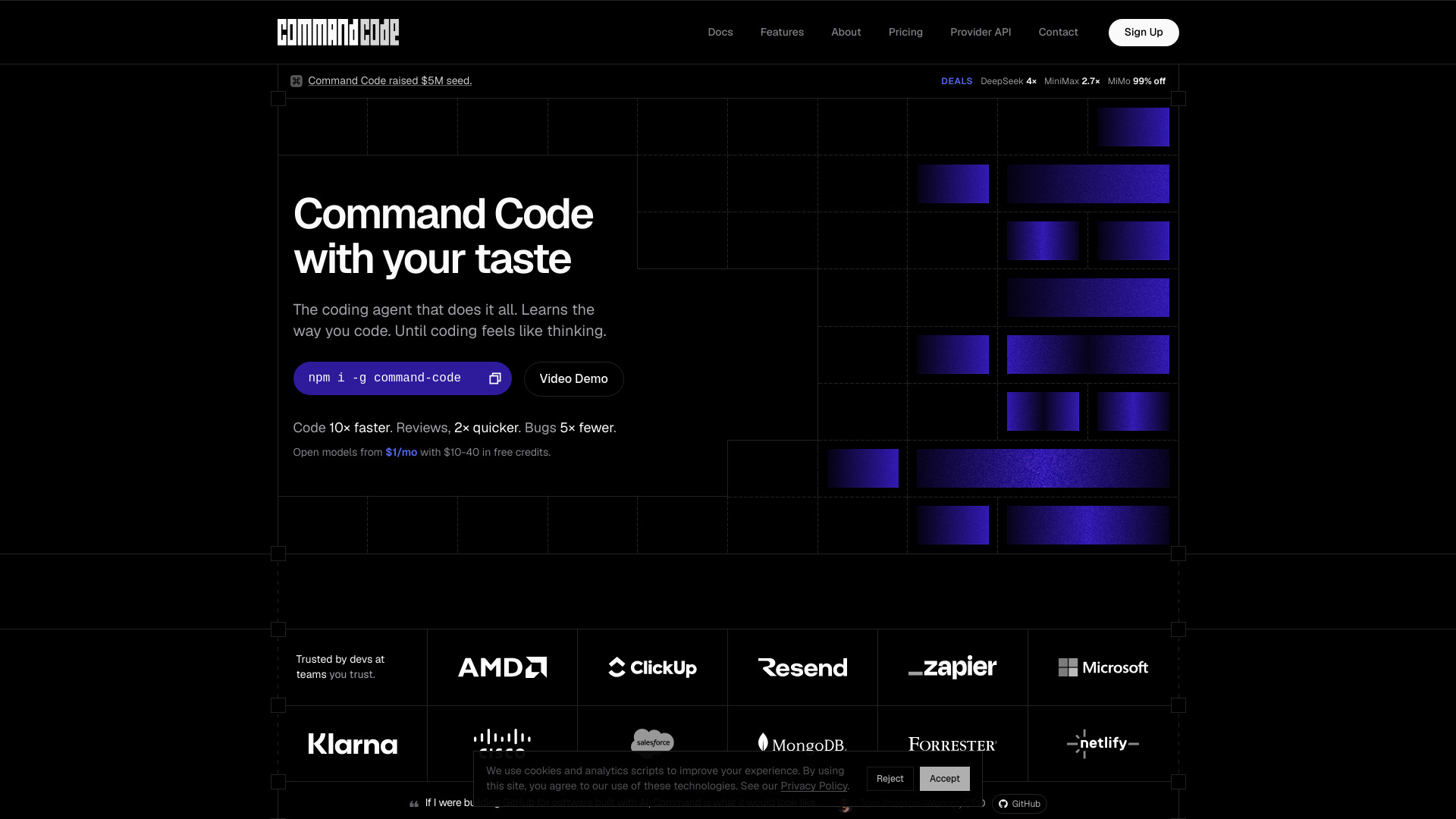
Command Code
AI coding agent that learns your coding taste
Source rating 5.0
(62)
614k views
614k/mo traffic
0 saves
Paid
From $1/month + processing fee
Verdict
A quick read before you dig into the full page.
- Best if
- You are software Engineers and need: Build or refactor a CLI app with your preferred conventions
- Skip if
- You need a free plan with no credit card
- Pick this when
- Paid · From $1/month + processing fee
Overview
Command Code is an AI coding agent that learns your coding taste, ships code, fixes bugs, tests, and refactors while remembering your preferences locally.
Best for
Short scenarios where Command Code tends to shine.
-
Build or refactor a CLI app with your preferred conventions
Best for Software Engineers
-
Generate and run tests, then fix failing code automatically
Best for Frontend Developers
-
Create API routes and keep project patterns consistent
Best for Backend Developers
-
Share coding preferences across a team so everyone follows the same style
Best for Full-Stack Developers
-
Audit, recolor, and reship an interface with the `/design` workflow
Best for DevOps Engineers
How it works
Install Command Code with `npm i -g command-code`, then sign in and use it from your terminal. You can work in interactive CLI mode, headless mode with `-p` or `--yolo`, or in a background sandbox. As you accept, reject, and edit suggestions, it learns your taste and stores reusable skills and memory. Teams can share conventions with `npx taste push` and `npx taste pull`.
Example outputs 1
Sample generations and before/after results for Command Code.
Access & connections
Where you can use Command Code.
Platforms
Capabilities
What this tool accepts, produces, and is strongest at.
Highlights
- Continuously learns your coding taste from accepts, rejects, and edits
- Terminal-based AI coding agent with interactive, headless, and sandbox modes
- Built-in developer tools like file ops, shell, grep, and extended thinking
- Persistent project skills and memory across sessions
- Team taste sharing with `npx taste push/pull`
- Supports many open-source and premium models
People also view
Tools that often show up alongside Command Code in collections and comparisons.



FAQ 8
What is Command Code?
Command Code is an AI coding agent that learns your coding taste, ships code, fixes bugs, tests, and refactors while remembering your preferences locally.
How to use Command Code?
Install Command Code with `npm i -g command-code`, then sign in and use it from your terminal. You can work in interactive CLI mode, headless mode with `-p` or `--yolo`, or in a background sandbox. As you accept, reject, and edit suggestions, it learns your taste and stores reusable skills and memory. Teams can share conventions with `npx taste push` and `npx taste pull`.
How is Command Code different from Cursor or Copilot?
Command Code is a terminal-first coding agent that continuously learns your taste. It ships, fixes, tests, and refactors while remembering your preferred patterns.
What does 'learns my taste' mean?
Every accept, reject, and edit is treated as a signal. Command Code turns those signals into project-level skills and personal memory so future sessions match your conventions.
Which models can I use?
The product says it supports Anthropic, OpenAI, Google, xAI, DeepSeek, Qwen, Kimi, GLM, MiniMax, and more.
Do you train on my code?
No. Your code, skills, and memory stay on your machine, and Command Code says it never trains on your work.
How do teams share taste?
Teams can publish project skills with `npx taste push` and install them with `npx taste pull`.
What does pricing start at?
The lowest listed plan is Go at $1/month plus a processing fee, with $10 in credits included.
Related tools
Recommended
Command Code
From $1/month + processing fee