

ClipMove ✓
Create viral content fast with AI
from $9/mo
Verdict
A quick read before you dig into the full page.
- Best if
- Create viral content fast with AI
- Skip if
- Limited to content creation only
- Pick this when
- Instant text to image
Considering FlowPost instead? Compare side by side
Overview
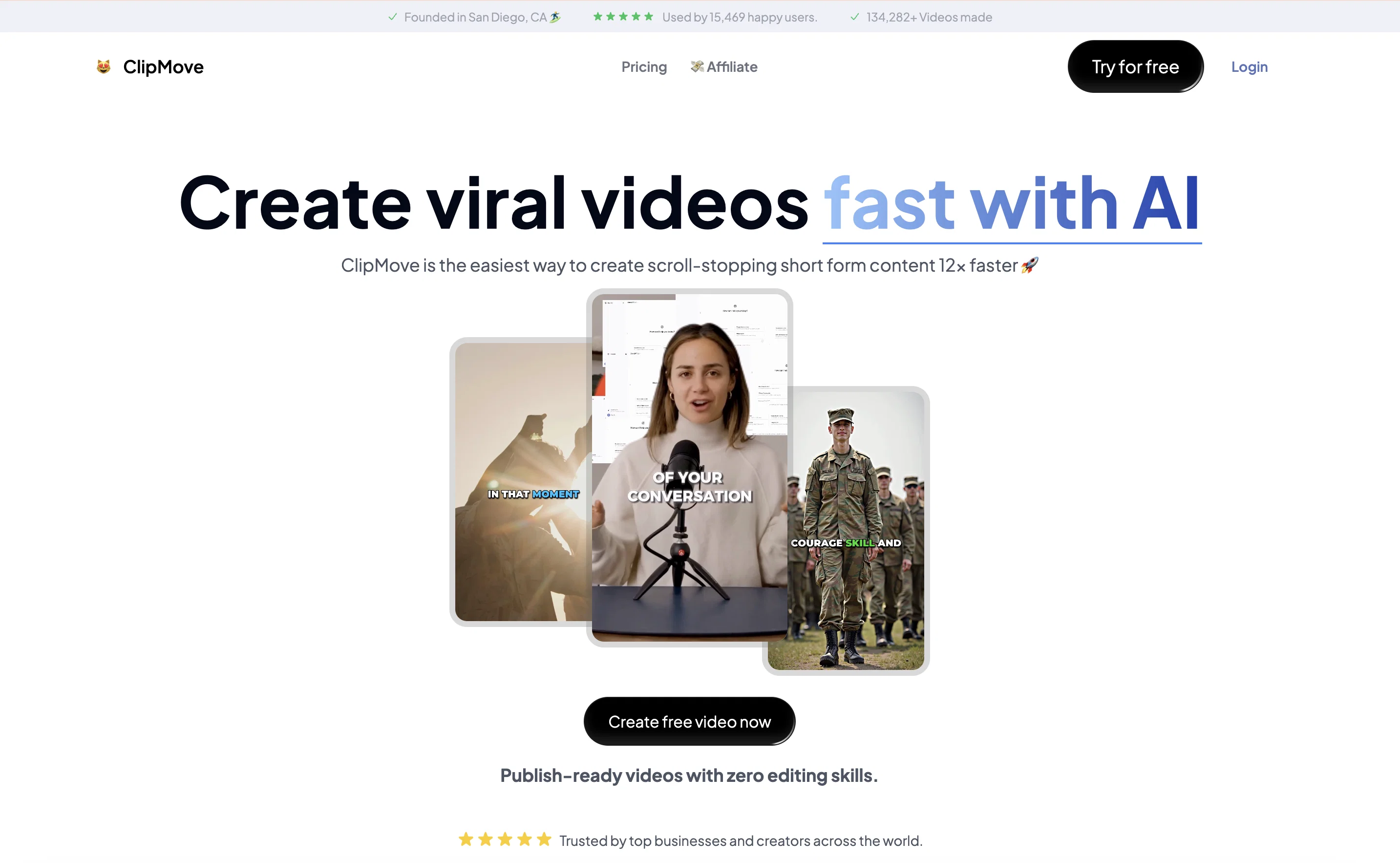
ClipMove is an AI-powered platform specializing in content creation. The site offers a set of AI tools designed to help users create various types of content.
Among the key features is the AI Video Generator, allowing users to create videos from images and text using artificial intelligence. ClipMove also offers an AI assistant Chrome extension, chatMove, designed to boost productivity by providing AI-powered assistance.
The Instant Text to Image feature offers real-time generation of images from text. In addition, they provide an AI Image Editor for advanced image manipulation tasks like background removal, upscaling, uncropping, and expansion.
They have a CleanUp feature, designed to automatically remove objects, people, text, and defects from images. The Uncrop tool allows users to uncrop photos to any format.
The Video Upscaler provides high-quality video upscaling with the possibility to recover fine details and reduce noise. First-time users can generate AI videos for free and install the AI Chrome extension at no additional cost.
According to their terms, the content generated on ClipMove can be used for commercial purposes. The platform is designed to support multiple types of content creators, making it versatile and user-friendly.
Access & connections
Where you can use ClipMove, and what it plugs into.
Platforms
Capabilities
What this tool accepts, produces, and is strongest at.
Input
- Tabular
- Image
- Text
Output
- Video
- Image
Supported features
- Clipping
Pros & cons
Pros
- Instant text to image
- Background Removal
- Image Uncropping
- CleanUp feature for images
- Uncrop tool for images
- Video Upscaler
- Free for first-time users
- Commercial usage allowed
Show 13 more
- Supports multiple content types
- Advanced image manipulation
- Instant generation of images
- Upscales images and videos
- Removes noise from videos
- Recovers video details
- Creates videos from images
- Generates images from text
- Expands cropped images
- Removes objects from images
- Removes defects from images
- Converts image format
- Trusted by thousands
Cons
- Chrome-dependent features
- Limited upscaling capabilities
- No explicit API mentioned
- No voice generation tool
- Not suitable for large-scale professional editing
- Limited to content creation only
- Potential privacy concerns with content generation
- Unmentioned processing times
Show 1 more
- No mobile platform support
Compare alternatives
Similar tools in the catalog — with a clear reason to open each one.


EasyAI – AI Flow - No Code Content (Video/Image) Ge... ✓
Free TrialChain AI tasks with no-code into workflows for chatbots, video, documents, and
Why look Offers a public API
Full comparison
RightBlogger ✓
FreemiumAutomate blogging, SEO, and publishing in one simple platform
Why look Freemium alternative
Full comparison
myAIninja ✓
Free TrialAI-powered content creation for social media, 10x faster
Free + from $9.90/mo
Full comparison
Easy-Peasy.AI ✓
FreemiumAccelerates content creation.
Why look Freemium alternative
Full comparison
Releases 1
Imported reviews 7
Clipmove text to video is the best Ive tried so far,turned out better than expected. It can generate 2k 60fps engaging videos with captions, I'm impressed 👍
The diversity of outputs from flux.1 has helped me produce intricate details in my videos based on my detailed prompts. I found this is available on both free and paid versions.
5 stars because I could not find this model at base plan anywhere else.
I am currently taking advantage of the free plan. 🤫
I decided to leave a review after using this tool for 3 months with my honest opinion..
Really useful tool if you're like me looking to automate video production.
My video production went through the roof with this very useful AI tool, I was able to generate 100s of high quality videos daily and post them to TikTok and join the creativity program faster thanks to this amazing tool! ❤️❤️
Captions tool was legit. In my opinion, Live transcription while using captions tool proved much better at lip sync than other captions tools I tried.
It synced the words with captions displayed perfectly. Glad I found this tool. Recommend.
I Hardly
Ever write reviews unless the service or product as in this case proves it's worth.
I used the captions tool to triple, 3X my video production output and thanks to this clip move tool, I'm now able to automatically generate captions and edit them to specifically suit my needs.
My favorite part is that I was able to use
the same captions that the well known Mr. Beast uses for his videos, automatically.
I highly recommend clipmove, which automatically generates great looking captions that are easy to use, highly customizable.
I uploaded a 1.3MB .ASF file video for upscaling on free mode, and: 1.- it made me wait for a lot of time. 2.- it reported an error processing the video. 3.- it happened twice.
so I decided to leave and share my experience
FAQ 12
What is ClipMove?
How does the AI Video Generator on ClipMove work?
Can I use ClipMove's AI assistant Chrome extension for free?
What kind of functionalities does the chatMove extension offer?
How fast will ClipMove's Instant Text to Image feature generate an image from my text?
Can I remove the background of my images using ClipMove?
What is the CleanUp feature on ClipMove?
How does the Uncrop tool on ClipMove work?
Does ClipMove offer a tool to upscale my videos?
Can first-time users generate AI videos for free?
Can I use the content created on ClipMove for commercial purposes?
What types of content creators are ClipMove tools designed for?
Related tools
Recommended

Stunning ✓
PaidBuild AI-powered websites in seconds

PrometAI ✓
FreemiumTurn ideas into viable reality with AI business plan generator.

AppsMakerStore ✓
FreemiumCreating and sharing your own mobile application has never been easier.

B12 AI Website Builder ✓
FreemiumAI-powered website builder

AI Lawyer ✓
Free TrialInstant legal advice and document creation at your fingertips

Taplio ✓
FreemiumThe LinkedIn growth tool to turn content into pipeline