

Professional avatars 2026 Rank: #1408
World Cup AI Photo Generator ✓
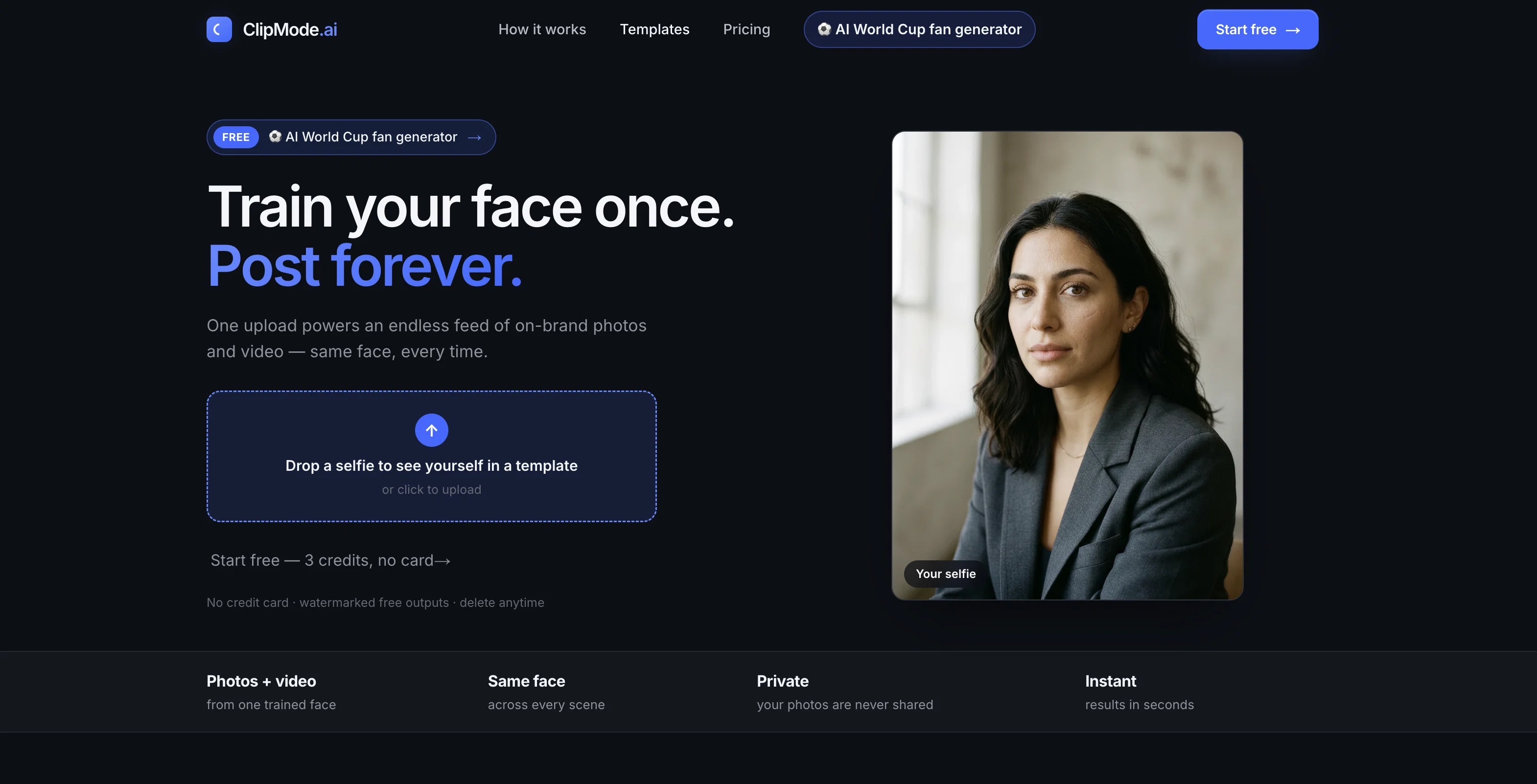
Train your face once. Post forever.
Verdict
A quick read before you dig into the full page.
- Best if
- Train your face once. Post forever
- Skip if
- Limited free credits (3)
- Pick this when
- Single Selfie to Multiple Contents
Considering MyPicNow instead? Compare side by side
Overview
Free Photo AI World Cup Generator turns a single selfie into AI-generated World Cup fan photos and videos — wearing your team's jersey, in the stadium, celebrating the win.
Upload one photo, pick your country, and get a realistic fan card ready to share in seconds.The tool keeps your face consistent across every output, so whether you want a stadium photo, a jersey shot, or a 5-second celebration clip, it's recognizably you.
No design skills or editing needed — just upload, select your team, and generate.Start free with 3 credits to try it out. Your reference photo is stored privately, used only to generate your own content, and is never shared or used to train other models — delete it anytime.Built on the same engine as ClipMode, a consistent-face AI photo and video platform, so the identity-matching quality carries over from a tool already used for thousands of personalized photos.
Access & connections
Where you can use World Cup AI Photo Generator.
Platforms
Capabilities
What this tool accepts, produces, and is strongest at.
Input
- Image
Output
- Video
- Image
Supported features
- Image Generation
- Image Edit
- Video Generation
- Digital Personas
Pros & cons
Pros
- Single Selfie to Multiple Contents
- Consistency across different media
- Extensive Variety of Templates
- Versatile Usage Purposes
- User Privacy Priority
- Private Reference Photos Storage
- Option to Delete User Data
- Transparent Pricing Models
Show 22 more
- Free Credits for Newcomers
- Personalization of Visual Content
- Identity Maintenance
- Efficient Generation of Visual Content
- Professional Headshots Creation
- Social Media Content Creation
- Virtual Influencer Tool
- Dating Profile Creation
- 90+ Templates Availability
- One-time photo upload
- Output in Photos and Videos
- Non-shared User Photos
- Data Deletion Option
- User-Specific Model Training
- Quick Model Training
- 5-second video clips Generation
- Performance for Volume Creators
- Curated Templates for Various Categories
- Simple and Transparent Pricing
- Potential for High Consistency Score
- Refund Policy Available
- Email Support Availability
Cons
- Limited video length (5s)
- Watermarked free outputs
- Only 90+ templates available
- Reference photos deleted after training
- Trained model weights stored 30 days
- No refunds after 7 days
- Credit packs can't be reused
- Private model training takes 2 minutes
Show 2 more
- Limited free credits (3)
- Commercial use requires premium plan
Compare alternatives
Similar tools in the catalog — with a clear reason to open each one.



BetterPic | AI Headshots ✓
PaidStudio-quality (4K) portfolio, from $35 in under 60 minutes
Why look Higher community rating
Full comparison
AI Headshots ✓
PaidTransform selfies into professional headshots instantly.
from $19.99
Full comparison

Eltima AI Headshot Generator ✓
Free TrialGenerate professional headshots with AI templates.
Why look Typically cheaper
Full comparisonReleases 1
Imported reviews 1
Great tool for creators!
FAQ 12
What is ClipMode?
What types of content can I create with ClipMode?
What templates are provided by ClipMode?
How does ClipMode ensure consistency in photos and videos?
How does ClipMode prioritize user privacy?
Can I delete my data from ClipMode at any time?
What is the free trial offered by the ClipMode?
Can I get professional headshots using ClipMode?
Can ClipMode be used to create content for virtual influencers?
How does AI face training work in ClipMode?
Can I generate both photos and videos using ClipMode?
What different scenarios can I choose from while creating content on ClipMode?
Related tools
Recommended

DeepSeek ✓
FreeUnravel the mystery of AGI with curiosity

Serno ✓
FreemiumCustom AI experts that map what one AI can't

Grok ✓
FreemiumConversational AI for understanding the universe.

AppDeploy ✓
FreeDeploy real apps directly from ChatGPT or Claude

biela.dev ✓
Free TrialIf you can imagine it, Biela can code it!

Rocket ✓
FreemiumThink It. Type It. Launch It.