
CLI Manager
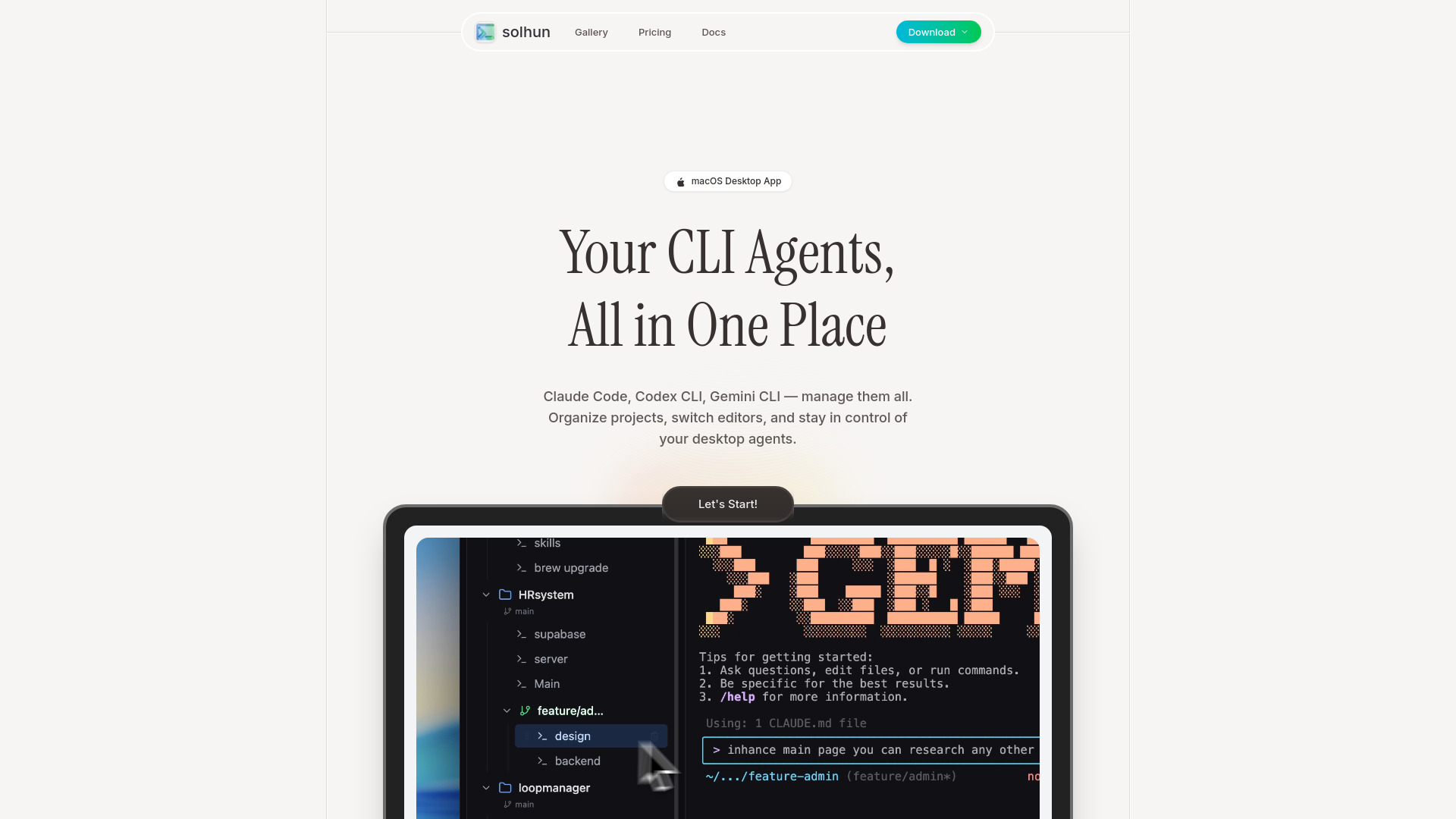
Unified dashboard for managing AI CLI agents.
Source rating 5.0
(78)
0 views
0 saves
Paid
From $4.99 / mo
Verdict
A quick read before you dig into the full page.
- Best if
- Unified dashboard for managing AI CLI agents
- Skip if
- You need a free plan with no credit card
- Pick this when
- Paid · From $4.99 / mo
Overview
CLI Manager is the ultimate tool for managing CLI agents such as Claude Code, Codex CLI, and Gemini CLI from a single, unified dashboard. It enables users to organize these AI coding assistants, rename them for specific roles, and instantly switch between various code editors like VS Code and Cursor IDE. This streamlines the AI-powered development workflow, helping developers who juggle multiple AI agents maintain an organized and efficient workspace.
Access & connections
Where you can use CLI Manager, and what it plugs into.
Platforms
VS Code
CLI
Integrations
Capabilities
What this tool accepts, produces, and is strongest at.
Highlights
- Manage multiple AI CLI agents from a single dashboard
- Rename and categorize CLI agents for organized workflows
- Instantly switch between various code editors (e.g., VS Code, Cursor IDE)
- Streamline AI-powered development workflow
FAQ 6
What is CLI Manager?
CLI Manager is the ultimate tool for managing CLI agents such as Claude Code, Codex CLI, and Gemini CLI from a single, unified dashboard. It enables users to organize these AI coding assistants, rename them for specific roles, and instantly switch between various code editors like VS Code and Cursor IDE. This streamlines the AI-powered development workflow, helping developers who juggle multiple AI agents maintain an organized and efficient workspace.
How to use CLI Manager?
Users can manage all their CLI agents (Claude Code, Codex CLI, Gemini CLI) from a single interface. They can activate agents, categorize them with custom nicknames, organize projects, rename agents to define their roles (e.g., 'Frontend Dev', 'Backend API'), and switch between preferred editors like Cursor or VS Code with a single click to configure projects seamlessly.
What is CLI Manager?
CLI Manager is an ultimate tool designed to help developers organize and manage multiple AI CLI agents such as Claude Code, Codex CLI, and Gemini CLI from a single dashboard, streamlining their AI-powered development workflow.
Which AI agents can I manage with CLI Manager?
You can manage Claude Code, Codex CLI, and Gemini CLI agents from one centralized interface.
Can I switch between different code editors?
Yes, CLI Manager allows you to instantly switch between your preferred editors like Cursor IDE, VS Code, or any other configured editor with a single click.
Is there a free version of CLI Manager?
Yes, a free tier is available, though specific features included in the free tier are not detailed on the pricing page.
Related tools
Recommended



CLI Manager
From $4.99 / mo