

ClassDojo ✓
Where classrooms become communities
Verdict
A quick read before you dig into the full page.
- Best if
- Where classrooms become communities
- Skip if
- Limited customization of student portfolios
- Pick this when
- K-12 teacher-family platform
Considering IRL PLAYground instead? Compare side by side
Overview
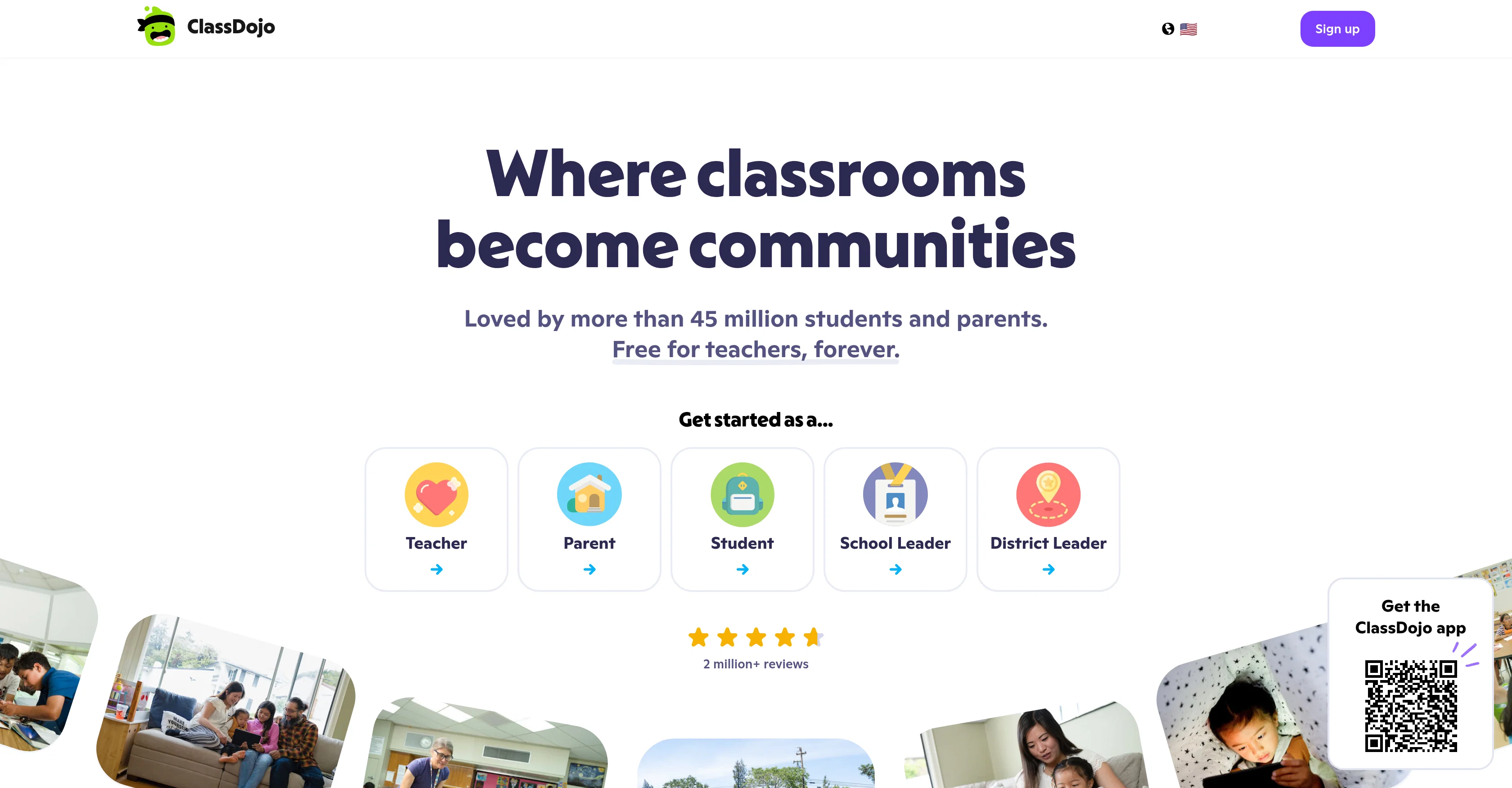
ClassDojo is a tool that offers a connection platform for K-12 teachers, students, and parents. Its primary goal is to help establish a sense of community within classrooms.
The tool provides a variety of features including classroom communication, behavior tracking, and student portfolios. Classroom communication involves instant messaging which is auto-translated into over 190 languages, enhancing teacher, family, and staff interaction.
The tool also supports photo, video and updates sharing among teachers in a secure manner, letting parents have an insight into the classroom activities.
ClassDojo aids in ensuring that everyone remains updated by allowing event additions to calendars coupled with automatic reminders. Moreover, it provides support for social-emotional learning via collaboration between teachers and families.
Points and Big Ideas are tools within ClassDojo that encourages this collaboration while giving children the chance to express themselves through Portfolios.
Another feature, the Teacher Toolkit, includes tools like attendance sheets and timers to help teachers manage their classroom more efficiently. Privacy is a key focus for ClassDojo, with robust methods in place to protect the community of teachers, families, and students.
Access & connections
Where you can use ClassDojo.
Platforms
Capabilities
What this tool accepts, produces, and is strongest at.
Input
- Text
Output
- Video
- Text
- Image
Pros & cons
Pros
- K-12 teacher-family platform
- Classroom community creation
- Includes instant messaging
- Auto-translation in 190+ languages
- Secure photo, video sharing
- In-app event reminders
- Supports social-emotional learning
- Feature-rich teacher toolkit
Show 15 more
- Strong data privacy focus
- Used in 95% US schools
- Free for teachers, forever
- Easy communication for families
- Automatic language translation
- Allows student portfolios
- Private feed for updates
- Attendance sheets and timers
- Supports student behavior tracking
- Helps classroom management
- Encourages family engagement
- Robust security measures
- Promotes student self-expression
- Collaborative learning features
- Easy event additions to calendars
Cons
- Limited to K-12 education
- No offline access
- Not compatible with all devices
- No feature prioritization settings
- Potential over-reliance on parent involvement
- Limited customization of student portfolios
- Dependent on strong internet connection
- No in-built parental control features
Show 1 more
- Lacks advanced classroom management tools
Compare alternatives
Similar tools in the catalog — with a clear reason to open each one.

IRL PLAYground ✓
FreemiumYour Early Learning AI Co-Teacher. Calm, Creative, and (Finally) Useful.
Why look Higher community rating
Full comparison
Twee ✓
FreemiumAI-powered tools for English teachers
Why look Higher community rating
Full comparison
Learnt ✓
FreemiumAI-powered tools for education professionals.
Free + from $7.65/mo
Full comparison
Teachology ✓
Free TrialAI-powered lesson planning for educators
Why look Higher community rating
Full comparison
Releases 1
FAQ 12
What is ClassDojo?
How does ClassDojo facilitate classroom communication?
In which languages ClassDojo translates messages?
How does ClassDojo support photo, video, and update sharing?
What is the Classroom Calendar feature in ClassDojo?
What is the role of ClassDojo in social-emotional learning?
What are the Points and Big Ideas tools in ClassDojo?
What is the Student Portfolios feature in ClassDojo?
What are the tools included in the Teacher Toolkit on ClassDojo?
What measures does ClassDojo take for data privacy?
How can parents use ClassDojo to engage with their child's learning?
What is the significance of the Teacher login and Parent login feature in ClassDojo?
Related tools
Recommended

AI Teaching Assistant Pro ✓
FreeYour personal digital assistant powered by AI.

Brisk Teaching ✓
FreeAI writing detector for Google Docs and Classroom

Lingolette ✓
FreemiumBreak through the fluency barrier.

Vertech Academy ✓
Free TrialPre-built AI study workflows that outperform raw ChatGPT prompts.

AiCoursify ✓
PaidBuild your online course in minutes with AI.

StoryCraftr ✓
FreemiumCraft personalized bedtime stories with AI